CommNodeAgent - LSM 3.6 SP1 Business + Prof.
The CommNodeAgent is an SimonsVossapplication (only for full Windows systems, not for Windows RT) that uses the active SmartCD (SmartCD.G2 / SmartCD2.G2) in a remote desktop session. The CommNodeAgent forwards the USB SmartCD to the desired remote desktop session. The CommNodeAgent must be installed on the terminal-client and configured accordingly in LSM.
- Free USB port on terminal client
- Port release in the firewall (see SimonsVosscommunication matrix)
- Bidirectional DNS resolution client ↔ server
- CommNodeAgent version is identical or compatible with the LSM version
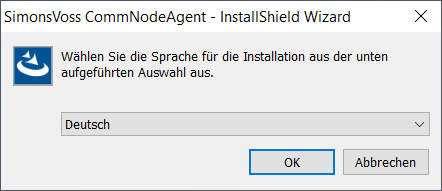
- Install the CommNodeAgent and the SmartCD driver on the terminal client.
- Go to Network in the top toolbar to select .
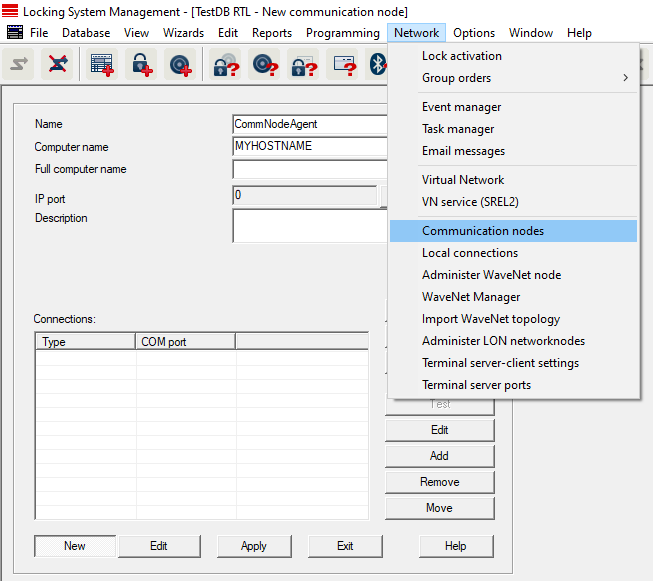
- Click the button New.
- Enter a user-defined name for the communication node in the input field Name, e.g. CommNodeAgent.
- Enter the terminal client hostname in the input field Computer name.
- Click the button Apply.
- Click the button Config files to save files as required.
- To transfer the config files, copy the three generated XML config files from the above steps to the CommNodeAgent installation folder.
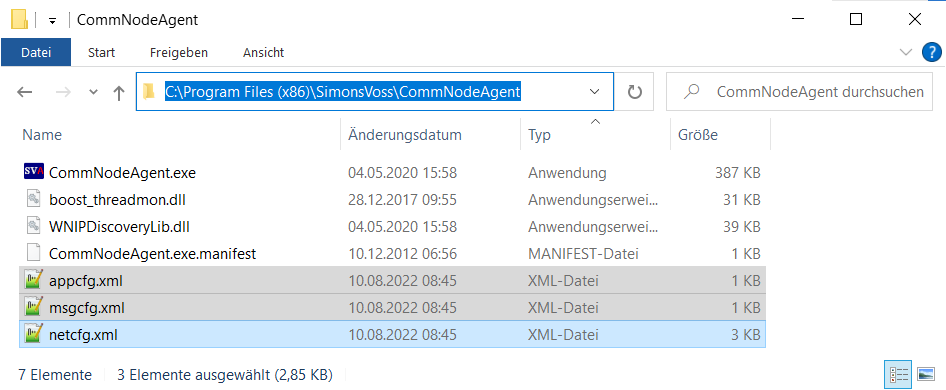
- Run CommNodeAgent.exe as administrator.
- To add SmartCD to the CommNodeAgent, select the Network entry in the upper program toolbar .
- Click the button Add.
- The Configure connection window will open.
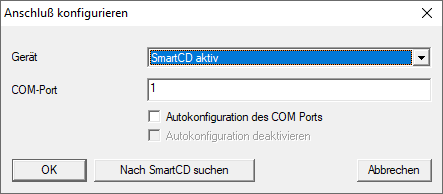
- In the following dialogue select an entry from the drop-down menu SmartCD.
- Activate the
 Autodetection of COM Ports check box.
 - Click on the OK button.
- Click the button Transmit.
- Go to Network in the top toolbar to select .
- Activate the Find terminal client name check box.
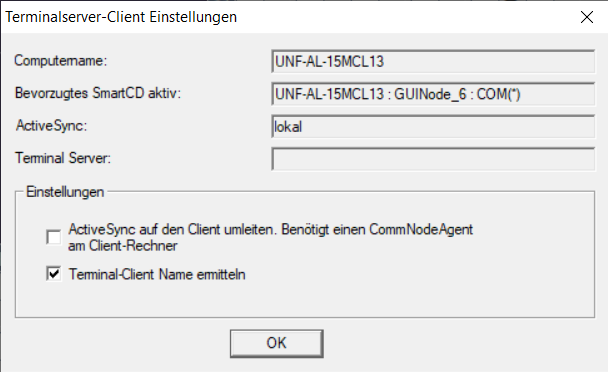
- The terminal server client settings are checked.