Remove action - LSM 3.6 SP1 Business + Prof.
- Matrix screen open
- Control Device AX connected to the power supply.
- SmartStick AX connected.
- Double-click on the locking device to open its properties.

- The locking device properties open.
- Change to the tab Control Device AX.
- Select the action to be removed.
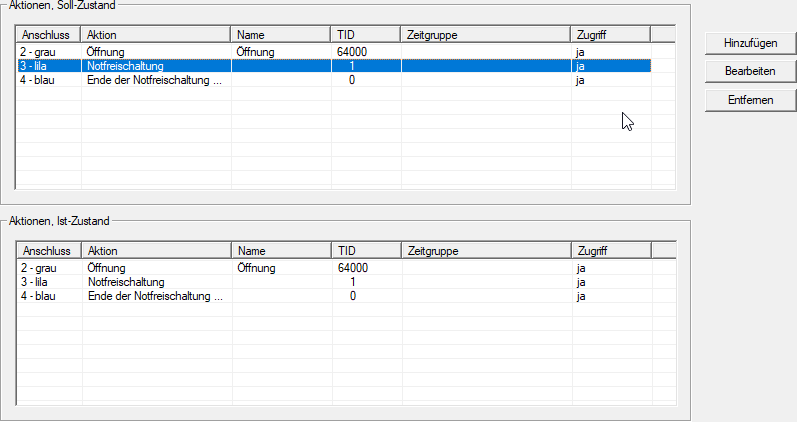
- Click the Remove button.
- A security prompt appears.
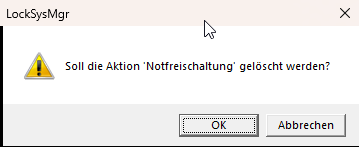
- Click on the OK button.
- Action is deleted from the target status.
CAUTION

Pairs of actions are automatically deleted
The actions Emergency release/End of emergency release / emergency opening and/Deactivation Activation are only available in pairs.
If you delete one of the paired actions, the other one will be deleted automatically.
- The change necessitates some additional programming.
- Use to select the input.
- The Management of Control Devices AX window will open.
- Click on the Programming button.
- The window closes and the programming process begins.
- Follow the instructions.
- Action is deleted.