Backing up the database manually - LSM 3.6 SP1 Business + Prof.
- LSM opened.
- Select via Database the entry .
- Window Backup / restore opens.
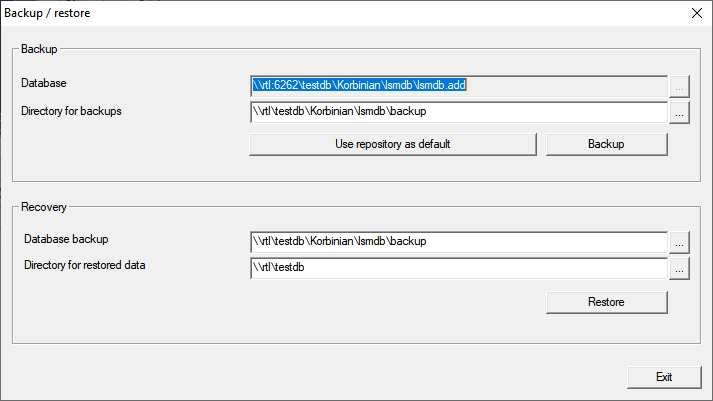
- Specify the folder to save the database to in the area Backup.
- Click the button Backup.
- Backup is created.
- Click on the Exit button.
- Window Backup / restore closes.