Create FORTLOX key - LSM 3.6 SP1 Business + Prof.
- Click button
 to create a new identification medium.
 - The New transponder window will open.
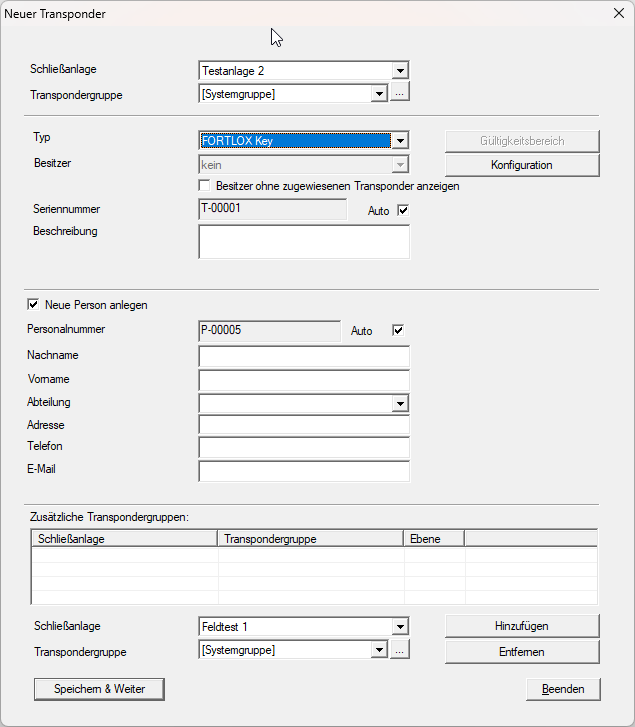
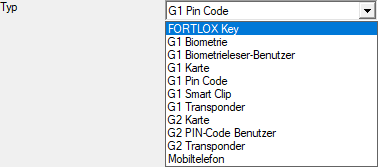
- Select item FORTLOX Key from the drop-down menu .
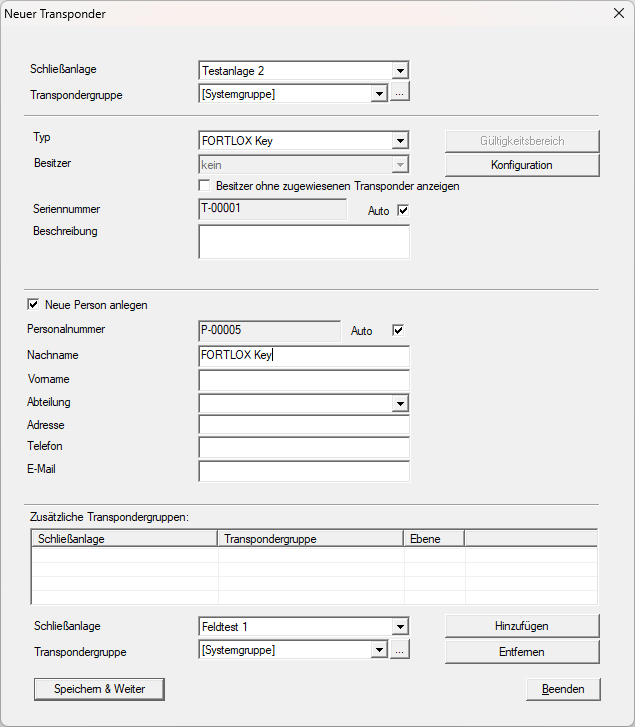
- Fill in the remaining details (surname is a mandatory field).
- Click the Save & next button.
- Click on the Exit button.
- Window New transponder closes.
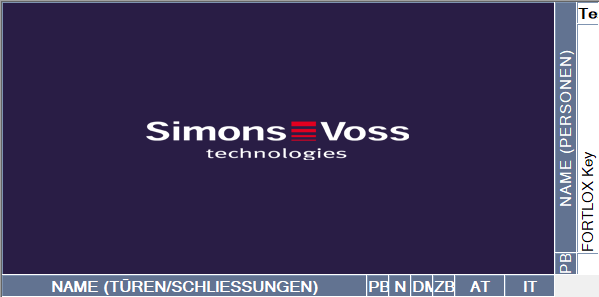
- The newly created FORTLOX Key will be displayed in the matrix.
You can now grant authorisations (see Issue/withdraw authorisation) and programme the FORTLOX Key (see FORTLOX key programming).