Client: LSM user name or password is invalid - LSM 3.6 SP1 Business + Prof.

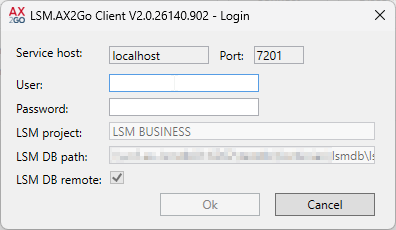
This error can occur after you have logged in to the database in the LSM.AX2Go client:
Cause | Solution |
|---|---|
Your login credentials were incorrect (user name and/or password). |
|
The user used does not have sufficient authorisations. | The user must be assigned the “TB” role as a minimum; see Initial operation and registration. In LSM, assign a user group to the user that contains the “TB” role (see User group) or use a different user with the “TB” role. |