Configuring the log files - LSM 3.6 SP1 Business + Prof.
Both applications (LSM.AX2Go client and LSM.AX2Go Server Management) create log files.
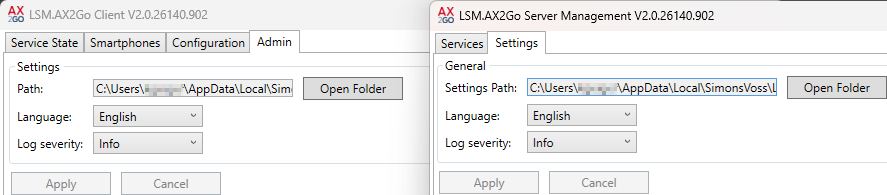
In the LSM.AX2Go client, you can access the settings via the - tab; in LSM.AX2Go Server Management via the tab.
The following settings can be made:
- The log file language
- Log depth
Click on the button to apply the changes.
Output path
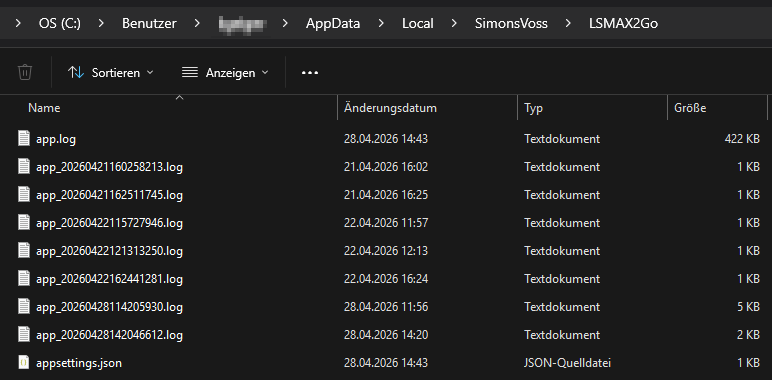
The log files are stored in this non-editable folder. Use the Open Folder button to jump directly to the log files.
Example content of the client directory:
Language
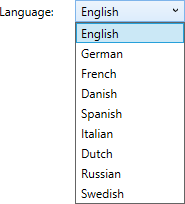
This is where you can set the language for the Smart.XChange interface.
Log depth
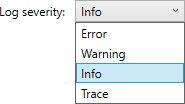
This is where you can configure what information is logged in the log files:
Error | Logs errors. |
Warning | Logs errors and warnings. |
Info | Logs errors, warnings and info. |
Trace | Logs all details. |