Setting up a locking system - LSM 3.6 SP1 Business + Prof.
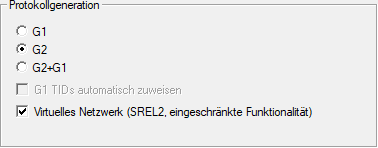
The  Virtual network (SREL2, limited functions) checkbox must be activated in the (exclusively) G2 locking system.
- Open the properties of your locking system using Edit - .
- Change to the "Name" tab.
- Activate the checkbox in Protocol generation the areaVirtual network (SREL2, limited functions).
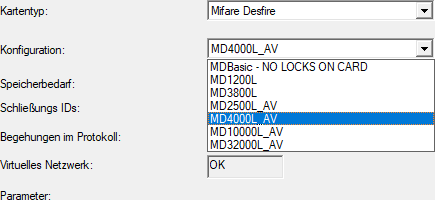
- If you use cards: select an AV card template from the G2 card management tab.
- Locking system is designed for use with a virtual network with SmartRelay 2 G2.
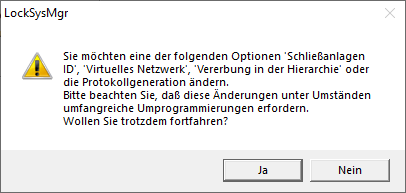
If this setting is applied to an existing locking system, considerable programming may be required.