Create FORTLOX cylinder - LSM 3.6 SP1 Business + Prof.
- Click button
 to create the new locking device.
 - The window will open.
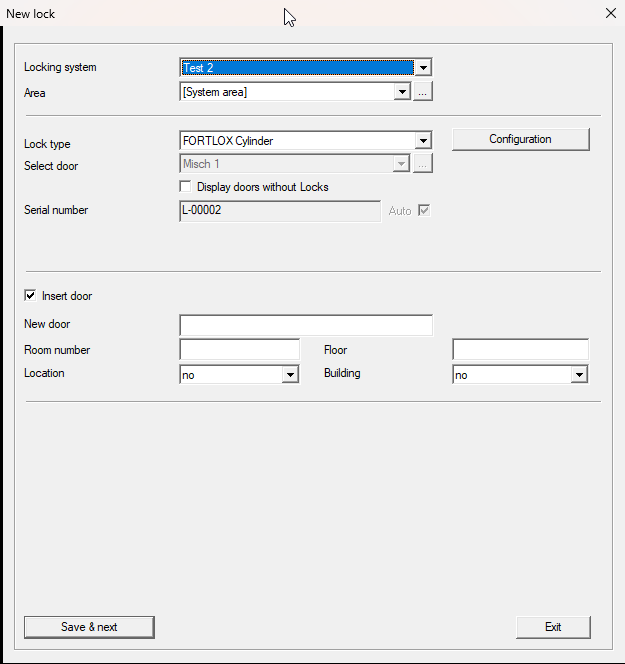
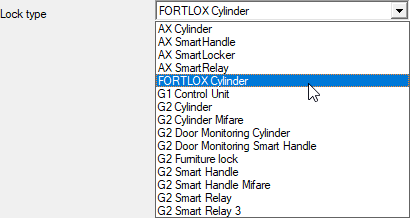
- Select item from the drop-down menu .
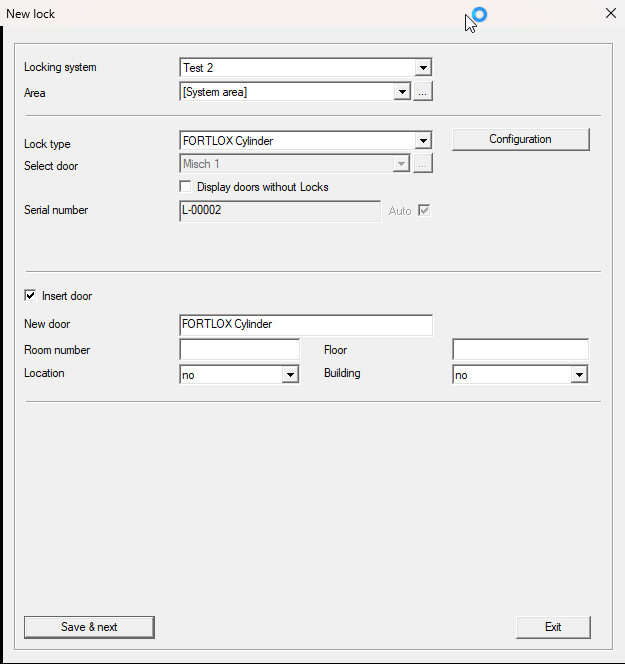
- Enter the remaining details (door is a mandatory field).
- Optional: Change the configuration (e.g.
 Audit trail) by clicking the button.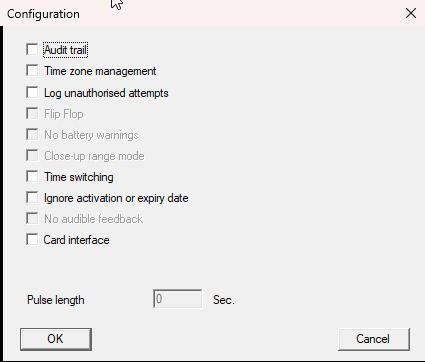
- Click the Save & next button.
- Click on the Exit button.
- Window closes.
- The newly created FORTLOX Cylinder is displayed in the matrix.
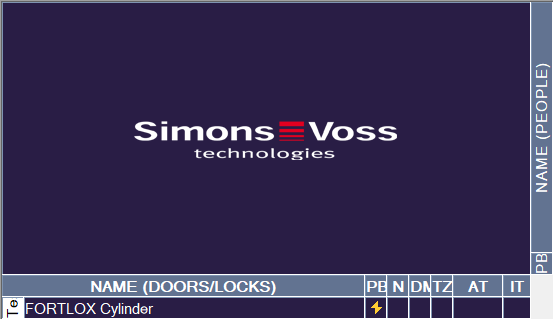
You can now grant authorisations (see Issue/withdraw authorisation) and programme the FORTLOX Cylinder (see FORTLOX cylinder programming).