Setting up an email server - LSM 3.6 SP1 Business + Prof.
A rudimentary email client for sending emails is implemented in the LSM software. A separate email account that supports SMTP format is required for sending emails.
- Use Network to select the input.
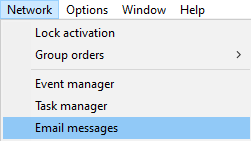
- The Email messages window will open.
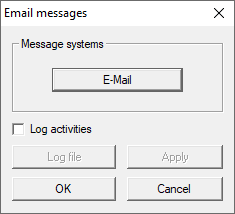
- Click the E-Mail button.
- The E-Mail addr's window will open.
- Specify all your email provider’s SMTP settings.
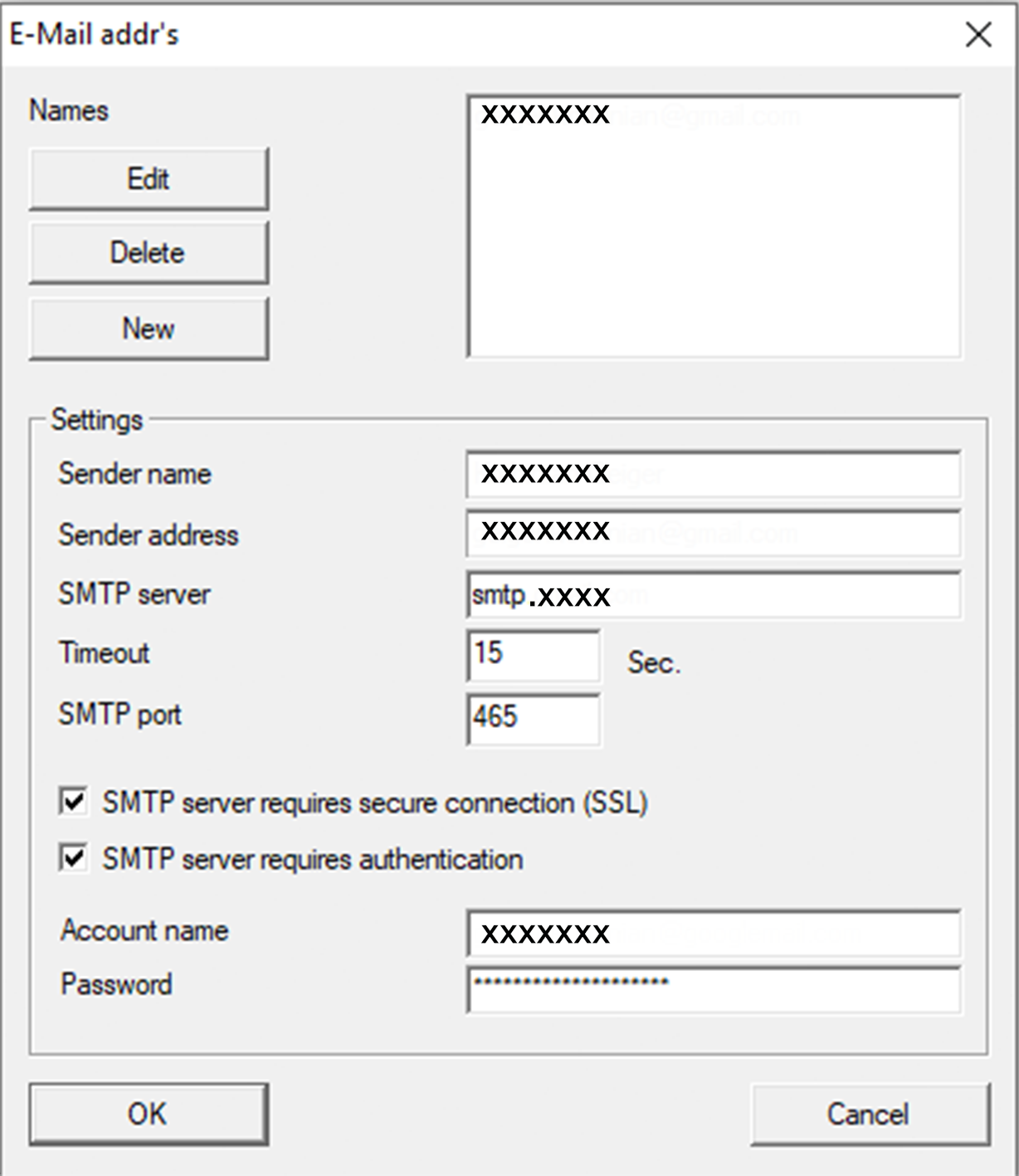
- Set the timeout interval.
Your LSM will try to send the email during the timeout interval. No further tasks will be processed until the email has been sent or the timeout has expired. - Click on the OK button.
- E-Mail addr's window closes.
- Click on the OK button.
- Email messages window closes.
- Email client is configured.