USB / Ethernet Server - LSM 3.6 SP1 Business + Prof.
USB devices can be forwarded to a (terminal) server via the customer network using a USB/Ethernet server.
No installation is required on the terminal client.
- The USB server software must be set up centrally on the server.
- The USB server itself requires a corresponding network configuration.
- Go to Network in the top toolbar to select .
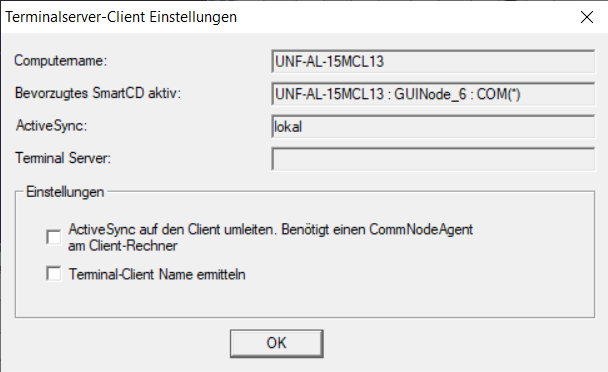
- Disable the check box
 Find terminal client name.
 - The modification of a configuration file (*.lsc, see Remote desktop connection (up to LSM 3.5 SP1)) may lead to malfunctions; the changed entries there may have to be removed.
This is not a SimonsVosshardware, therefore setup/support cannot be provided by SimonsVoss. Reputable manufacturers of such devices include Silex and W&T.