Restore instance - LSM 3.6 SP1 Business + Prof.
You can restore a backup using LSM.AX2Go Server Management. This may be necessary, for example, in the following cases:
- Data loss on the drive
- Moving to a new server and moving an instance (also see Move instance (e.g. server relocation))
- LSM.AX2Go Server Management installed on the old and new server (see Server administration).
- Backup available as zip file (also see Extend backup for LSM.AX2Go or Move instance (e.g. server relocation)).
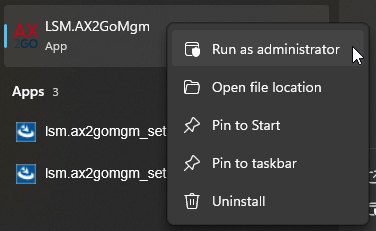
- Open LSM.AX2Go Server Management in the start menu with admin rights.
- LSM.AX2Go Server Management opens.
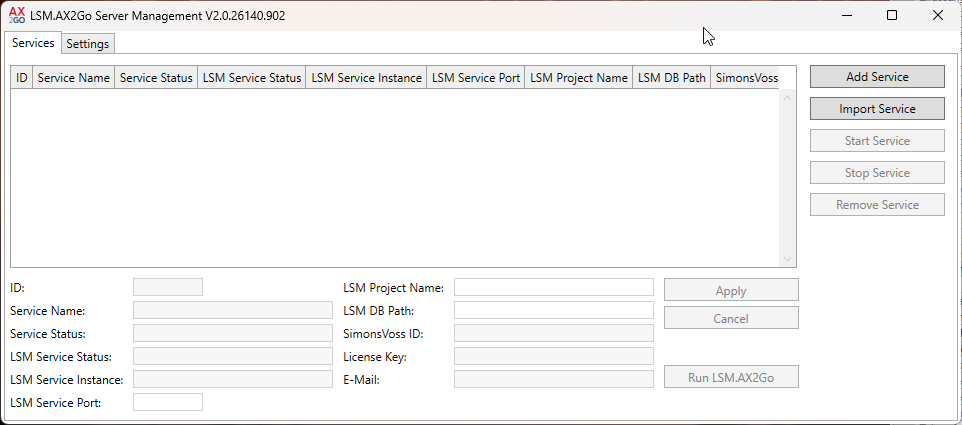
- Click the Import Service button.
- Windows Explorer opens.
- Select the zip file for the restoration (e.g. in the backup path: C:\ProgramData\SimonsVoss\LSMAX2Go\backup).
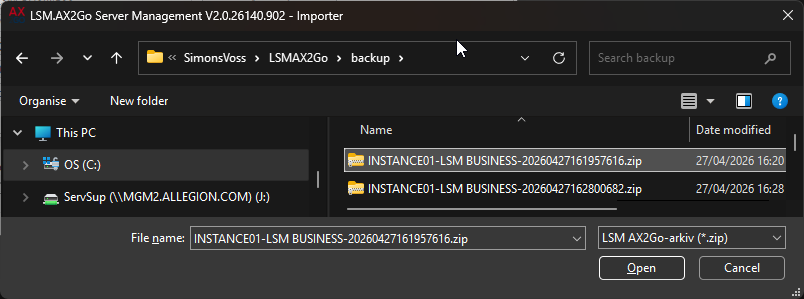
- Click the Open button.
- The instance is restored.
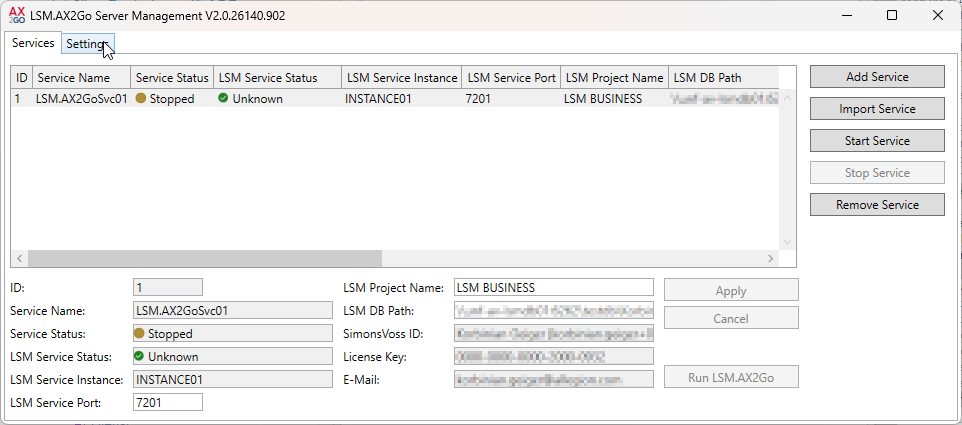
- The service is restarted.
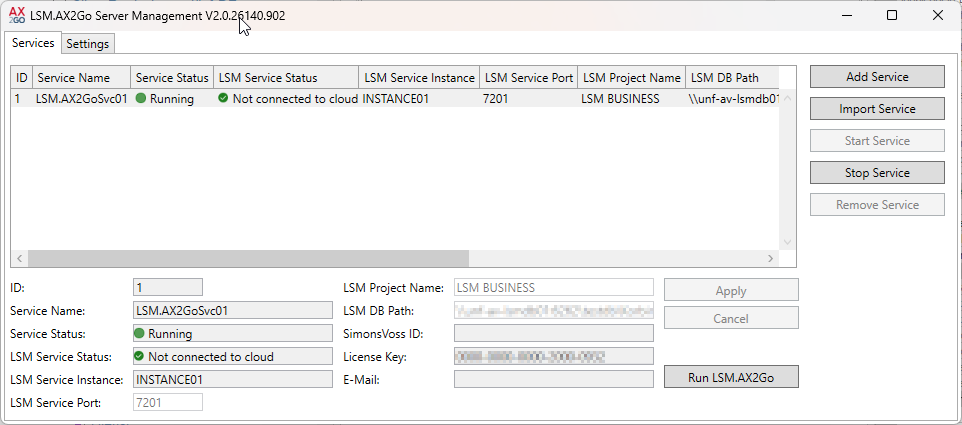
- The instance is restored and running. However, you may need to reconnect the client (see Initial operation and registration). One reason for this could be a change to the database path.