FORTLOX cylinder programming - LSM 3.6 SP1 Business + Prof.
The FORTLOX Cylinder does not have a BLE interface of its own, so it cannot be programmed. The BLE connection is established via a plugged-in FORTLOX Key.
- FORTLOX Cylinder created (see Create FORTLOX cylinder).
- FORTLOX Key available.
- Select the FORTLOX Cylinder you wish to programme.
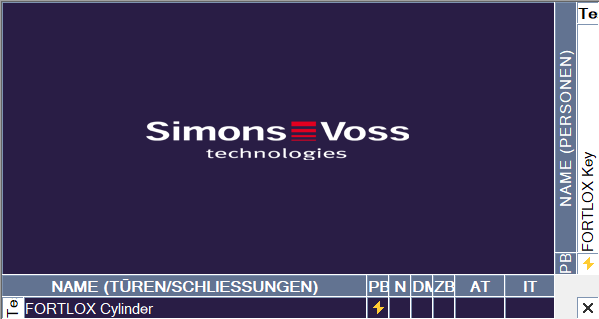
- Click the
 button to open the programming window.
 - The window will open.
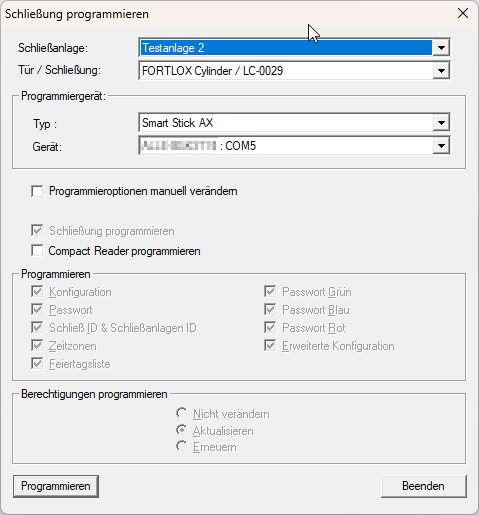
- Click on the Programming button.
- Programming starts.
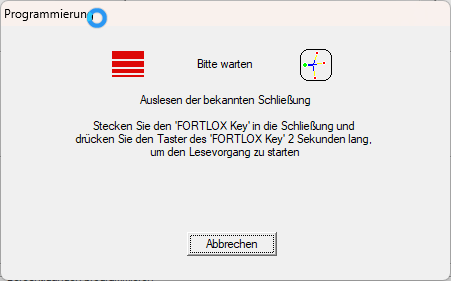
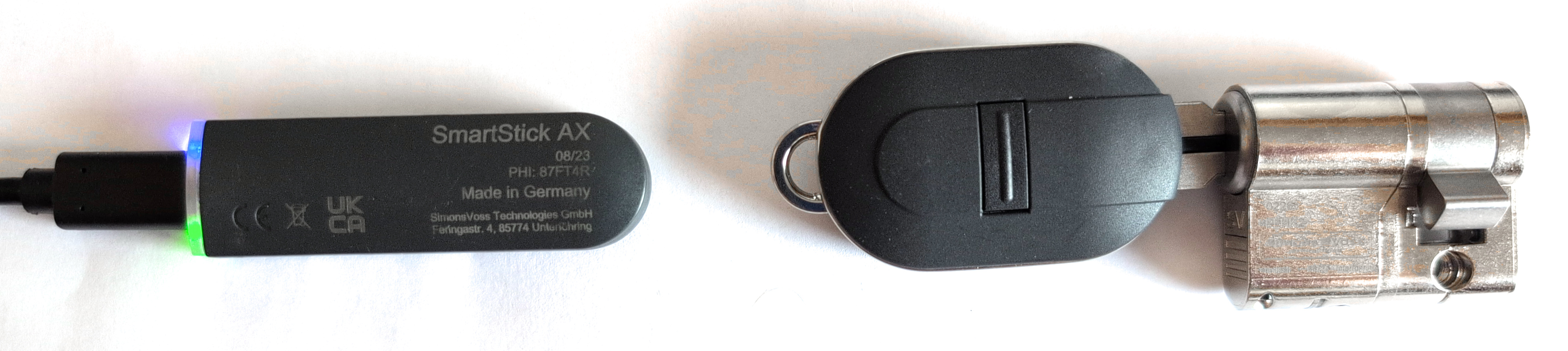
- Follow the instructions and plug the FORTLOX Key into the FORTLOX Cylinder.
- Press the button of the FORTLOX Key for two seconds.
- By pressing the button for at least two seconds, the BLE interface of the FORTLOX Key is awakened and communication between SmartStick AX and FORTLOX Cylinder is enabled.
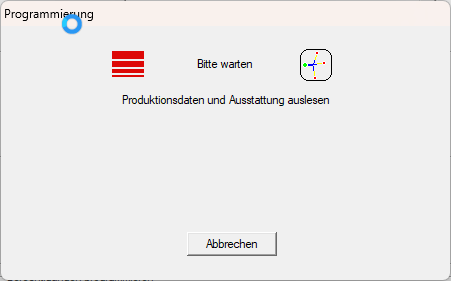
NOTE

Time window after waking the BLE interface
The BLE interface of the FORTLOX Key is activated when the button is pressed for at least two seconds. To conserve the battery of the FORTLOX Key, the BLE interface will be deactivated after approximately 30 seconds.
- In this case, press the FORTLOX Key button again.
- The FORTLOX Cylinder is programmed.
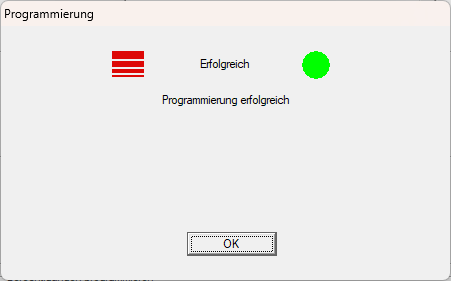
The programming requirement at FORTLOX Cylinder in the matrix is eliminated.