Programme PinCode AX - LSM 3.6 SP1 Business + Prof.
NOTE

Programming of the PIN code keypad AX is only accessible via the upper menu bar
The required programming is displayed when the locking device is connected. Selecting the locking device and clicking on the programming symbol will start the locking device programming.
- Select the entry via to programme the PIN code keypad AX.
- PIN code keypad AX is created (see Create PinCode AX).
- PINs are created (see Creating PINs for PinCode AX).
- Use to select the input.
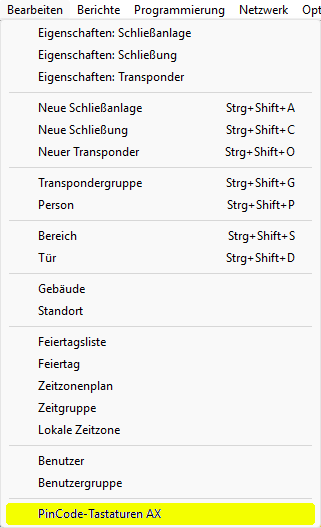
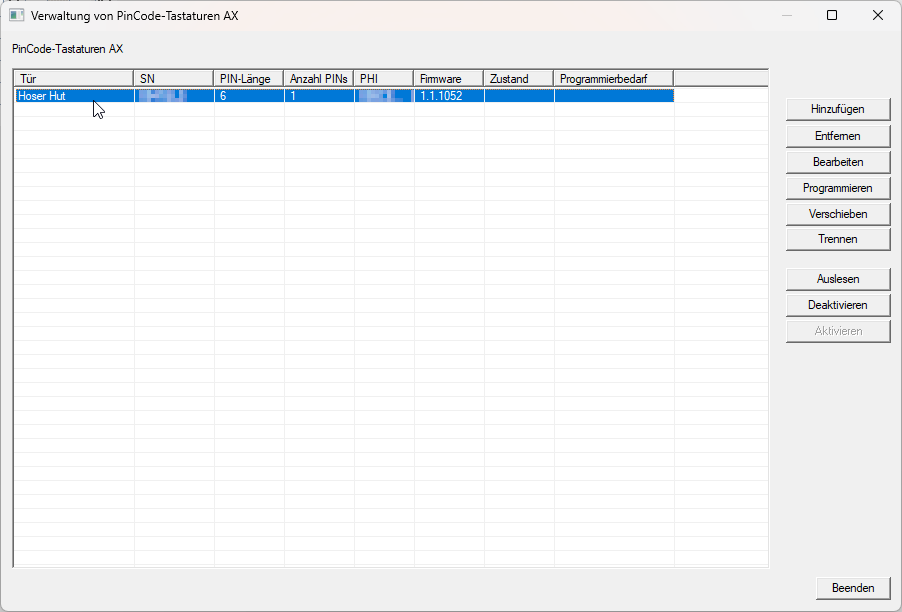
- The window will open.
- Select the PIN code keypad AX you wish to programme.
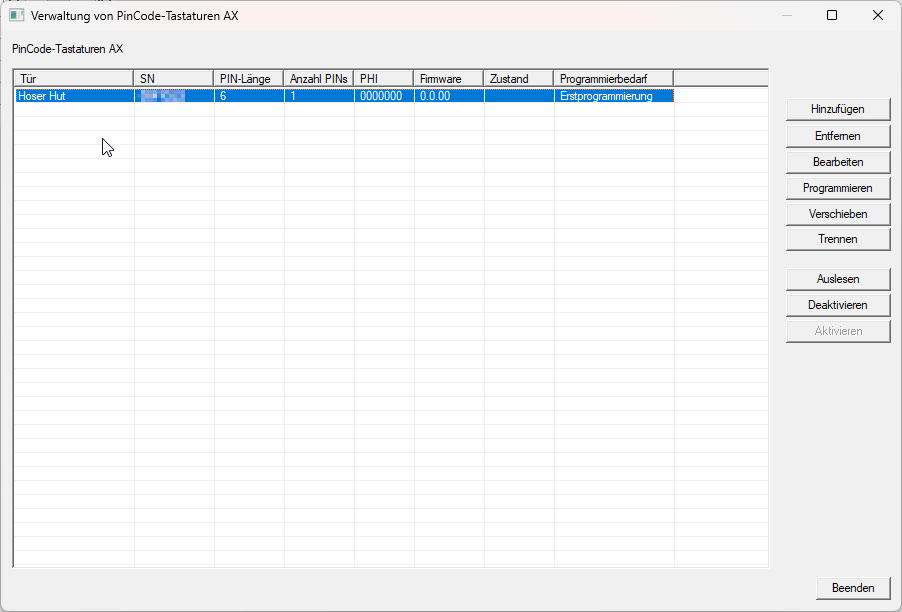
- Click the button.
- The window will open.
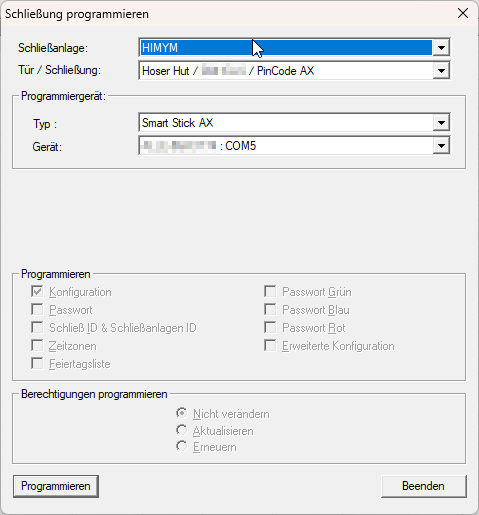
- Click the button.
- Programming process begins.
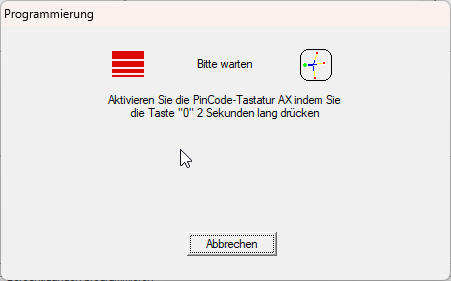
- Follow the instructions.
- Programming completed successfully.
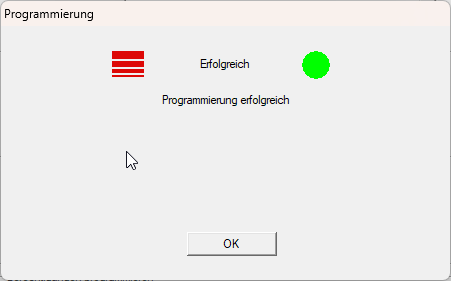
- Programming requirement no longer displayed in window .
You may still need to programme the connected locking device (see Programme locking device).