Information on the “Network message” response - LSM 3.6 SP1 Business + Prof.
Network messages are received by the EventAgent.
Content
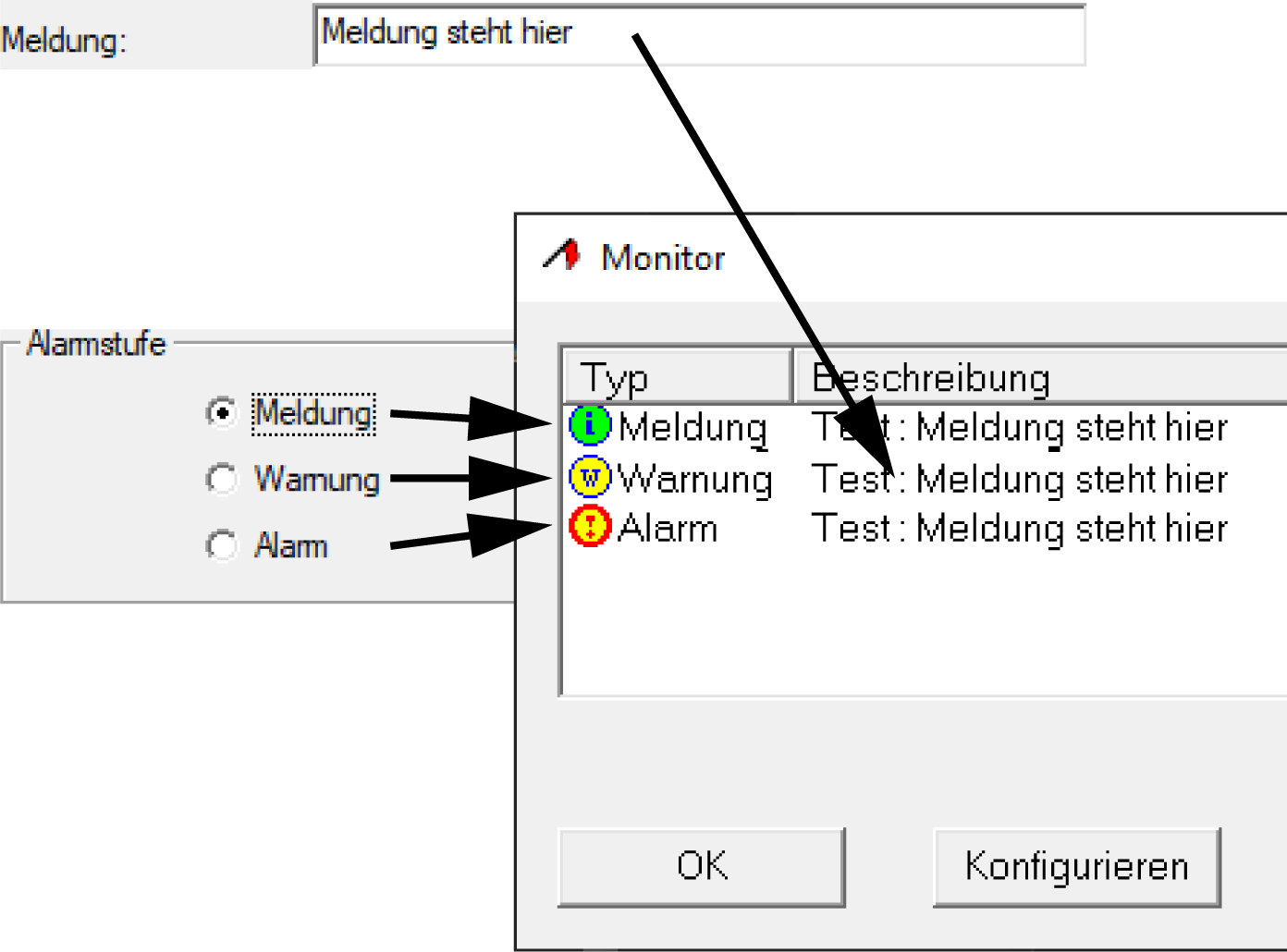
The EventAgent displays the information Alarm lev. and Message from the New Event window.
Computer name
For network messages, you need a computer name that you specify in the network message configuration:
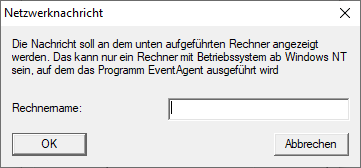
You can easily see this computer name in the bottom right-hand corner in LSM:

However, you may need to specify a fully qualified domain name (FQDN) in networks or domains. You can identify this as follows:
- Open the command prompt (press the Windows key, enter cmd and press Enter to confirm).
- The command prompt will open.
- Enter the command nslookup %COMPUTERNAME% and press Enter to confirm.
- The command prompt will display the following window:
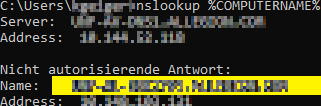
The entry in the Name field is the required computer name for the network message.