Extend backup for LSM.AX2Go - LSM 3.6 SP1 Business + Prof.
LSM.AX2Go creates a folder with its own database for each new instance.
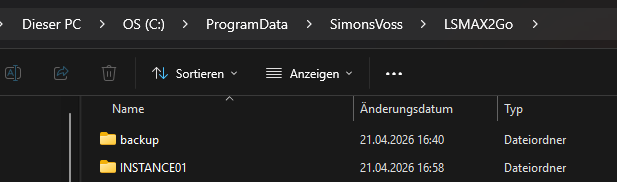
The LSM database itself (lsmdb.add) is usually located in a different directory. The script that backs up the LSM database therefore does not cover your LSM.AX2Go (also see Backing up the database automatically).
Consequently, you need to adapt the script:
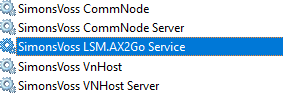
- Before backing up, ensure that all services accessing the database to be backed up have been terminated (including LSM.AX2GoSvc).
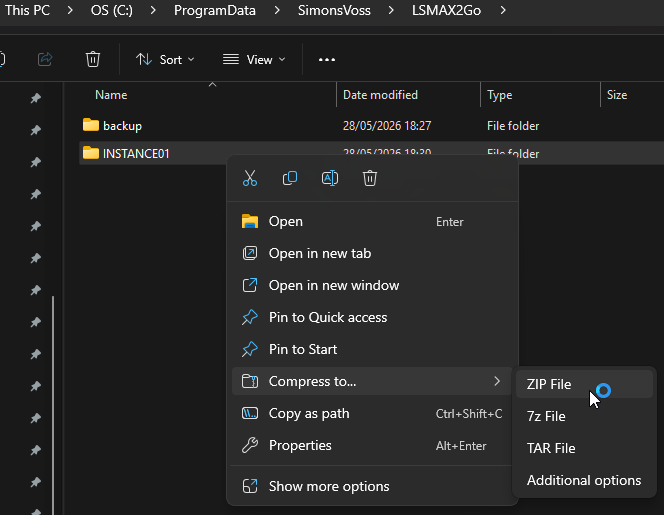
- Make sure that you also back up all instance folders (or the entire C:\ProgramData\SimonsVoss\LSMAX2Go folder).
- It is advisable to compress each instance folder into a zip file.
NOTE

Removing an instance creates zip backup
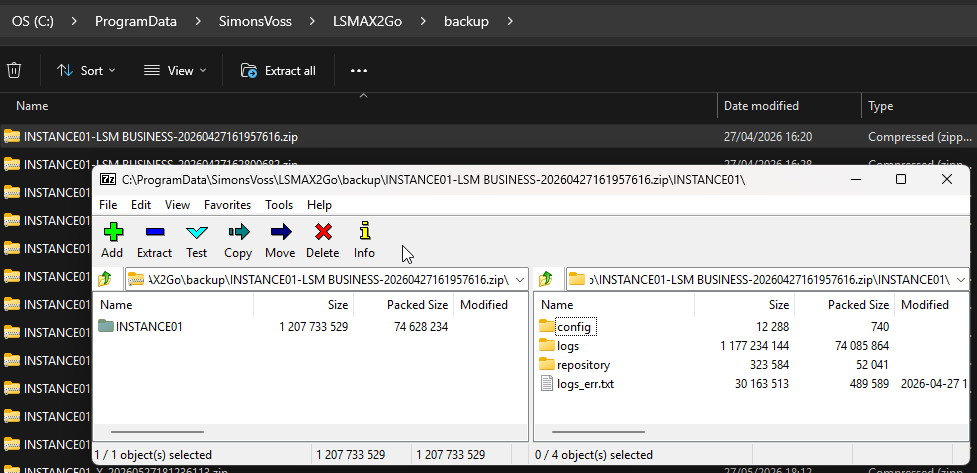
As soon as the LSM.AX2GoSvc service is removed, a zip file containing the backup of the removed service/instance is automatically created in the C:\ProgramData\SimonsVoss\LSMAX2Go\backup folder.
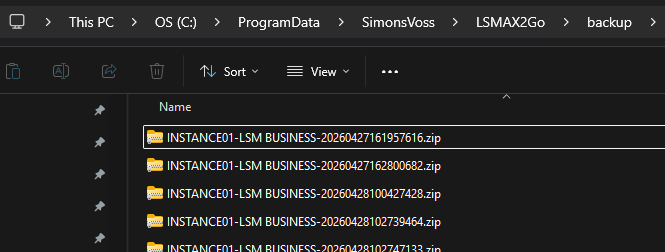
You can use the zip files contained in this folder to restore an instance (see Restore instance).
Contents of a backup zip file
The zip file contains the instance folder with its subdirectories and files.