Access list - LSM 3.6 SP1 Business + Prof.
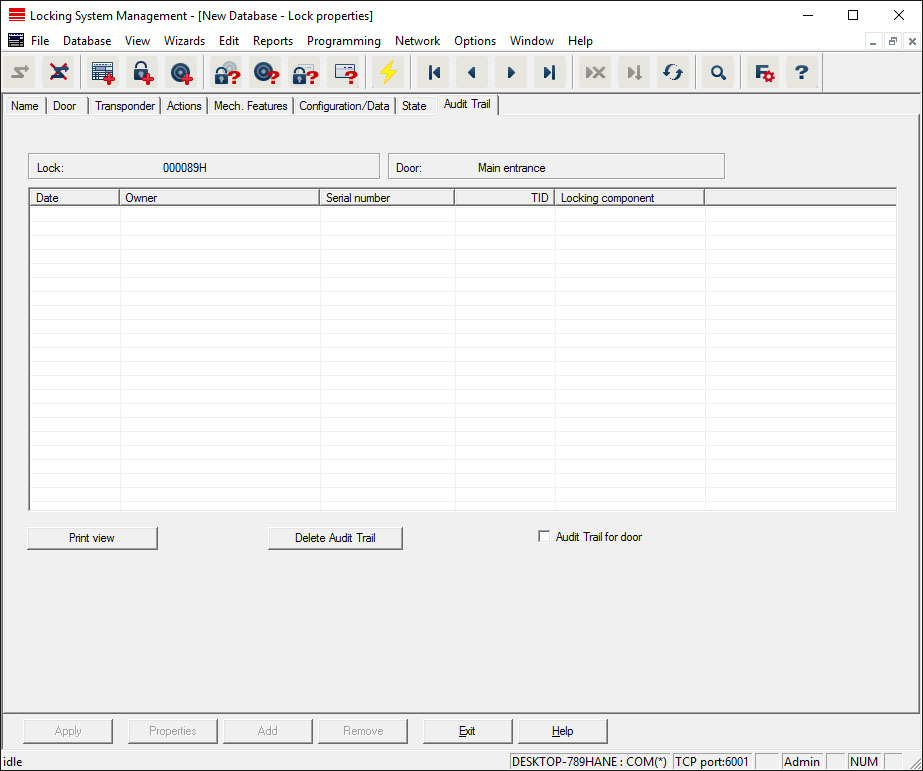
This tab can display the latest version of the access list. The locking device must support the "Access control" function, which must be enabled in the locking device properties.
This is how you read the access list:
- Read locking device using the Programming/Read locking device menu bar.
- Click on the "Access list" button to launch the read process.
- The access system is automatically displayed and saved. It can now be displayed in the locking list properties in the Access list tab at any time.