Configuring AX2Go - LSM 3.6 SP1 Business + Prof.
The LSM.AX2Go client offers you the option of setting up your AX2Go. These settings apply to all locking systems that access the same LSM database.
Greyed-out entries are for information purposes and cannot be changed.
NOTE

A user assigned to the Administrator user group is required
The tab is only displayed if you have logged in with a user who belongs to the Administrators user group (see also User group).
-
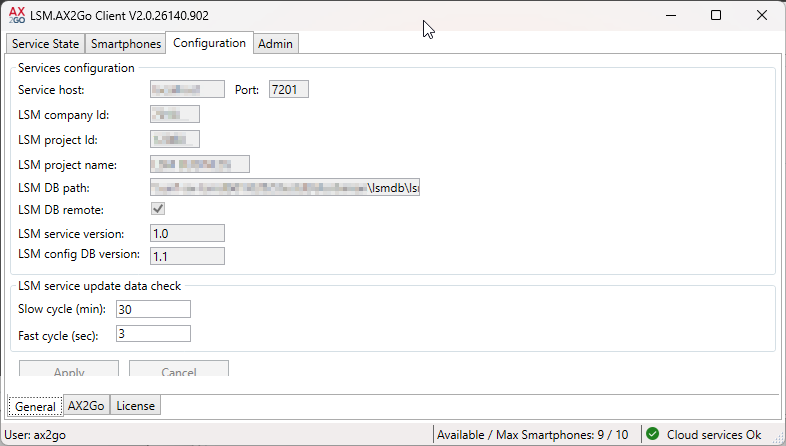
You can use the settings for the LSM service cycles to configure how often the LSM service checks whether changes should be transferred via the cloud.
Slow cycle (min) | The following are transmitted, among other things, during the slow cycle:
|
Fast cycle (sec) | Everything requiring immediate action is transmitted in the fast cycle, such as:
|
-
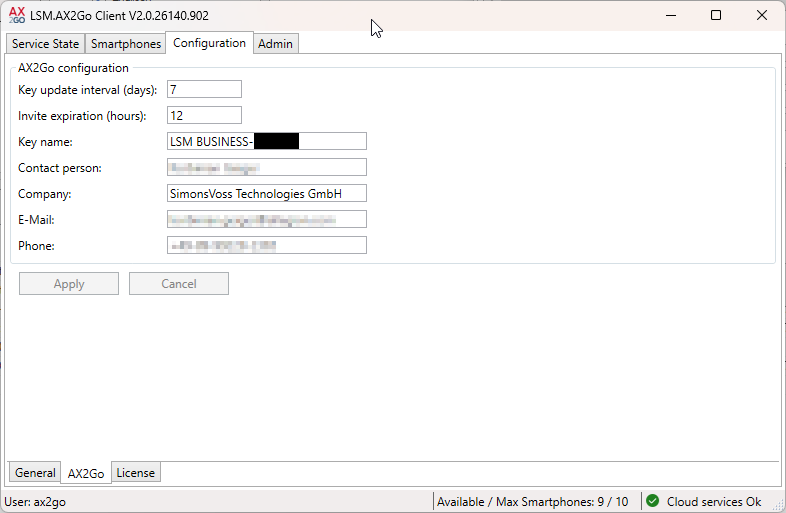
Key update interval (days) | This is where you specify how long a AX2Go key can still be used if the connection between AX2Go and the database is interrupted (see also Time budget in AX2Go). |
Invite expiration (hours) | This is where you specify how long the invitation for an AX2Go key will be valid. The invitation is automatically resent after this time has elapsed. |
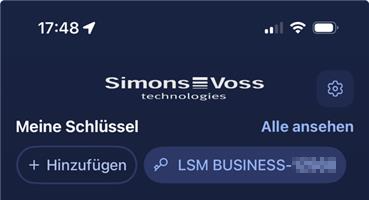
Key name | Displayed in the AX2Go app under .
|
Shown as AX2Go in the app.
| |
Phone |