Ignore time groups for multiple authorisations (resource management) - LSM 3.6 SP1 Business + Prof.
- LSM is open.
- Use Options to select the input.
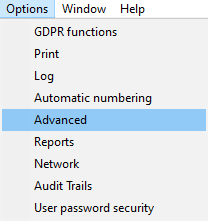
- The Advanced options window will open.
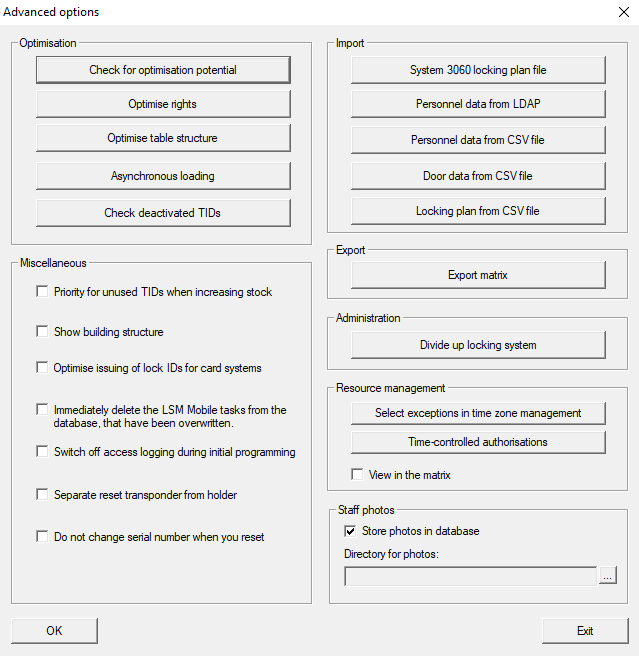
- Click the Select exceptions in time zone management button in the Resource management section.
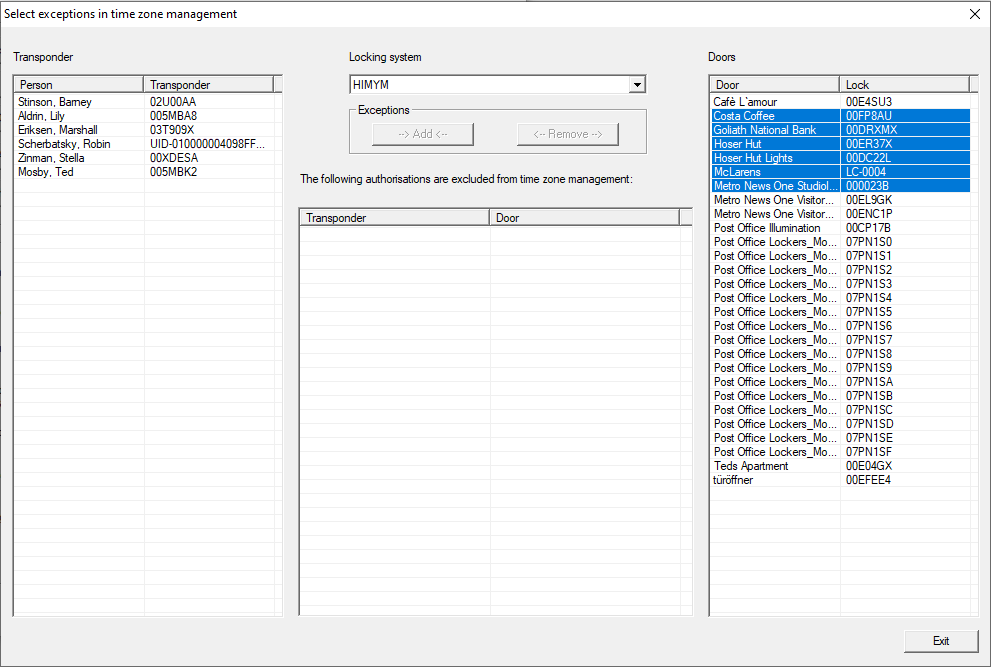
- The Select exceptions in time zone management window will open.
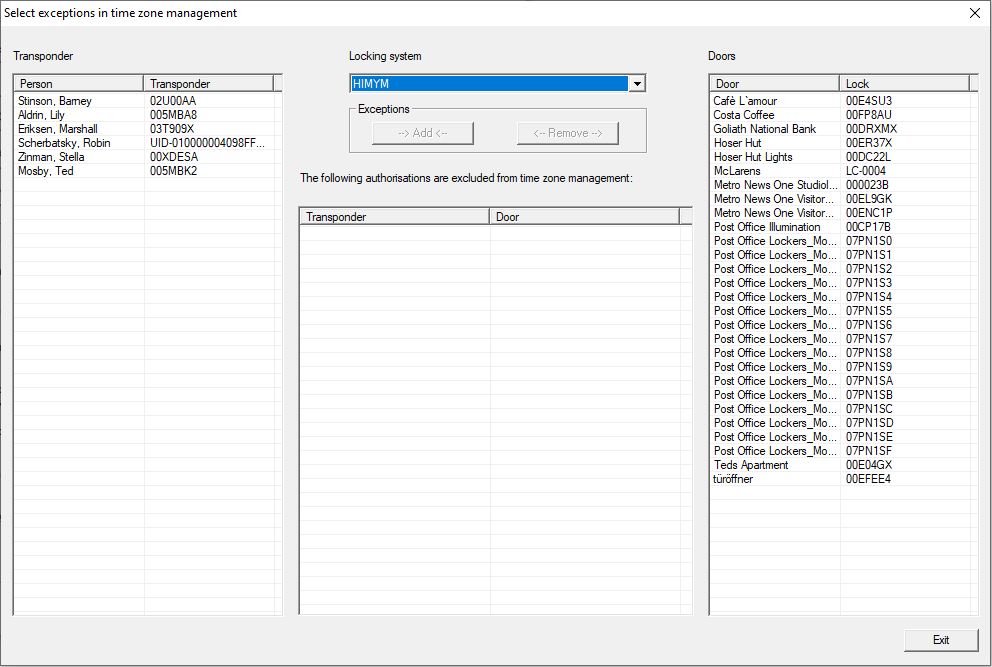
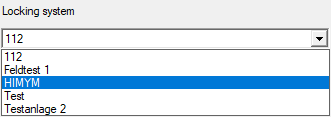
- Select the locking system containing the authorisations for which the time group should be ignored in the drop-down menu.
- Select the identification medium in the Transponder section.
- In the Doors section, select the locking devices for the authorisations whose time group is to be ignored (you can select more than one device).
NOTE

AX locking devices not compatible
It is not possible to ignore time groups of individual authorisations for AX locking devices. Consequently, you cannot select AX locking devices here.
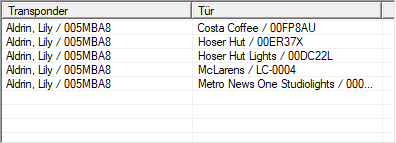
- Use the --> Generate <-- button to save the authorisations you have just specified.
- Selected authorisations are listed.
- Click on the Exit button.
- Select exceptions in time zone management window closes.
- Click on the OK button.
- Advanced options window closes.
- Authorisations with ignored time groups are displayed in the matrix.