Ignore time groups for authorisations - LSM 3.6 SP1 Business + Prof.
Authorisations that are excluded from time zone management are indicated by a small red cross in the matrix:  .
.
This function is not available for AX locking devices and is greyed out for them:
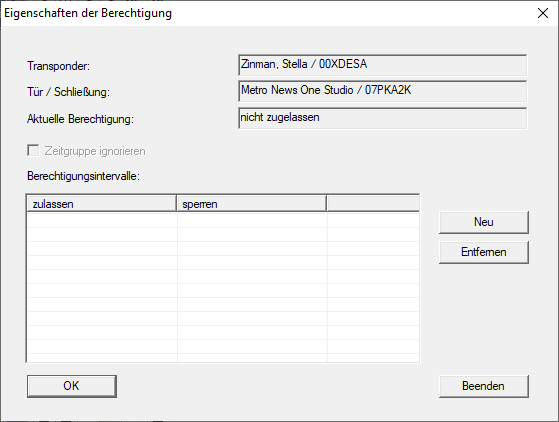
G2 locking devices support this function with firmware 2.3.xx and higher.
Authorisations with ignored time groups can be generated as a report for each identification medium:
- Use Reports to select the input.
- The Reports window will open.
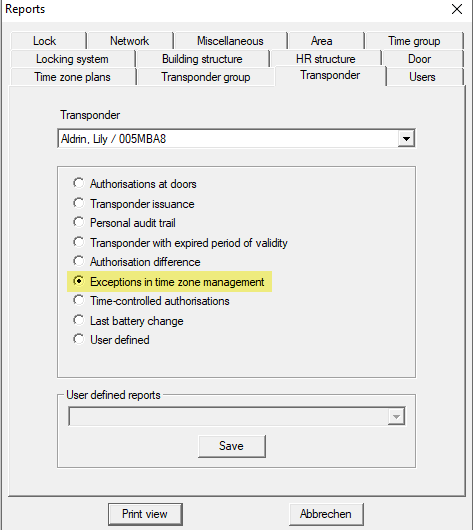
- Select the identification medium for which you wish to create the report from the drop-down menu.
- Select the option
 Exceptions in time zone management.
 - Click the Print view button to generate the report.
- The report for the selected identification medium is displayed.