Link locking devices - LSM 3.6 SP1 Business + Prof.
- A common locking level has already been created.
- Right-click on an area in the common locking level and select "Properties".
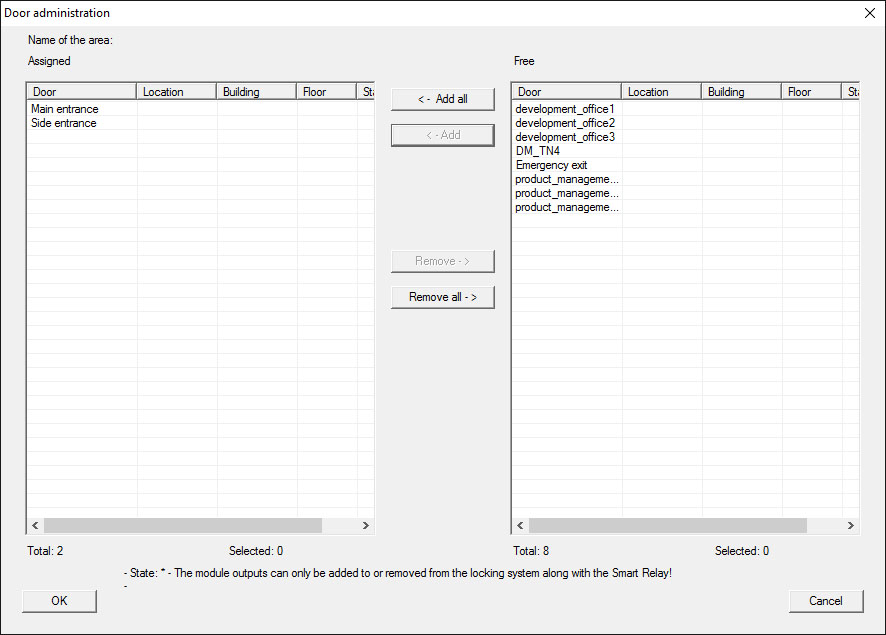
- Select "Door management" button.
- The right-hand table shows all locking devices in all locking systems in the project. Use the "Add" button to select the locking devices required.