Scheduling multiple authorisations (resource management) - LSM 3.6 SP1 Business + Prof.
The window used here consists of two columns:
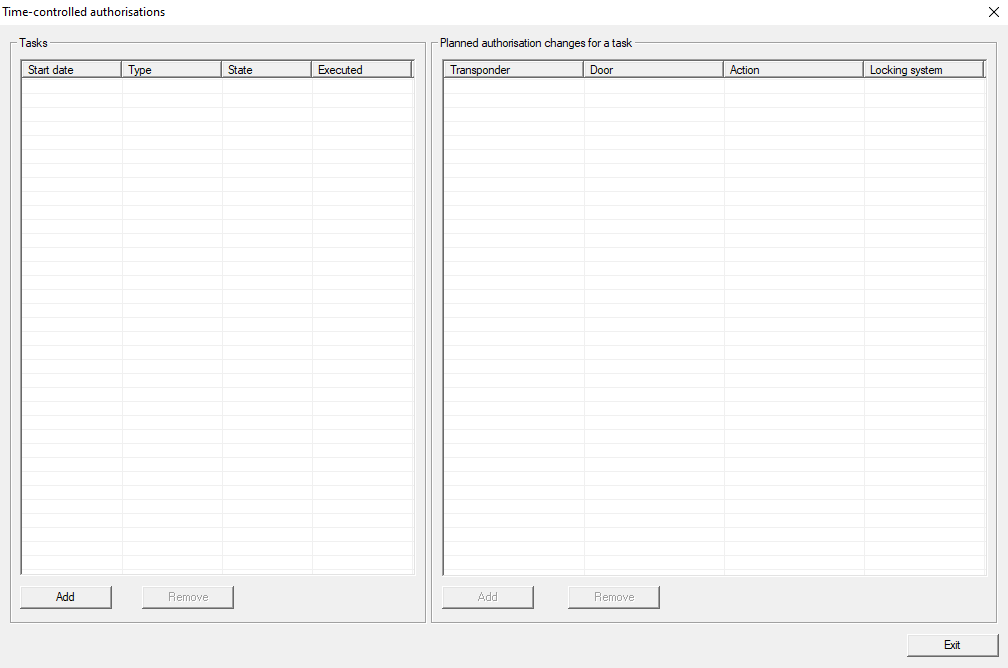
Tasks | Planned authorisation changes for a task |
|---|---|
You create tasks in this column. Set a start date and time for each task. | You use this column to fill in the tasks. This is where you can configure what your LSM should do during this task. You will see different content in the right-hand column, depending on which task you have selected in the left-hand column. |
- LSM is open.
- Use Options to select the input.
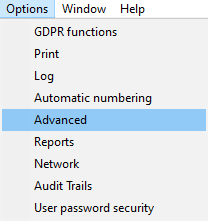
- The Advanced options window will open.
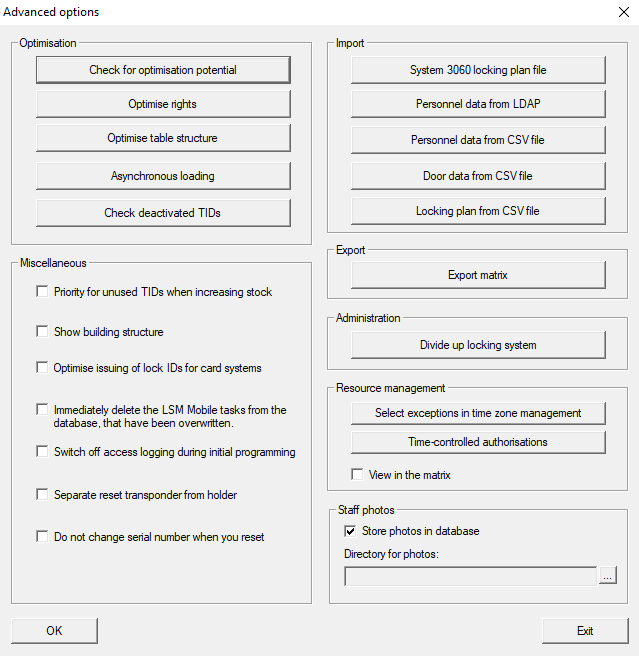
- Click the Time-controlled authorisations button in the Resource management section.
- The Time-controlled authorisations window will open.
- Click the Add button in the Tasks section on the left to create a task.
- The Task window will open.
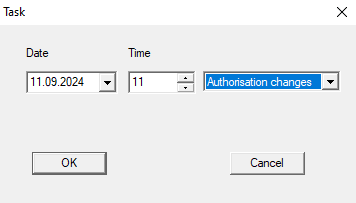
- Specify the start date and time when the authorisation changes should become active.
- Click on the OK button.
- LSM switches to the Planned authorisation changes window.
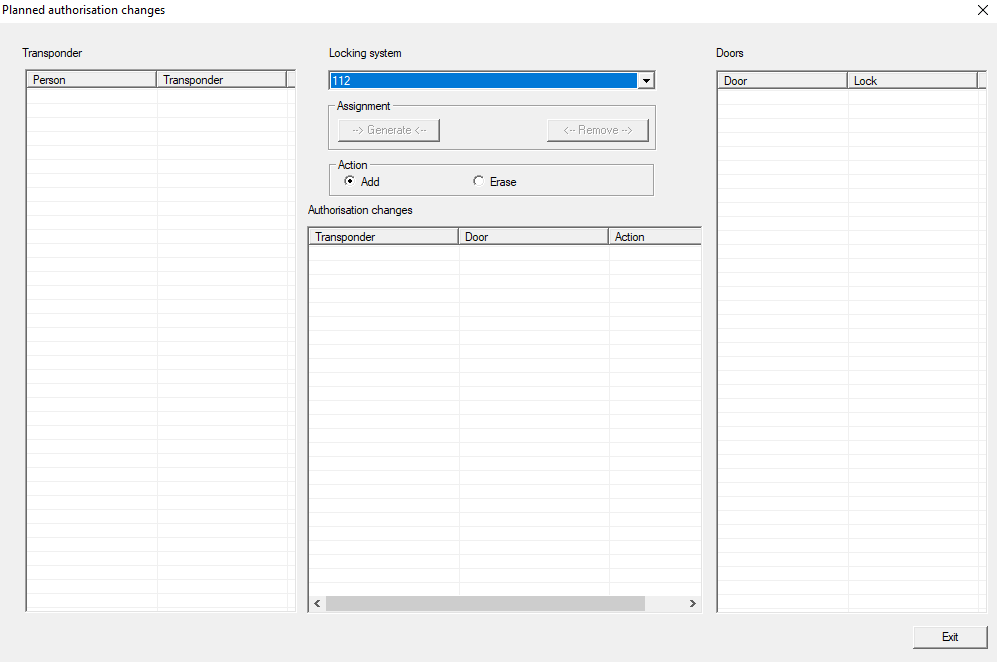
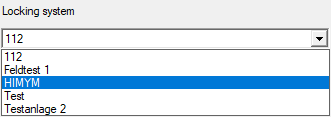
- Select the locking system containing the authorisations to be changed from the drop-down menu.
- Select how the authorisation is to be changed (option
 Add or Erase) in the Action section.
- Select the identification medium in the Transponder section.
- Select the locking devices of the authorisations to be changed in the Doors section (multiple devices can be selected).
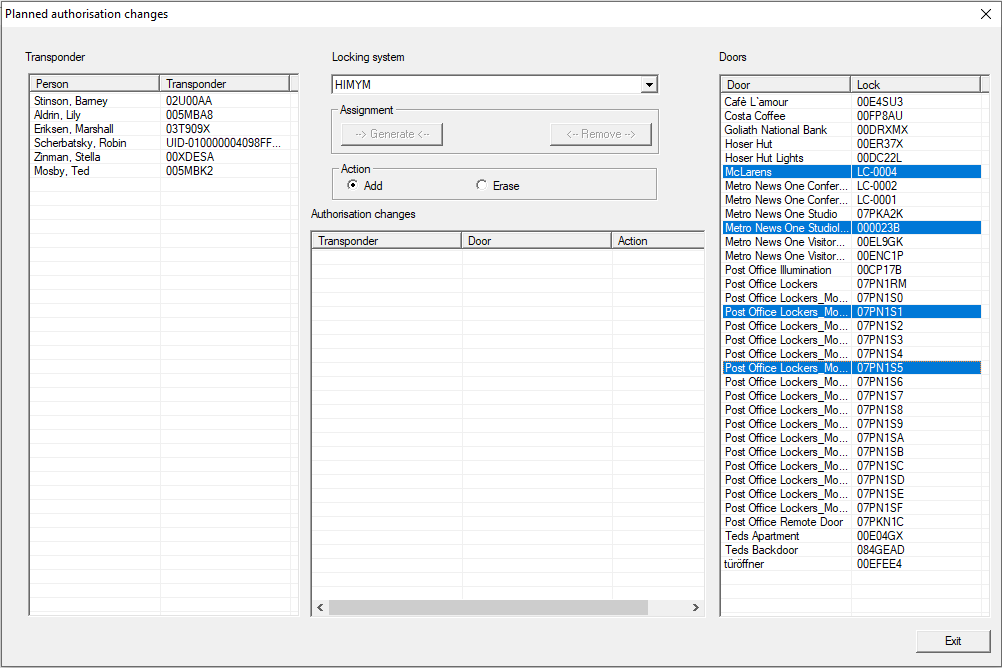
- Use the --> Generate <-- button to save the authorisations you have just specified in the task.
- Selected authorisations are listed with the specified action in the Locking system section.
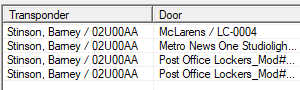
- Select further authorisations if needed.
- Click on the Exit button.
- Planned authorisation changes window closes.
- The newly created task is listed.
- Select the task to see its content.
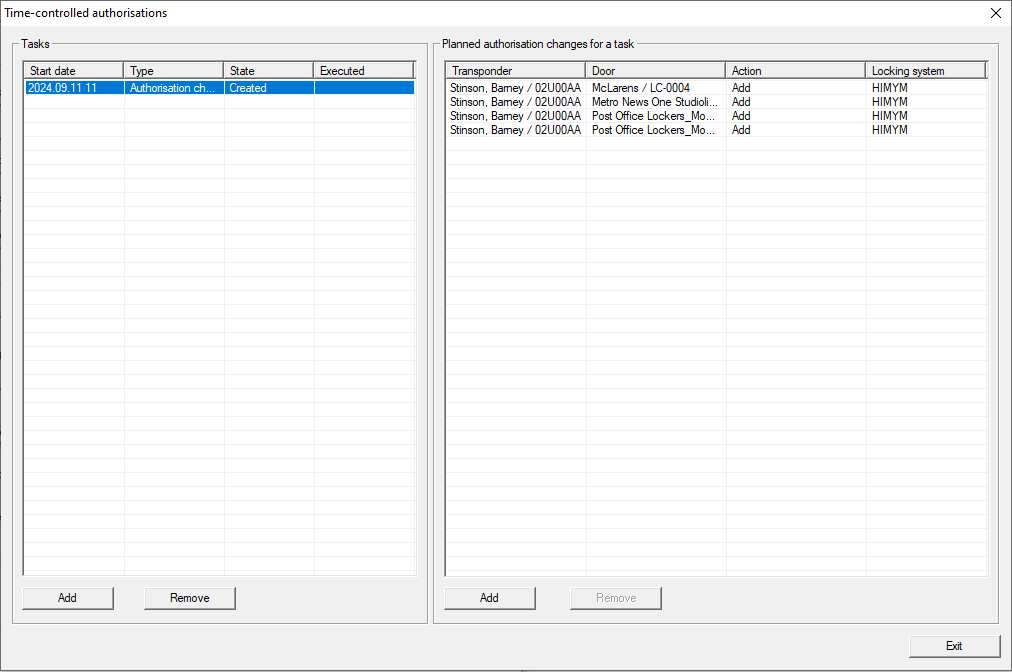
- Click on the Exit button.
- Time-controlled authorisations window closes.
- Click on the OK button.
- Advanced options window closes.
- Your LSM displays scheduled authorisations in the matrix. These are activated or blocked at the configured time and programming is required.