Reset control device AX - LSM 3.6 SP1 Business + Prof.
- LSM open.
- Control Device AX connected to the power supply.
- SmartStick AX connected.
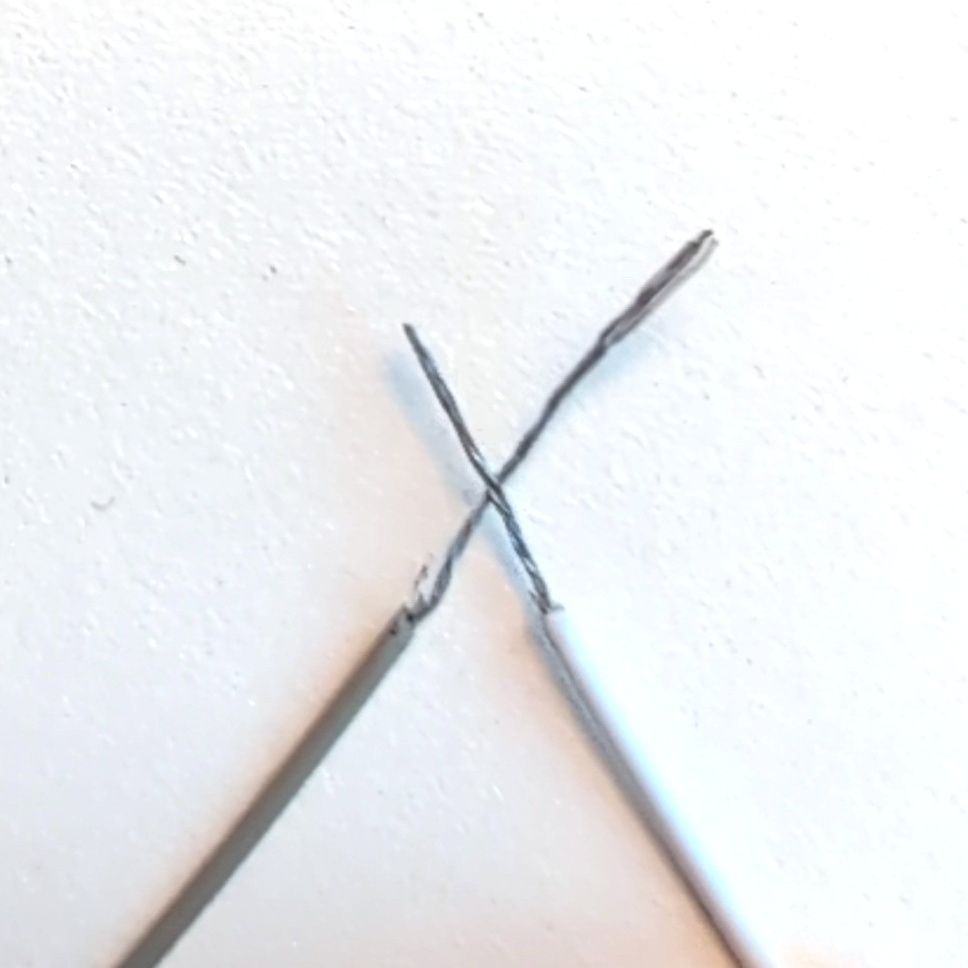
- Wake up the Control Device AX by activating one of the function inputs (for example, by connecting it to the reference potential).
NOTE

Activation via the function input executes a programmed action, where applicable
If you assign an action to a function input and wake up the Control Device AX via that function input, then that action will be executed when the Control Device AX is activated.
- Click the
 button to read data from a BLE device.
 - The read-out process is started.
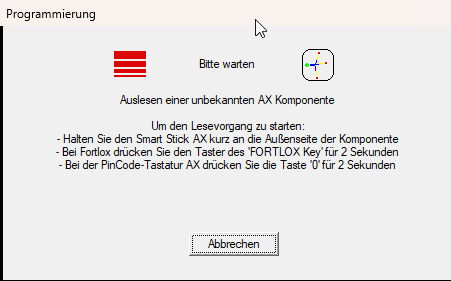
- Reading Control Device AX is completed.
- The Control Device AX window will open.
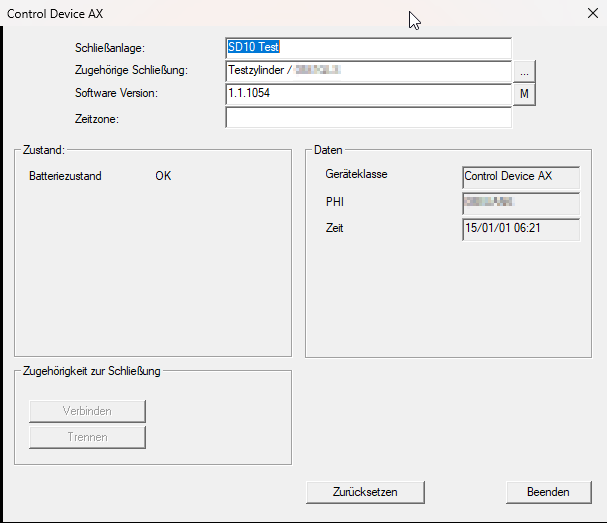
- Click the Reset button.
- The Reset Control Device AX window will open and ask for the password.
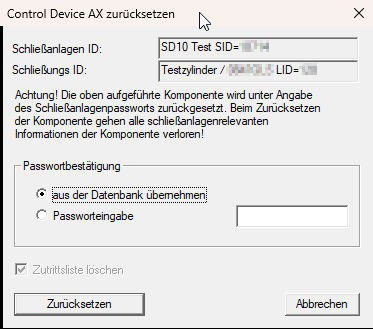
- Enter the password or apply the password from the database (applying the password from the database is only possible if it is stored Control Device AX in the same database).
- Reset starts.
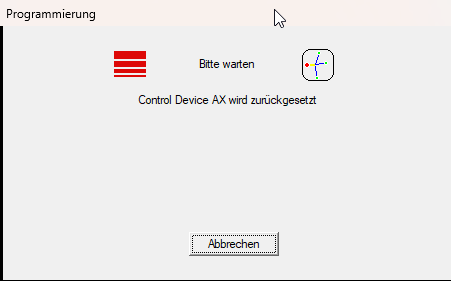
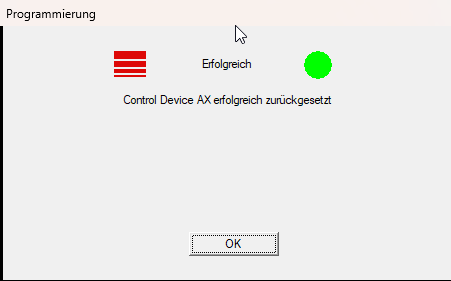
- Control Device AX reset is completed.
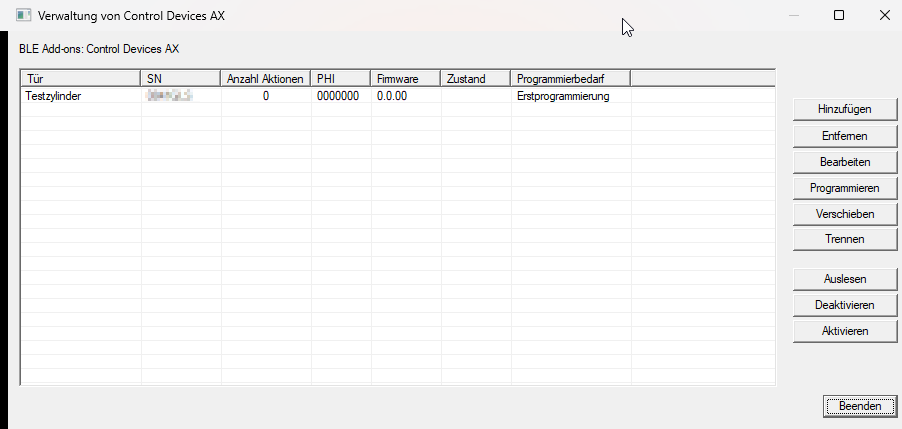
In window Management of Control Devices AX, the reset Control Device AX is displayed again with the initial settings:
After resetting, you can remove the Control Device AX, see Remove control device AX.