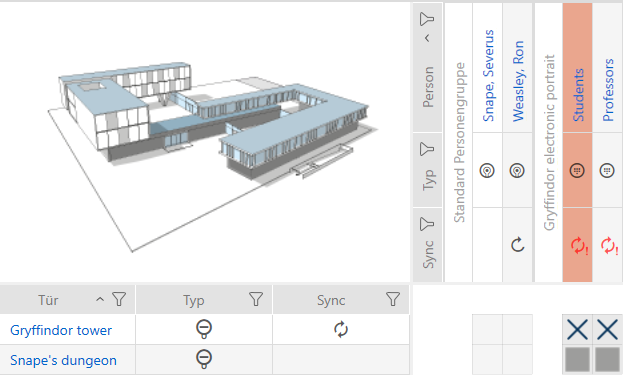
Taking a PIN code keypad out of use and leaving it in project - AXM Classic
- AXM Classic open.
- List with PIN code keypads or matrix open.
- Use
 to sort/filter the displayed entries if required (see Sorting and filtering).
 - Flag a PIN associated with the defective PIN code keypad.
- Click the
 button in the section.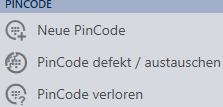
- Wizard to help with a faulty PIN code keypad will open.
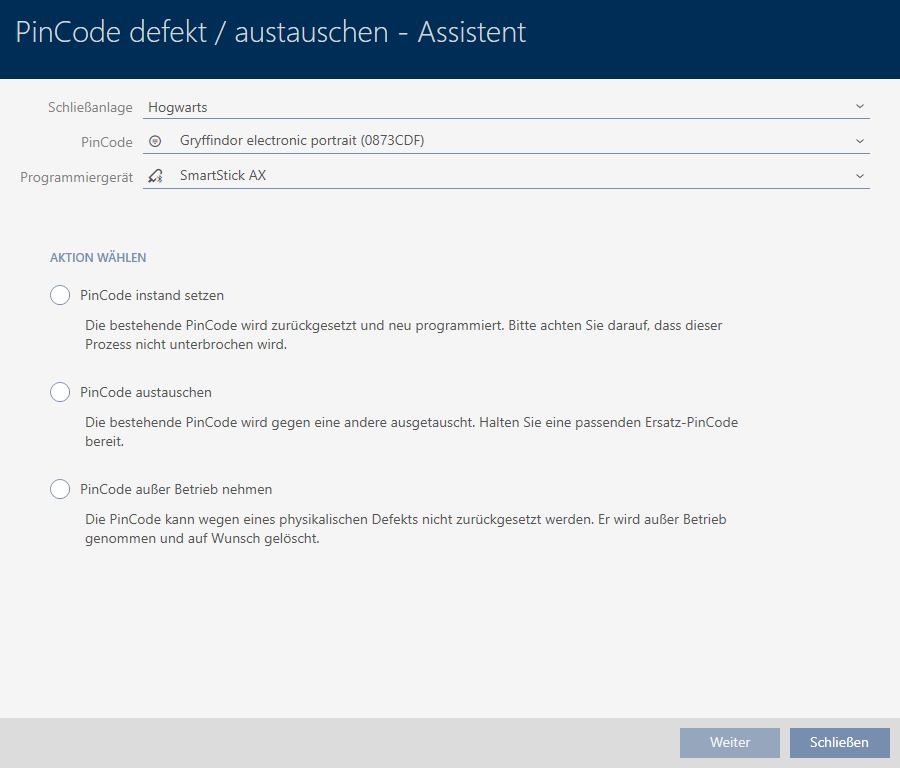
- Select the option
 Decommission PinCode keypad.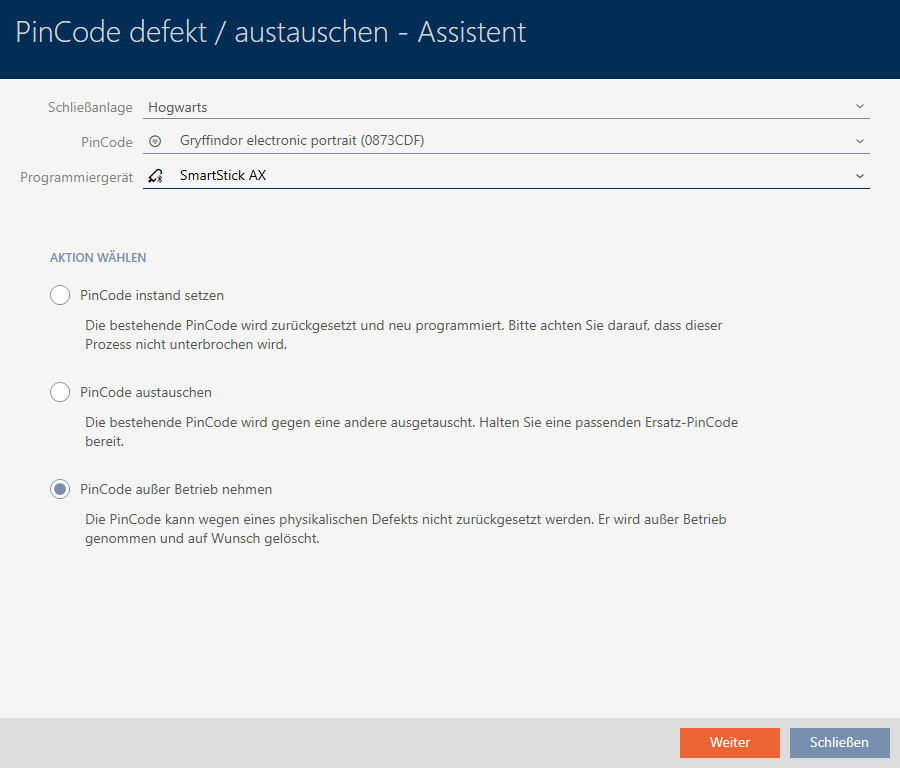
- Click on the button.
- A confirmation dialogue to take out of use will open.
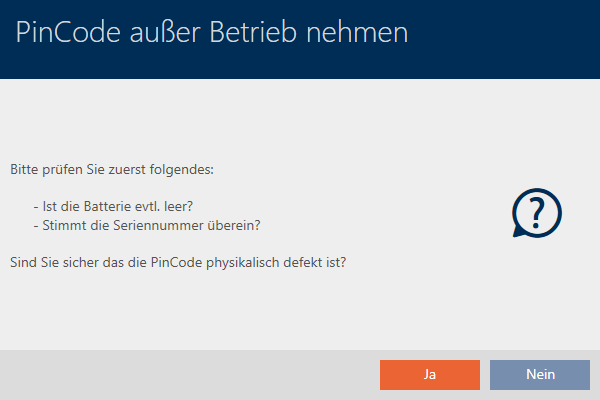
- Click on the button.
- Confirmation dialogue to take out of use closes.
- Confirmation dialogue to delete the PIN code keypad will open.

- Click on the button.
- Confirmation dialogue to delete the PIN code keypad closes.
- The PIN code keypad has been taken out of operation.

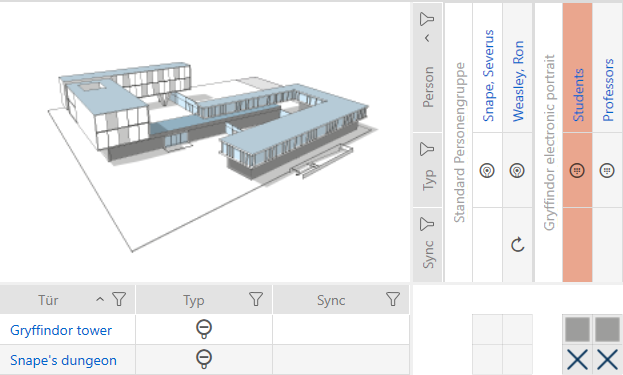
PIN code keypads that have been taken out of use but not deleted can be identified in the matrix: