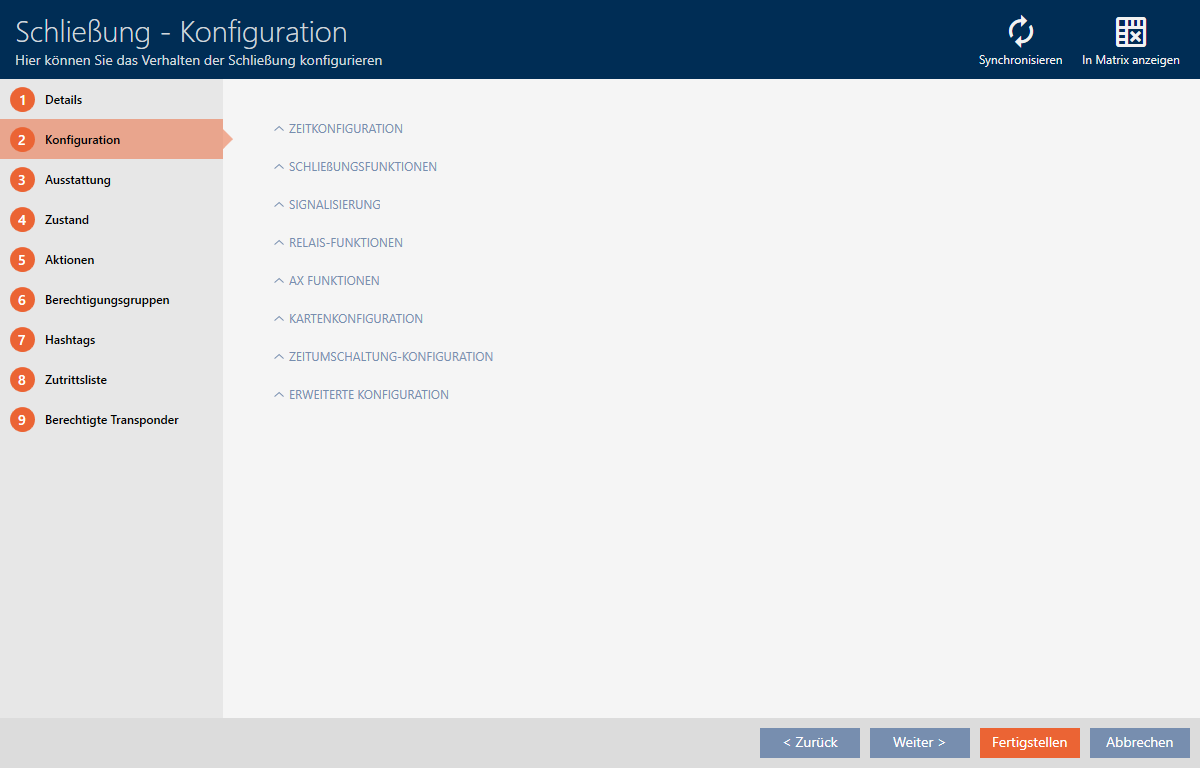
Changing the SmartRelay settings - AXM Classic
You will only see the settings for SmartRelay if you:
- Create a new locking device and have not yet clicked on , or
- Have opened a locking device.
All SmartRelay settings are changed in the tab:
- AXM Classic open.
- Locking device list or matrix view open.
- Click on the SmartRelay.
- The SmartRelay window will open.
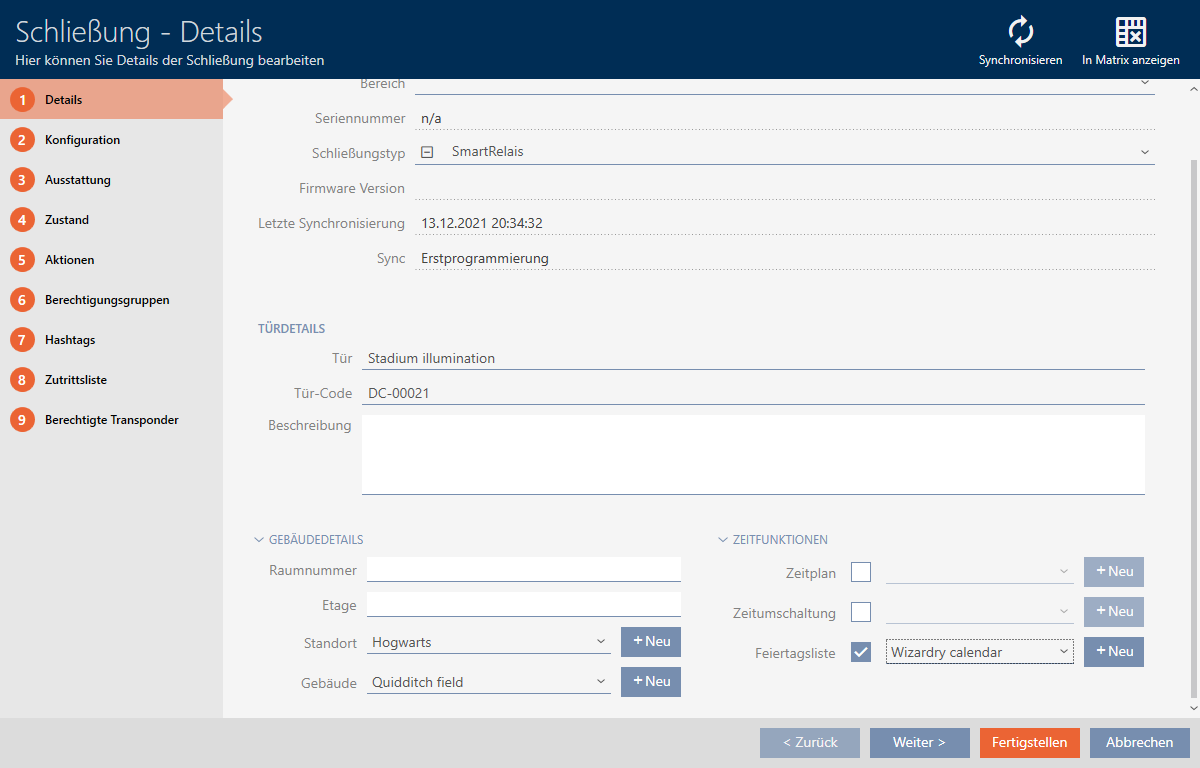
- Click on the tab.

- Window switches to the tab.