Muting a locking device (for battery warnings and programming) - AXM Classic
You can deactivate the following signals in the locking device properties:
- Audible and visual battery warnings
- Audible programming acknowledgements
When an identification medium is activated, the locking device signals engaging as usual. You can also configured each identification medium except for PIN code keypads to prevent locking devices from signalling activation of this identification medium (see Muting all locking devices for a transponder or a card).
- AXM Classic open.
- Click on the locking device to be muted.
- The locking device window will open.
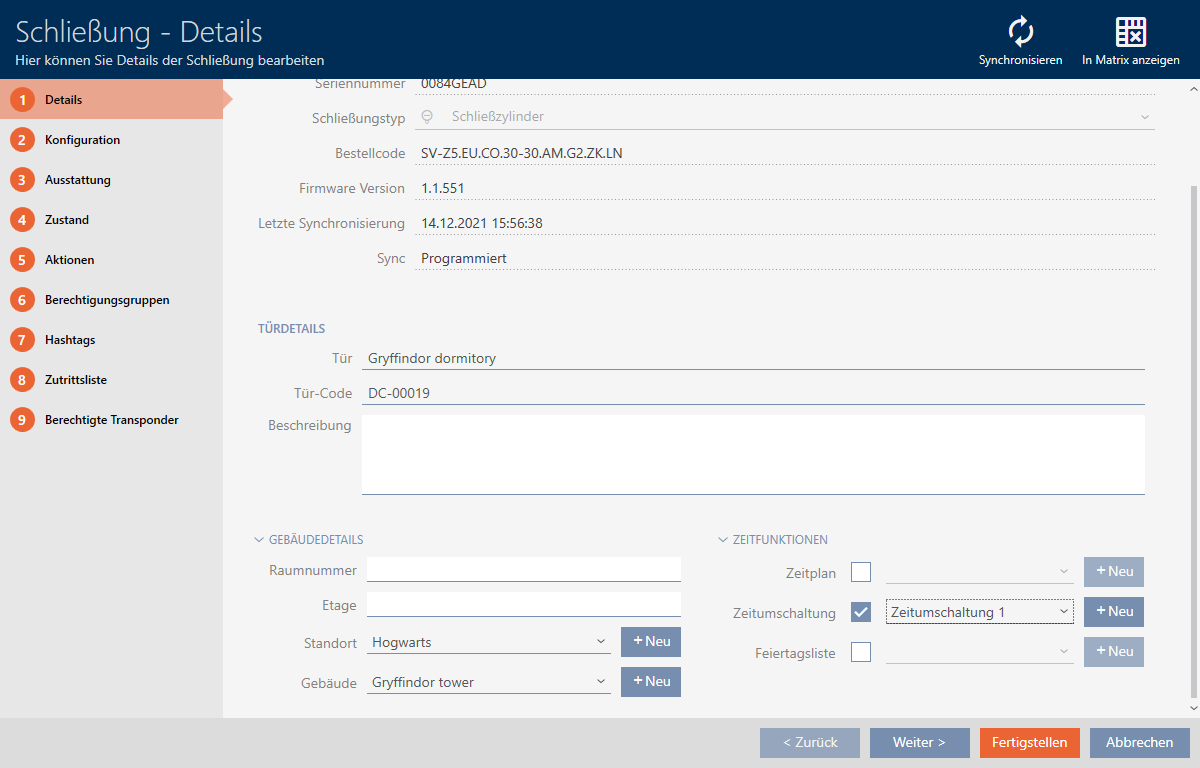
- Click on the tab.

- Window switches to the tab.
- Expand the menu.
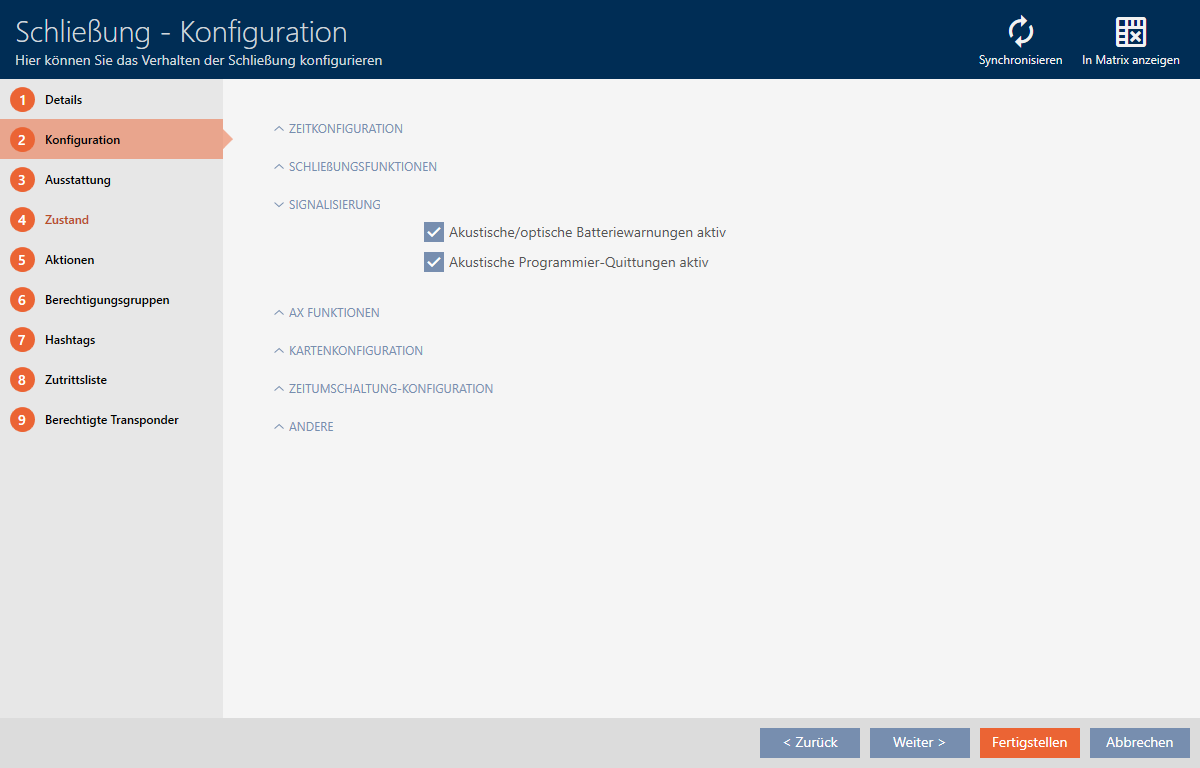
- Select the
 Acoustic/optical battery warnings active and Acoustic programming acknowledgments active checkboxes.
- Click on the button.
- The locking device window closes.
- Locking device will no longer signal any battery warnings or audible programming acknowledgements.