View statistics and warnings (dashboard) - AXM Classic
AXM Classic comes with a new dashboard that gives you statistics on your database at a glance.
- AXM Classic open.
- Click the orange AXM button
 .
. - AXM bar opens.
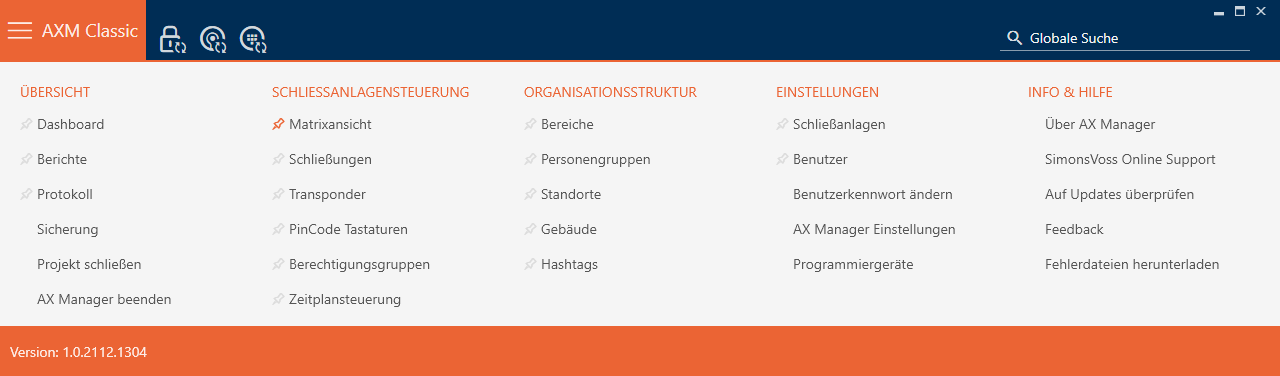
- Select the entry in the group.
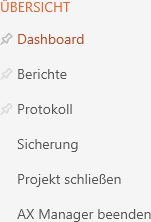
- The AXM bar will close.
- The tab will open.
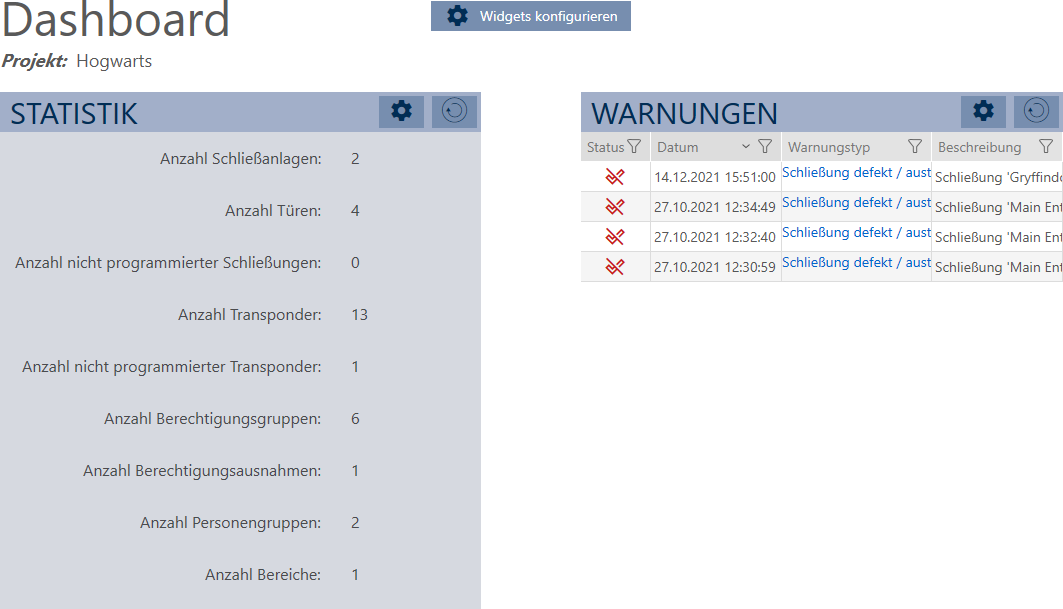
- Dashboard is displayed.
On the right-hand side you can see the statistics on your database and on the left-hand side you can see warnings:
- Use
 to sort/filter the displayed entries if required (see Sorting and filtering).
 - Click on the warning entry in the Warning column.
- Warning will open.
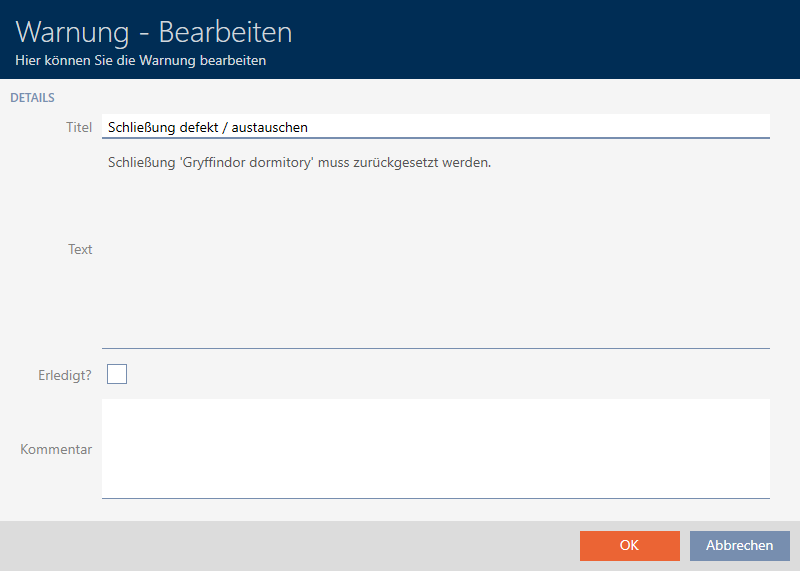
- Change the and fields as required.
- Deal with the warning if necessary. Then return to the warning and activate the
 Completed? checkbox.
 - Enter input into the field.
- Click on the button.
- Warning closes.
- Warning appears in the dashboard with a check mark as resolved.