PIN Code G1 vs. PIN Code AX - AXM Classic
The AXM Classic offers you two different PIN code keypads:
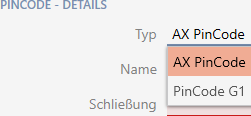
- PIN code keypad 3068
- PIN code keypad AX
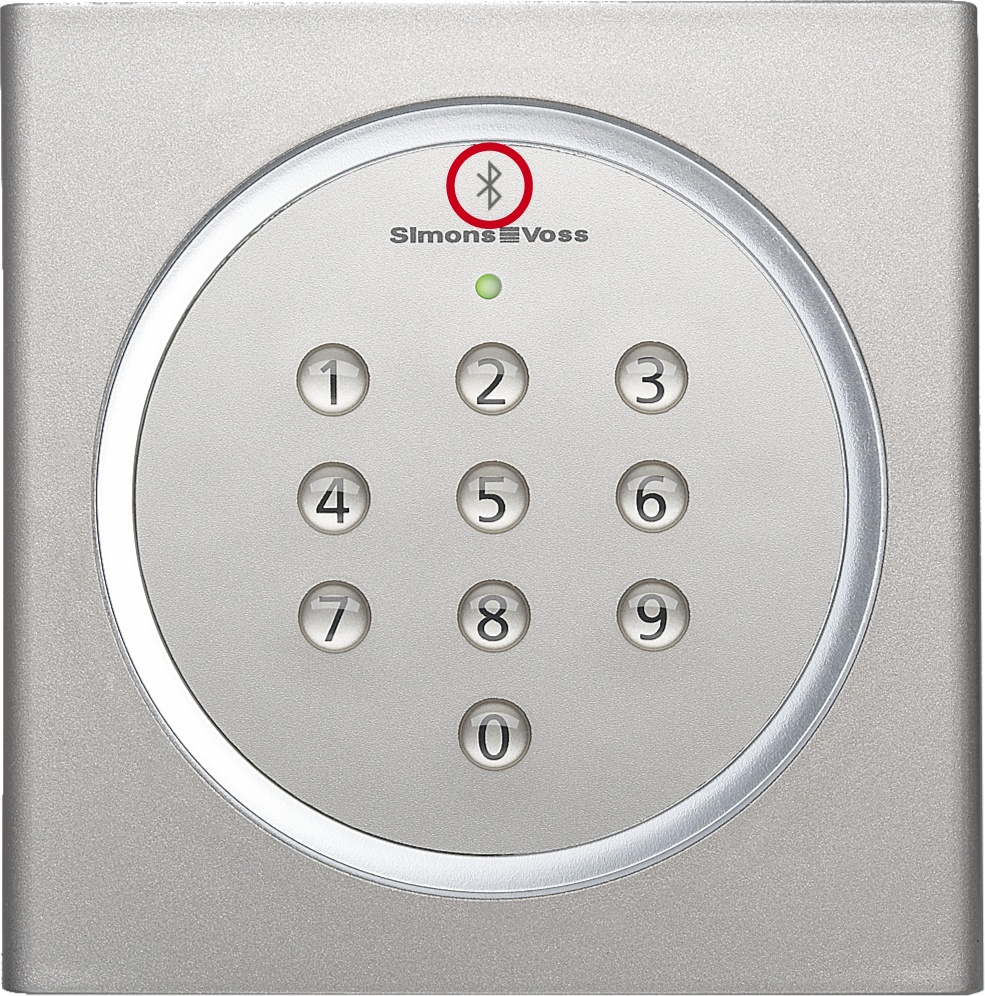
These two PIN code keypads are almost identical on the outside. You can recognise the PIN code keypad AX by a Bluetooth symbol:
However, the programming and the interface used are different:
PIN code keypad AX | PIN code keypad 3068 | |
|---|---|---|
Interface |
|
|
Read range |
|
|
PIN assignment |
|
|
Synchronization | Your AXM Classic will help you synchronise with instructions. The process in brief:
| Your AXM Classic will help you synchronise with instructions. The process in brief:
|
Behaviour during initial synchronisation, additional PINs and authorisation changes
A significant difference between the PIN code keypad AX and the PIN code keypad 3068 is also the behaviour during the first synchronisation and in the event of authorisation changes.
This difference is due to the different communication between the two PIN code keypads and the locking device:
- PIN code keypad AX: uses a permanently assigned BLE channel to send information to the locking device.
- Such information could be, for example, “Entered PIN authorised”.
- PIN code keypad 3068: uses the G1 protocol and a separate G1 ID for each PIN.
| PIN code keypad AX | PIN code keypad 3068 |
|---|---|---|
First synchronisation | The permanently assigned BLE channel must be set up for both the PIN code keypad AX and the locking device. This is performed in the background when assigning a PIN code keypad AX. This is why a programming requirement arises on the PIN code keypad and on the locking device after assignment of PIN code keypad AX. | The PIN code keypad 3068 receives one G1 ID per PIN and the locking device receives a locking plan with information on whether this G1 ID is authorised. This is why a programming requirement arises on the PIN code keypad and on the locking device after assignment of PIN code keypad 3068. |
Additional PINs | New PINs are saved in the PIN code keypad AX. The previously configured BLE channel that will still be used for commands to the locking device. The new PINs are communicated to the PIN code keypad AX, which is why programming is only required on the PIN code keypad. | New PINs are saved in the PIN code keypad 3068 with one G1 ID per PIN. This G1 ID is then saved as authorised in the locking plan. The new G1 IDs are communicated to the PIN code keypad 3068 and the changed locking plan is saved in the locking device. This means that programming is required on the PIN code keypad and locking device. |
Changes to authorisations | The PIN code keypad AX continues to use the channel previously configured for commands to the locking device. For this reason, AXM Classic only the needs to inform the PIN code keypad AX when it should send information such as “Entered PIN authorised” to the locking device. Programming is only required on the PIN code keypad. | The PIN code keypad 3068 retains the G1 ID unchanged. The changed authorisation is saved in the locking device’s locking plan. This means that programming is only required on the locking device. |