Name person as an AXM user - AXM Classic
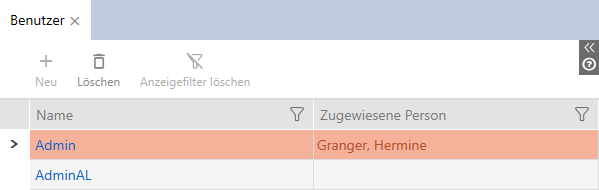
You can name people in your project as AXM users to keep track of AXM Classic users. A person can be assigned to several users. The contact details for this person are taken directly from the database and automatically displayed for the user concerned.
Difference between Admin and AdminAL
There are only two user types in AXM Classic: Admin and AdminAL.
- Admin is the default user.
- AdminAL means AdminAccessList and is a strictly limited user. An AdminAL can mainly read access lists without having full access to the locking system. This allows other persons to read access lists without being able to manipulate the locking system themselves.
- AXM Classic open.
- At least one identification medium or at least one person is created.
- Click on the orange AXM icon
 .
. - AXM bar opens.
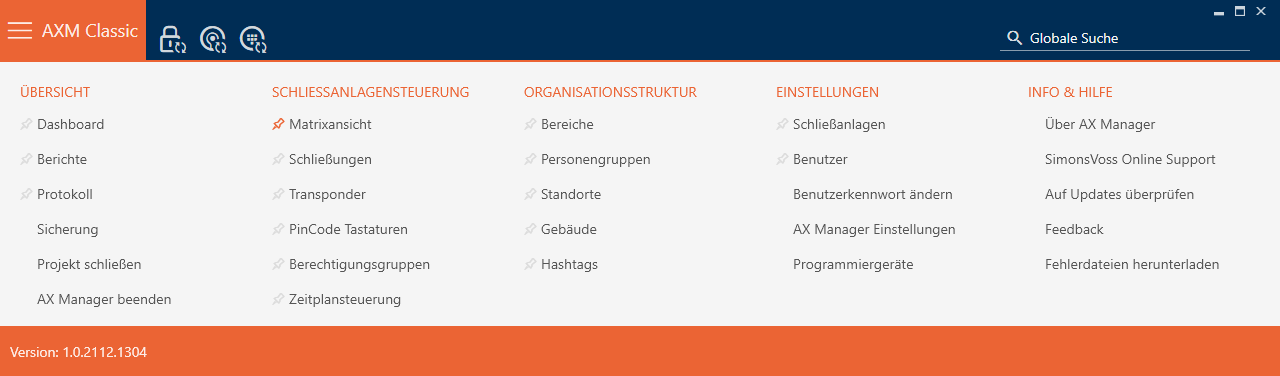
- Select the entry in the group.
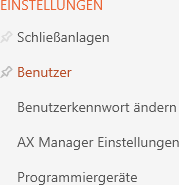
- The AXM bar will close.
- The tab will open.
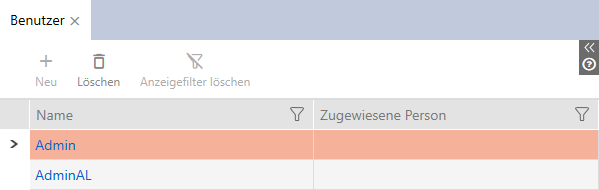
- Click on the user to whom you wish to assign a person in the locking system.
- The window will open.
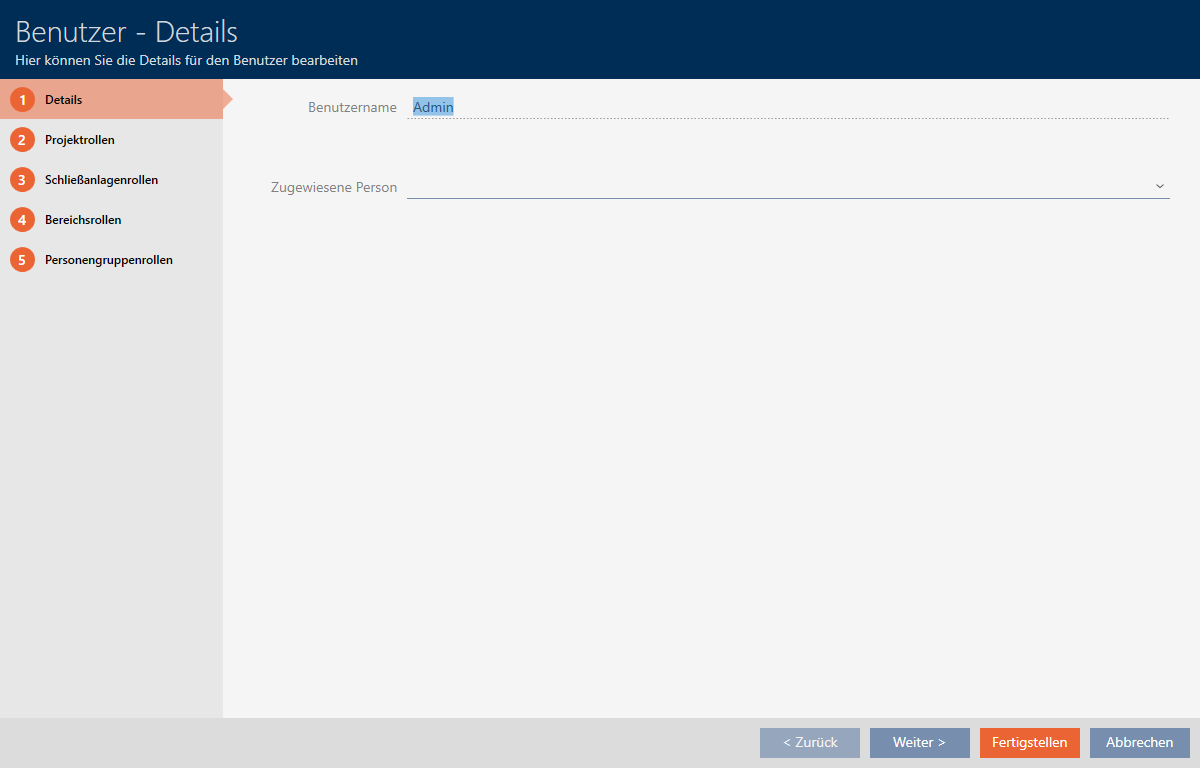
- Select the person in your project that you wish to assign to the user from the drop-down menu.
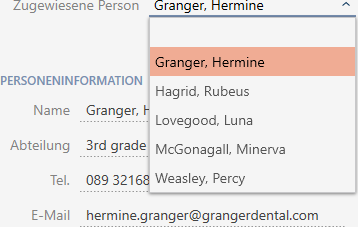
- The section is automatically completed with the information stored for this person (, , and ).
- Click on the button.
- window closes.
- Assigned person is displayed next to the user.