Repairing a PIN code keypad (resynchronising) - AXM Classic
- AXM Classic open.
- List with PIN code keypads or matrix open.
- PIN code keypad at hand.
- Suitable programming device connected.
- Use
 to sort/filter the displayed entries if required (see Sorting and filtering).
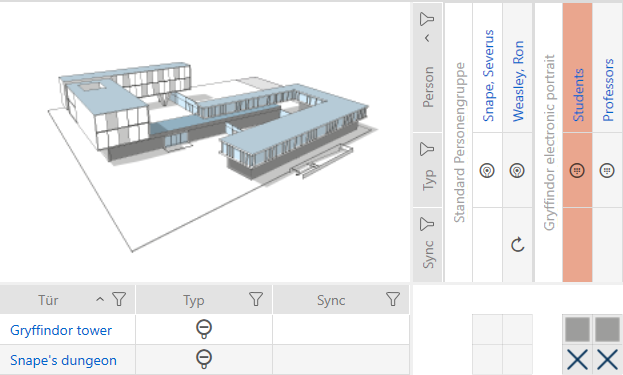
 - Flag a PIN associated with the defective PIN code keypad.
- Click the
 button in the section.
- Wizard to help with a faulty PIN code keypad will open.
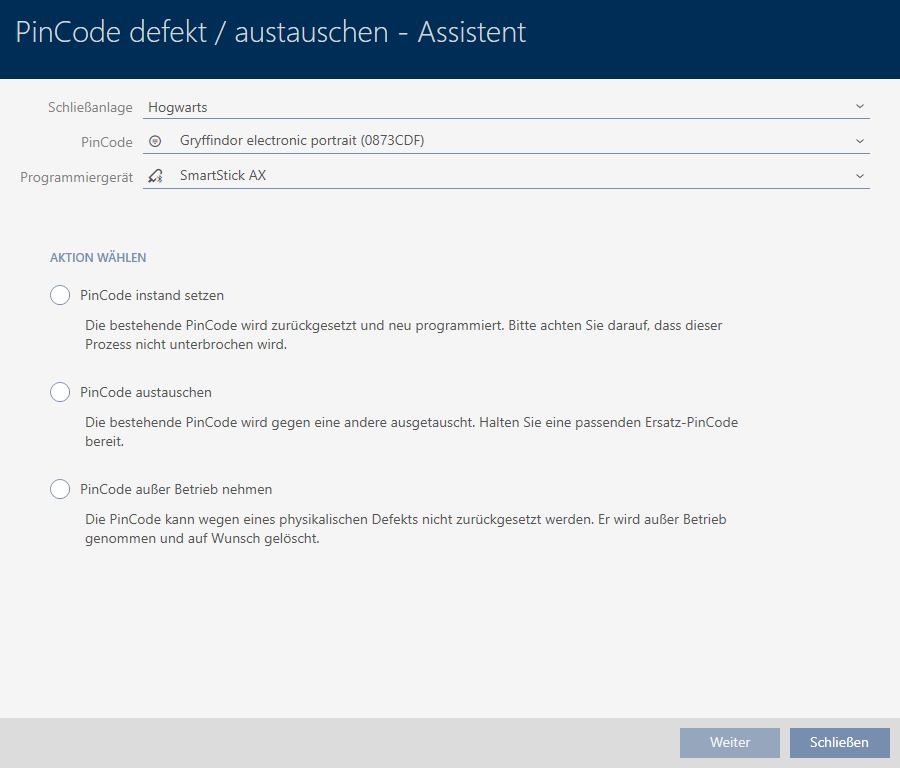
- Select the option
 Repair PinCode keypad.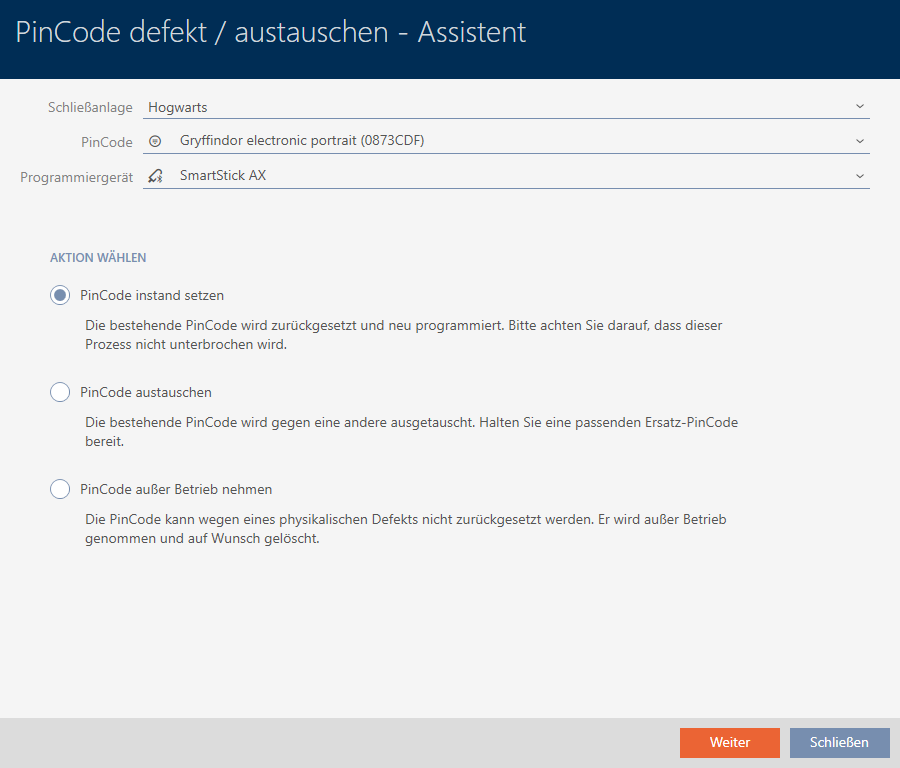
- Click on the button.
- PIN code keypad is reset.
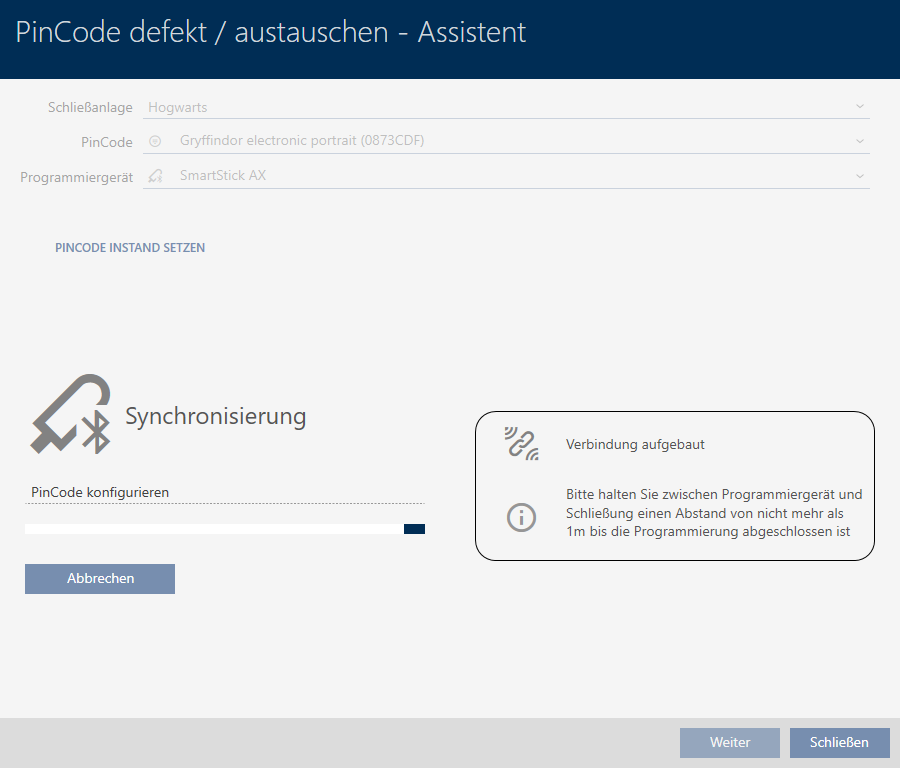
- Follow the instructions.
- PIN code keypad has been resynchronised with the same settings.
