Assigning individual persons/identification media to a person group (in transponder window) - AXM Classic
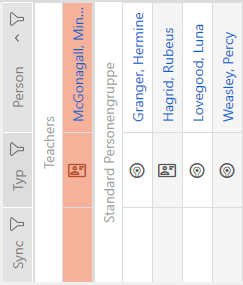
Person in “old” person group | Person in “new” person group |
|---|---|
|
|
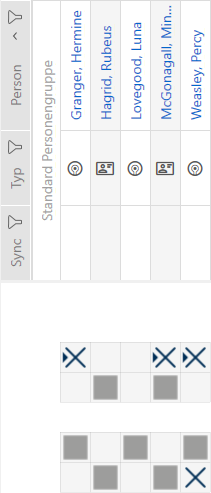
- AXM Classic open.
- At least one person group created (see Creating a person group).
- Click on the identification medium of the person you wish to assign to a new person group.
- The identification medium window will open.
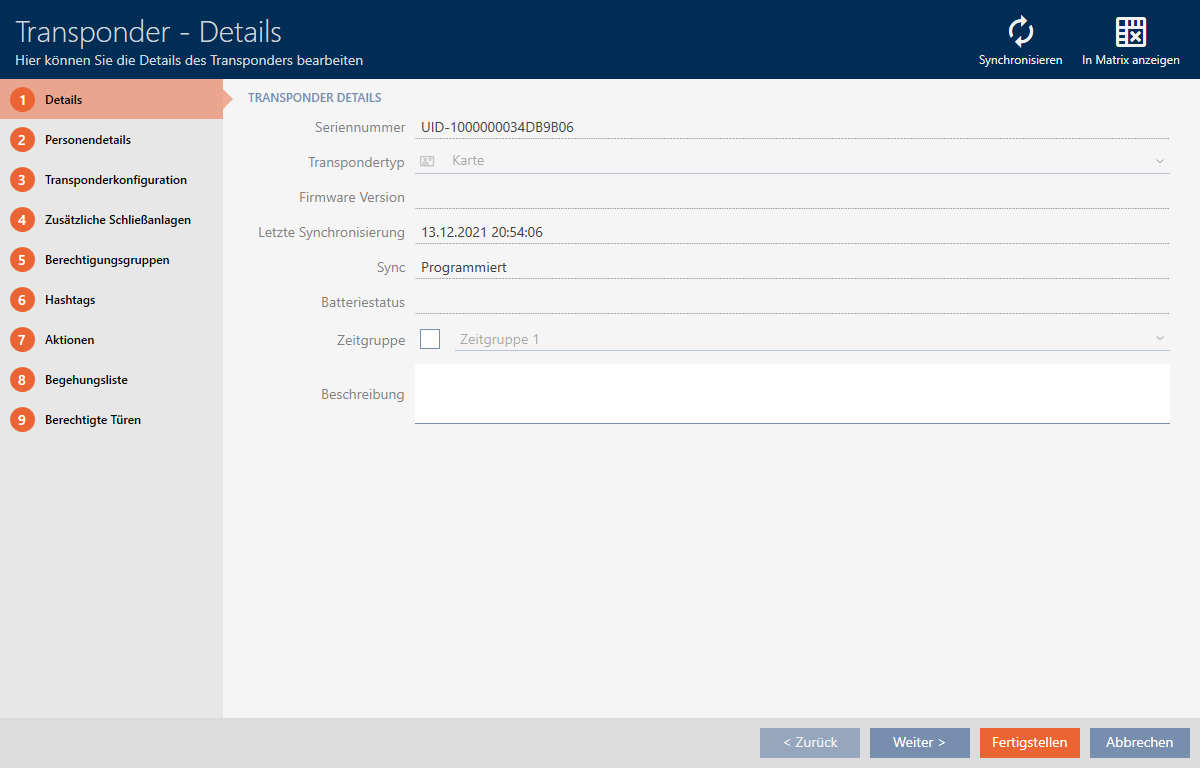
- Click on the tab.

- The tab is shown.
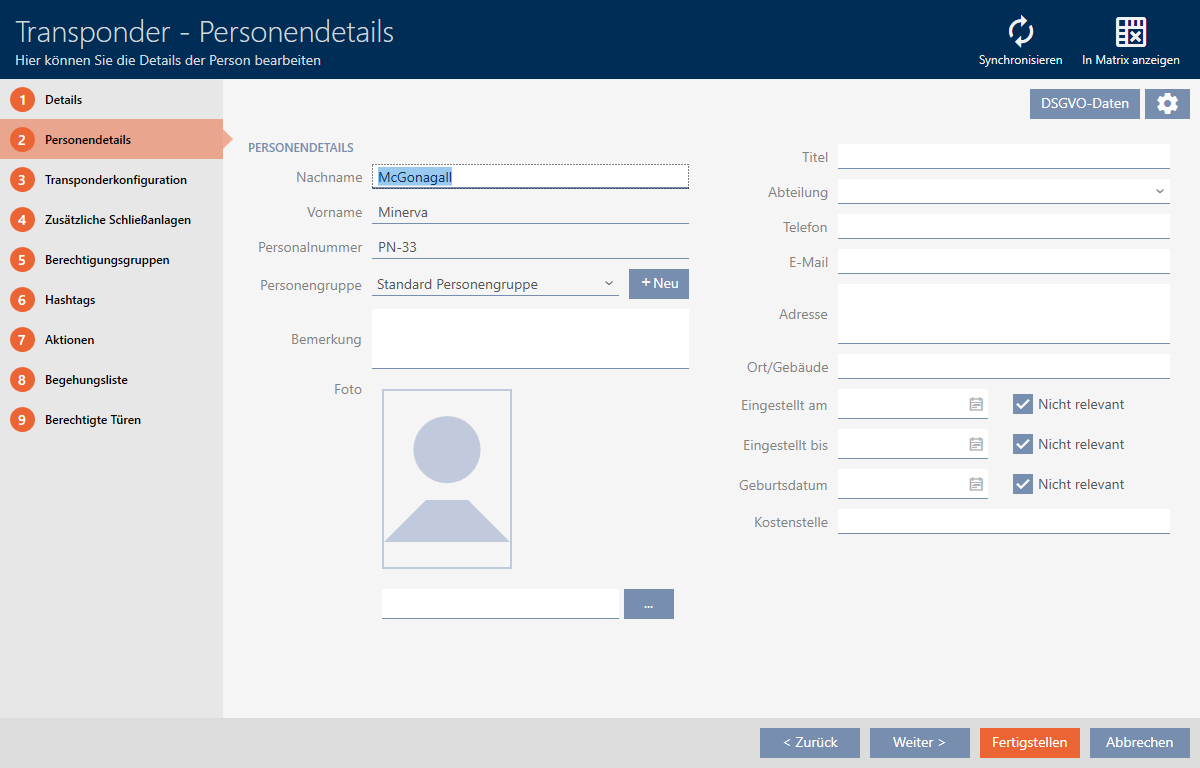
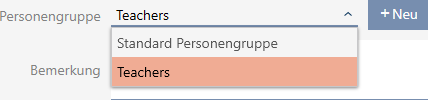
- Select the person group to which the person should belong in the future from the drop-down menu.
- Click on the button.
- The identification medium window closes.
- Person belongs to a new person group.