Registration - AXM Classic
You can try AXM Classic out for 90 days after initial installation. After the trial period, you will need to register the software to continue using it.
Create licence request
First of all, you make a licence request. To do this, you will need:
- Licence key
- Consignment number
- Order number
- AXM Classic open.
- Click on the button at the bottom of AXM Classic .

- The registration form will open.
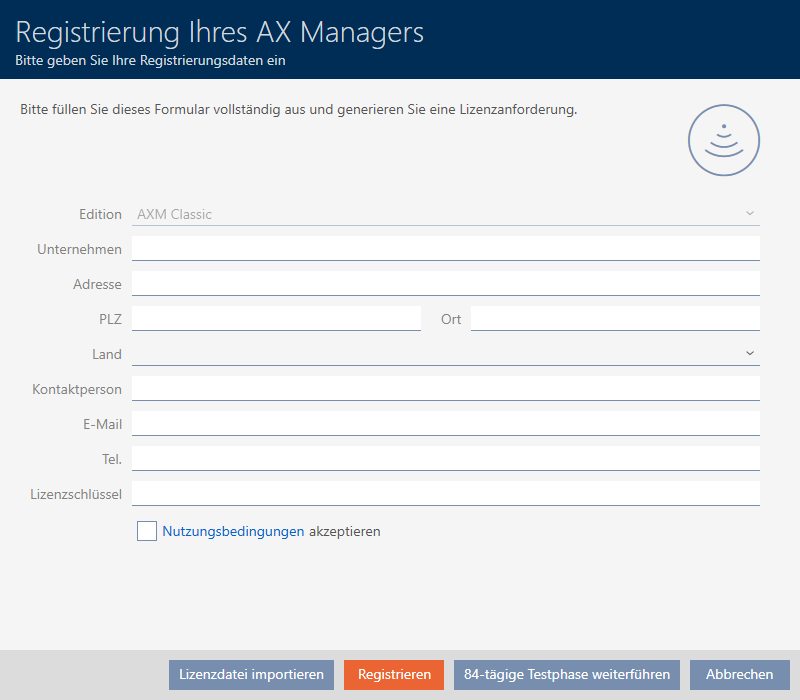
- Complete the registration form in full.
- Enter your licence key (XXXX-XXXX-XXXX-XXXX).
- Select the
 Terms of Use
accept checkbox.
Terms of Use
accept checkbox. 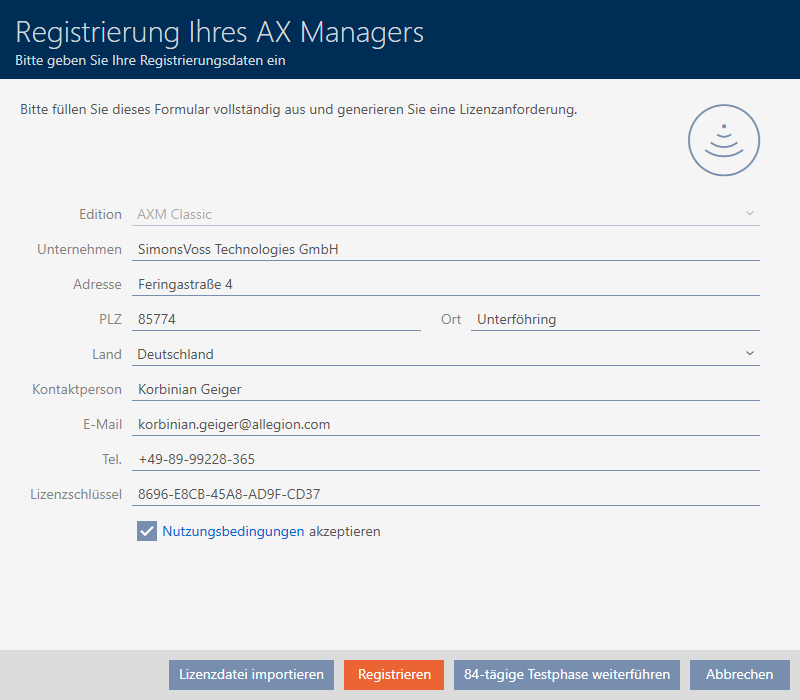
- Click the button.
- The Explorer window will open.
- Save the registration file (extension: .rgo) to a file directory of your choice.
- Explorer window closes.
- Registration form will display an email address.
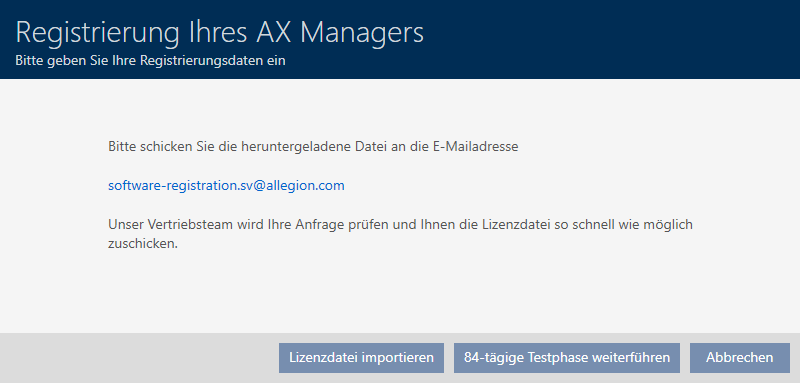
- Send an email with the registration file, order number and consignment number to software-registration.sv@allegion.com.
- SimonsVoss will check your licence request.
Importing the licence file
Once your licence request has been checked and accepted, you will receive an email from SimonsVoss containing a licence file (extension: .lic).
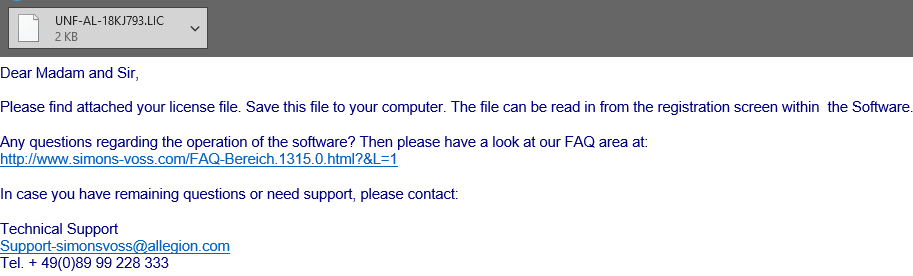
Register your AXM Classic by importing this licence file.
- AXM Classic open.
- Save the licence file you received in a file directory of your choice.
- Click on the button at the bottom of AXM Classic .
- The registration form will open.
NOTE

No need to complete twice
You do not need to fill out the registration form again.
- Click on the button.
- The Explorer window will open.
- Navigate to your licence file.
- Select your licence file.
- Click on the Open button.
- Explorer window closes.
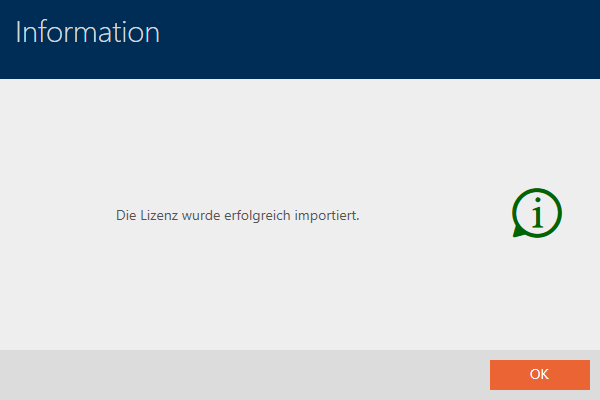
- Licence file is imported.
- AXM Classic is registered.
SimonsVoss ID for cloud services
You need to create and link a SimonsVoss ID to access the cloud functions available to you for AXM Plus and higher. A window will open immediately after registration for you to do this (see Registration).
You also need to have issued a SEPA direct debit mandate for the software fee.