Displaying and exporting physical access lists for cards/transponders - AXM Classic
If required, your identification media can log which locking devices they were activated on (see Allow accesses to be recorded by identification media (physical access list)). The entries saved in this physical access list are then transferred to the database during synchronisation, for example (see Synchronise a card/transponder (including importing physical access list)).
You can view and export the physical access lists saved in the database.
NOTE

Displayed status corresponds to the last synchronisation
AXM Classic displays the status stored in the database at this point.
- AXM Classic open.
- Identification medium synchronised at least once.
- Click on the identification medium whose physical access list you wish to display.
- The identification medium window will open.
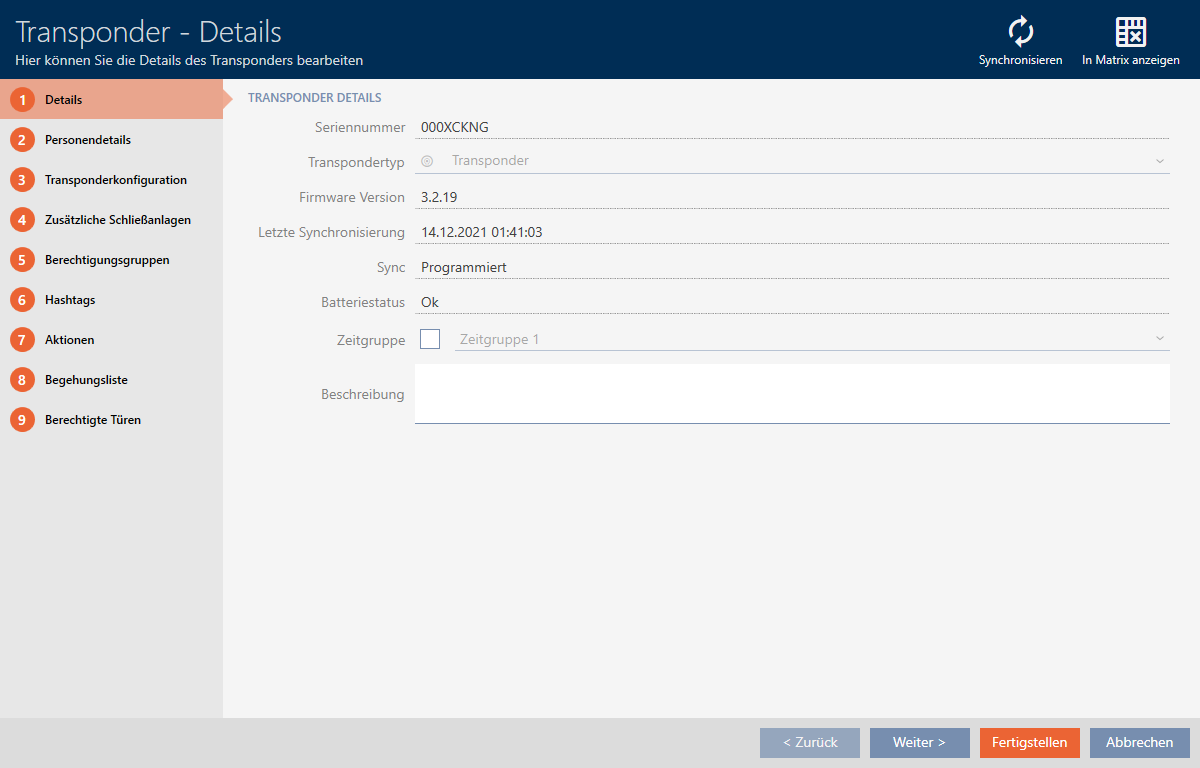
- Clicking on the tab

- Window switches to the tab.
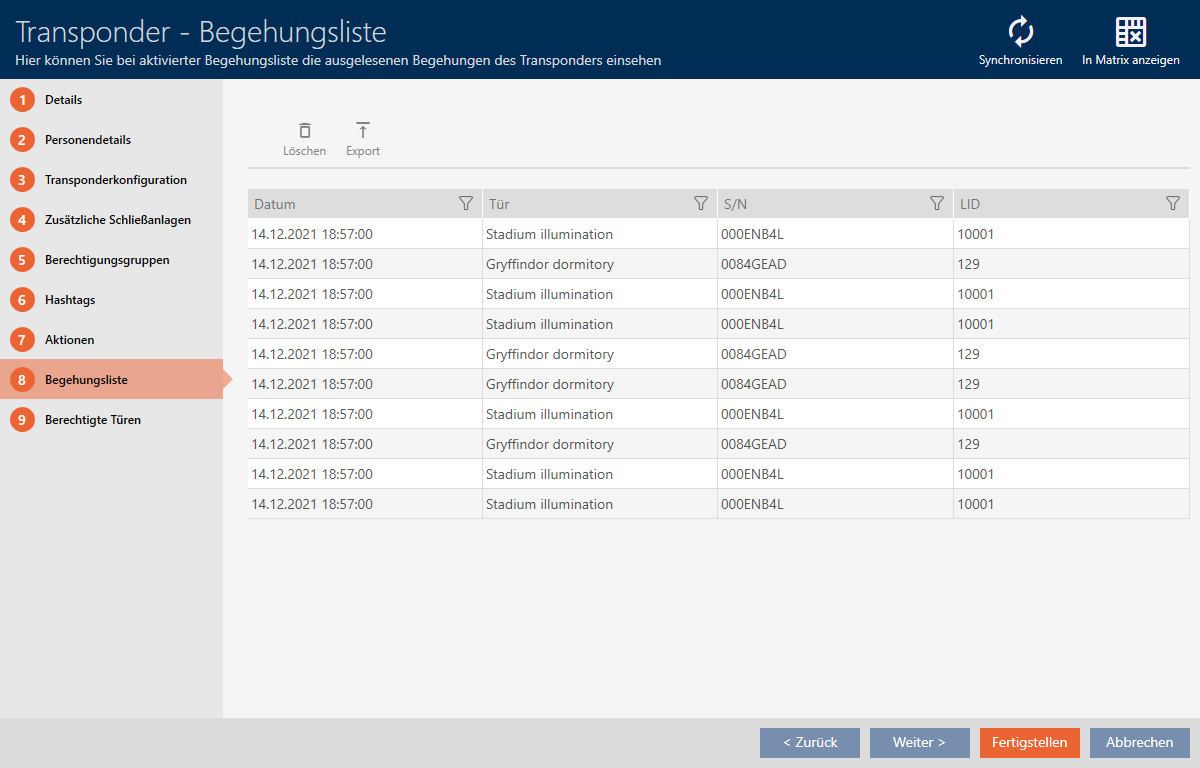
- Use
 to sort/filter the displayed entries if required (see Sorting and filtering).
 - Click on the
 button.
 - The Explorer window will open.
- Save the exported physical access list to a file directory of your choice.
- Explorer window closes.
- Physical access list is exported.
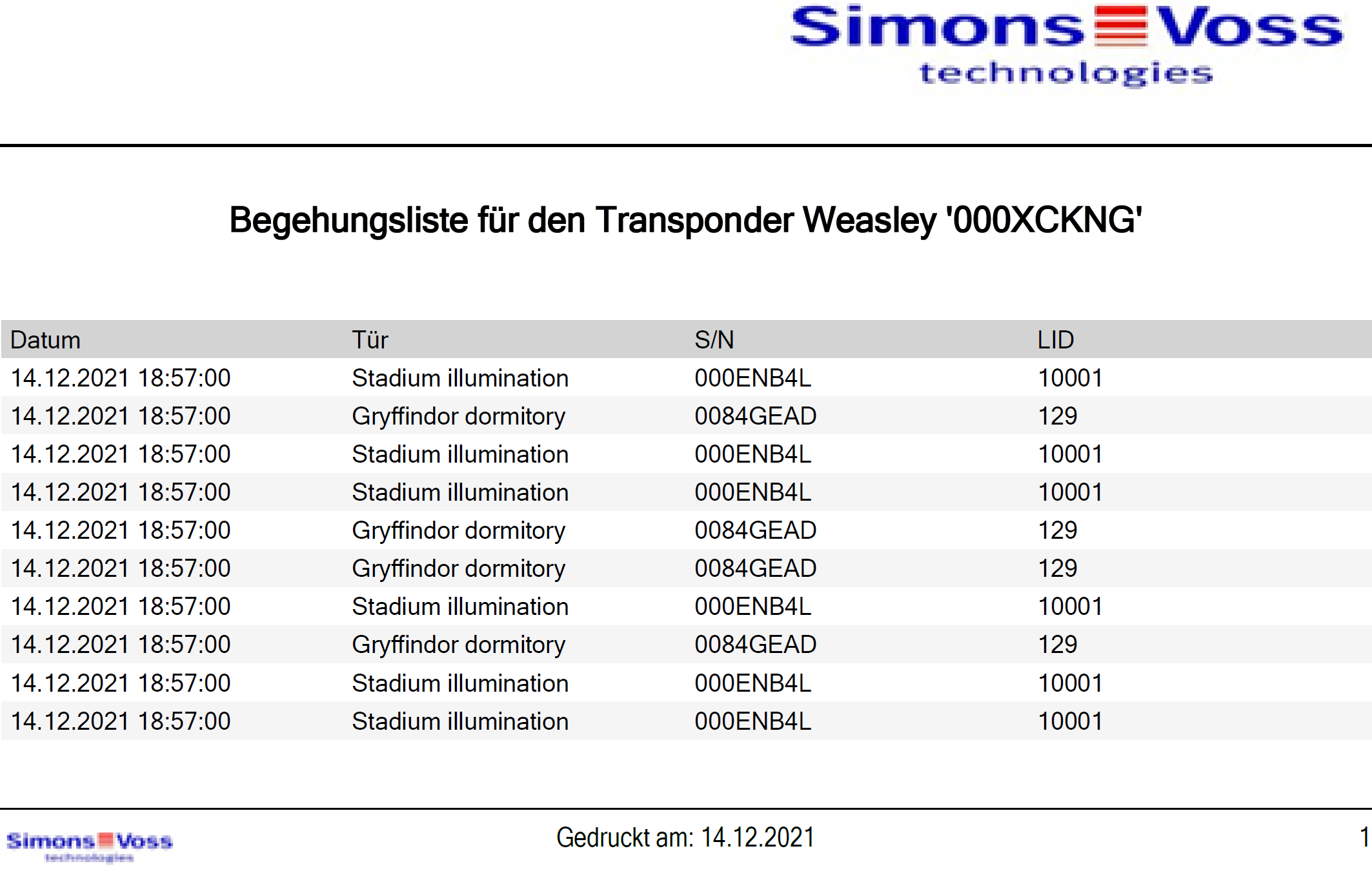
You have the option to personalise reports (see Personalising reports and exports).