Displaying all locking devices in a project - AXM Classic
- AXM Classic open.
- At least one locking device created (see Creating a locking device).
- Click on the orange AXM icon
 .
. - AXM bar opens.
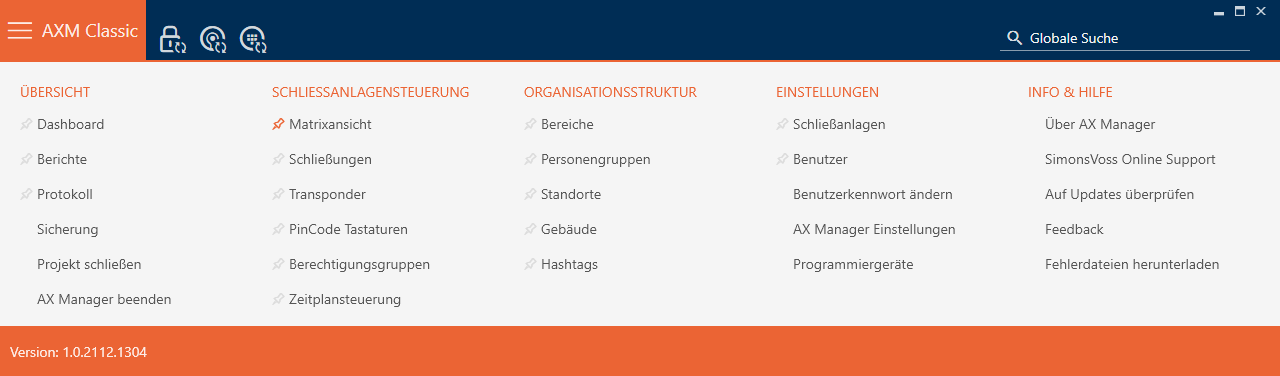
- Select the entry in the group .
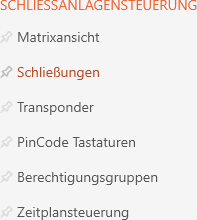
- The AXM bar will close.
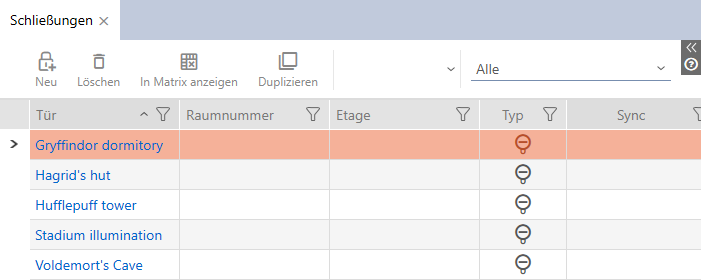
- The tab will open.
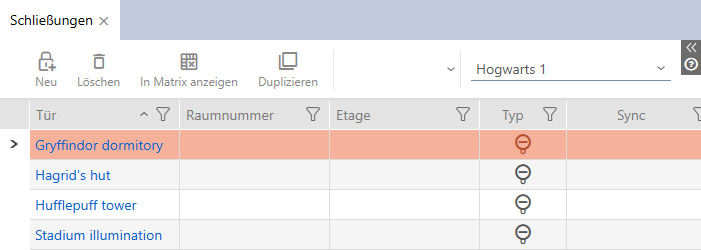
- Select the entry for the locking system from the drop-down menu.
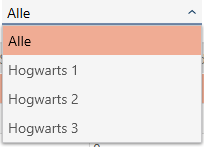
- All locking devices in all locking systems in the same project are displayed.
You can also export the locking devices displayed as a list (see Exporting locking devices as a list).