Limiting the number of access list entries in the database - AXM Classic
- AXM Classic open.
- Click the orange AXM button
 .
. - AXM bar opens.
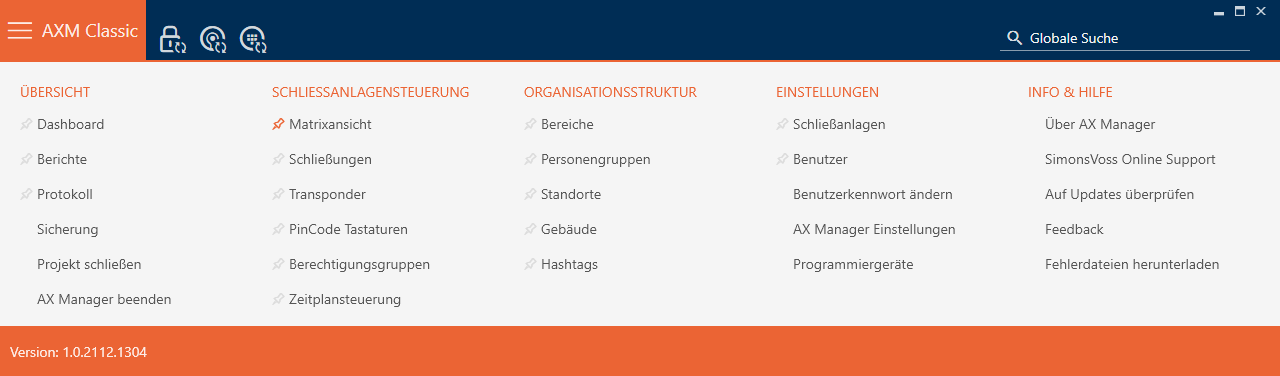
- Select the entry in the group.
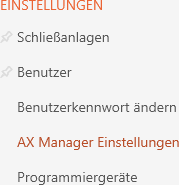
- The AXM bar will close.
- The window with the AXM Classic settings will open.
- Go to the tab.
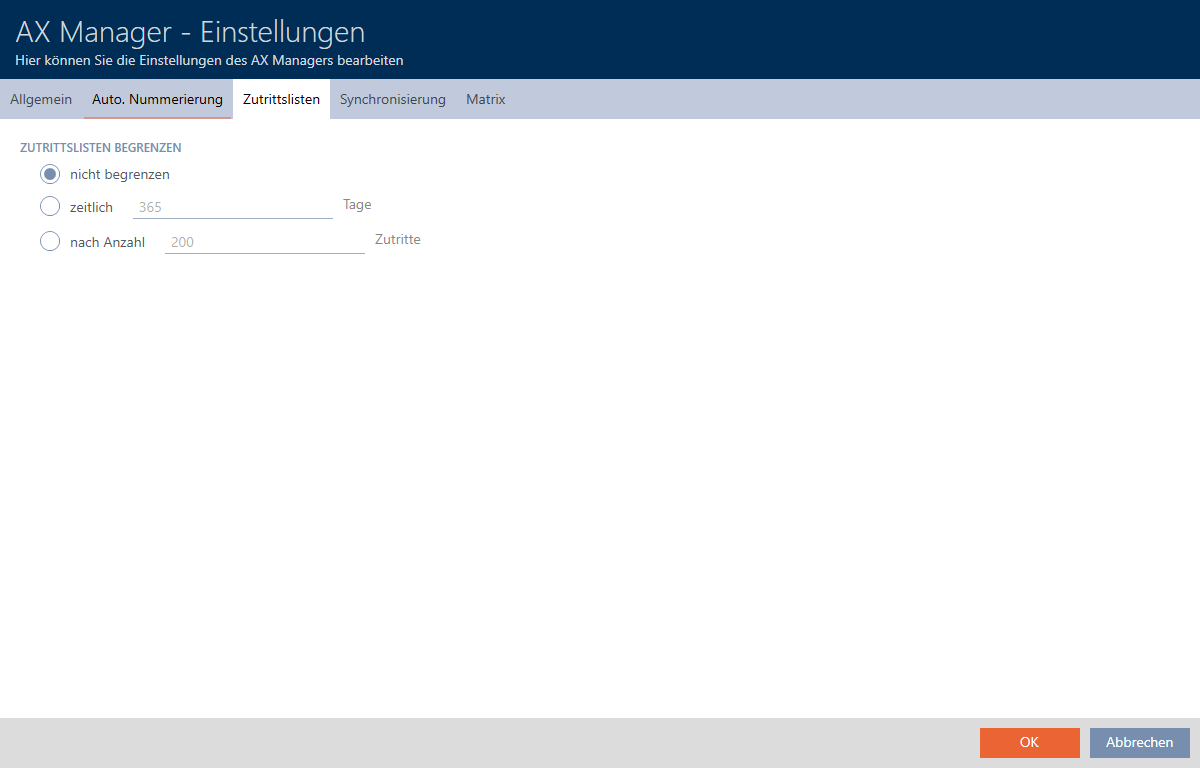
- Select one of the three options:
 Unlimited, temporally (max. 2000 days) or by number (max. 10,000 entries).
 - Click on the button.
- The window with the AXM Classic settings closes.
- Access list restriction is configured.