Flagging and resetting returned card/transponder (back to inventory) - AXM Classic
Proceed as follows to withdraw a card or transponder without losing its action list:
- AXM Classic open.
- Suitable programming device connected.
- Click the
 button in the section.
 - The wizard for ID media return will open.
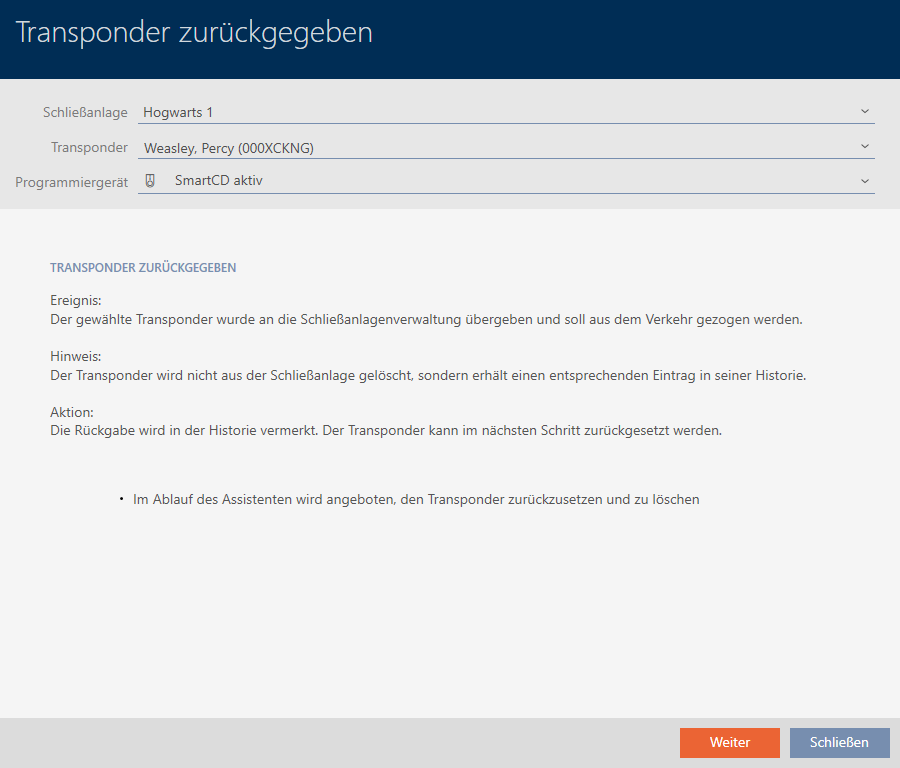
- Click on the button.
- Confirmation dialogue about resetting the identification medium will open.
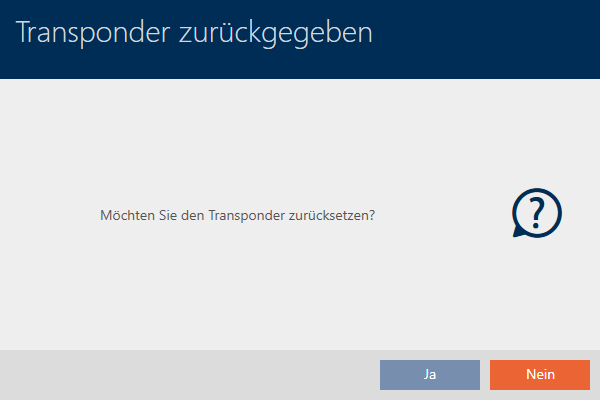
- Click on the button.
- Confirmation dialogue for resetting the identification medium closes.
- Identification medium is being reset.
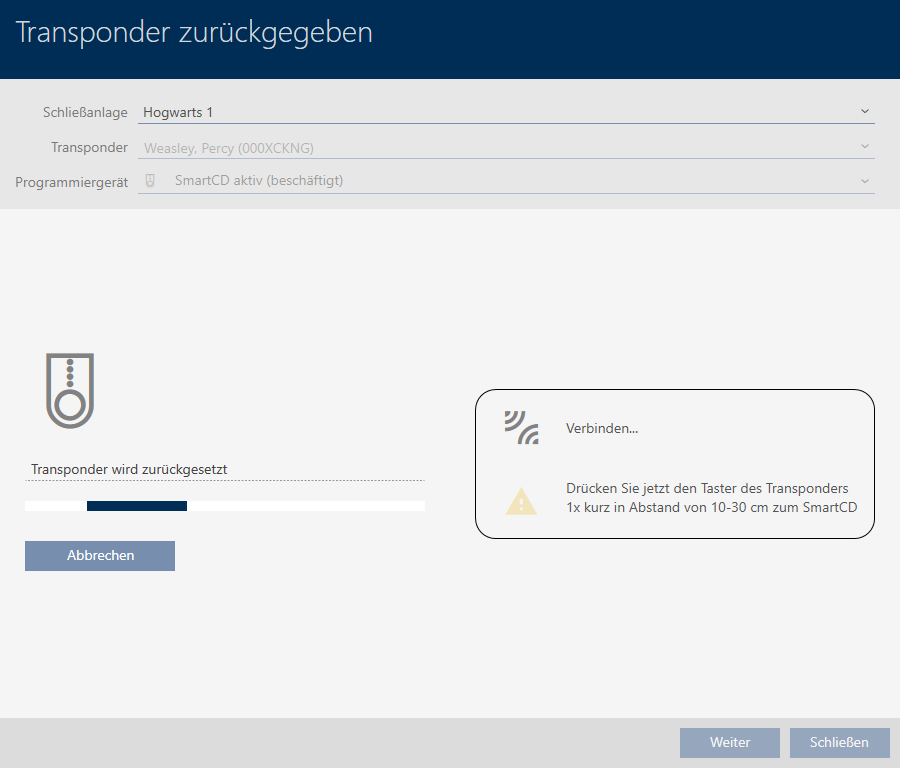
- Confirmation dialogue for deleting the identification medium will open.
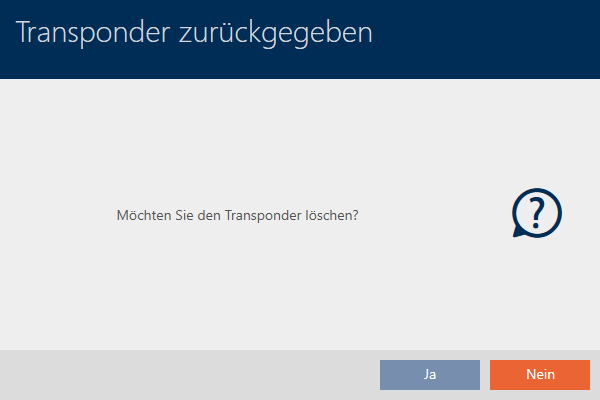
- Click on the button.
- Confirmation dialogue for deleting the identification medium closes.
- Identification medium is reset, but not deleted.

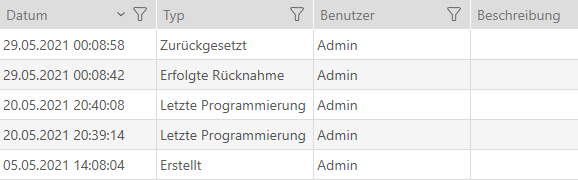
The successful return is noted in the identification medium’s action list (also see Planning and logging card/transponder return).