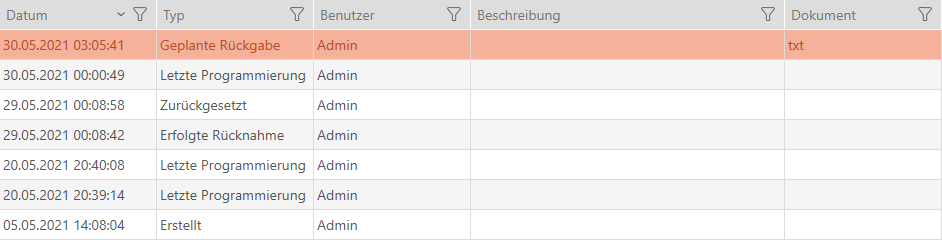
Planning and logging card/transponder return - AXM Classic
You can enter a suitable note in the action list to keep track of when which identification media need to be returned.
You can also enter when an identification medium was actually returned in the action list. However, you need to reset the identification medium manually in this case. The return wizard is ideal for returns instead of a manual reset: Flagging and resetting returned card/transponder (back to inventory). The entry in the action list is the same in the end, regardless of whether it is entered with or without a wizard.
- Click on the
 button.
 - The window for a new action will open.
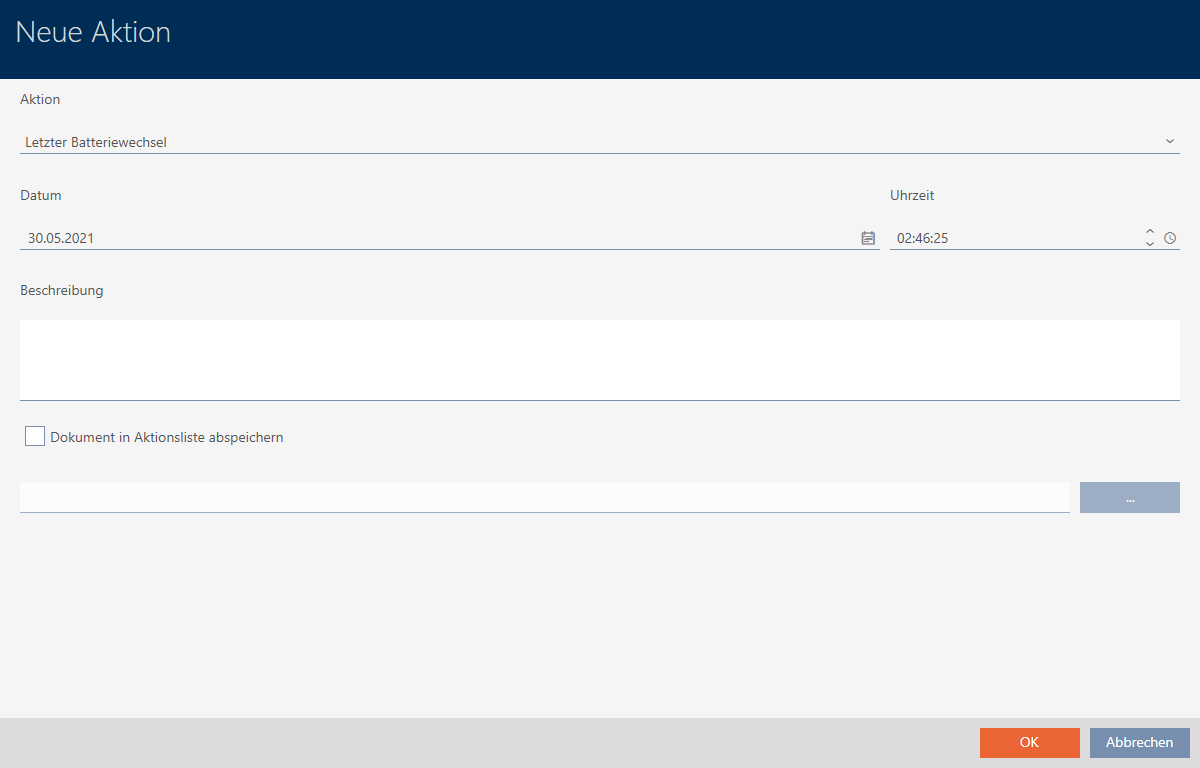
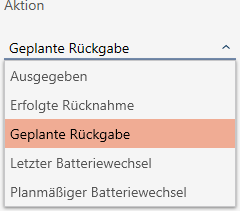
- Select or from the drop-down menu.
- Enter a date in the field or click on the
 icon to expand a calendar screen.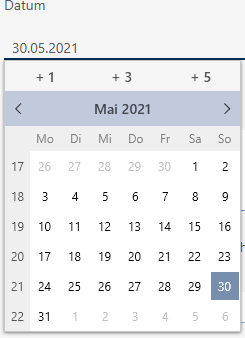
- Enter a time in the field.
- Enter a description in the field.
- If you wish to save a document for your action: Activate the
 Save document in action list checkbox.
 - If you wish to save a document for your action: Click on the
 button.
 - The Explorer window will open.
- Select your document.
- Click on the Open button.
- Explorer window closes.
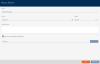
- Click on the button.
- The window for the new action closes.
- Action is now created and listed.