Changing a PIN (PinCode AX) - AXM Classic
NOTE

Description only valid for PIN code keypad AX
The setting described here is only available for the PIN code keypad AX in yourAXM Classic. On the PIN code keypad 3068, you can use the Master PIN to change this setting directly on the PIN code keypad 3068.
- AXM Classic open.
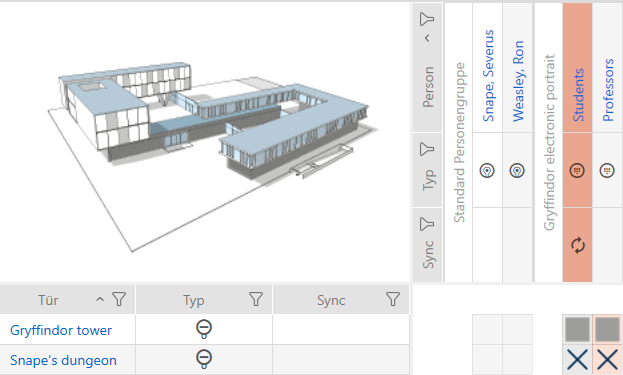
- Matrix screen open.
- PIN code keypad AX created (see Creating PIN code keypads).
- Click on any PIN to open details on your PIN code keypad AX.
- The window will open.
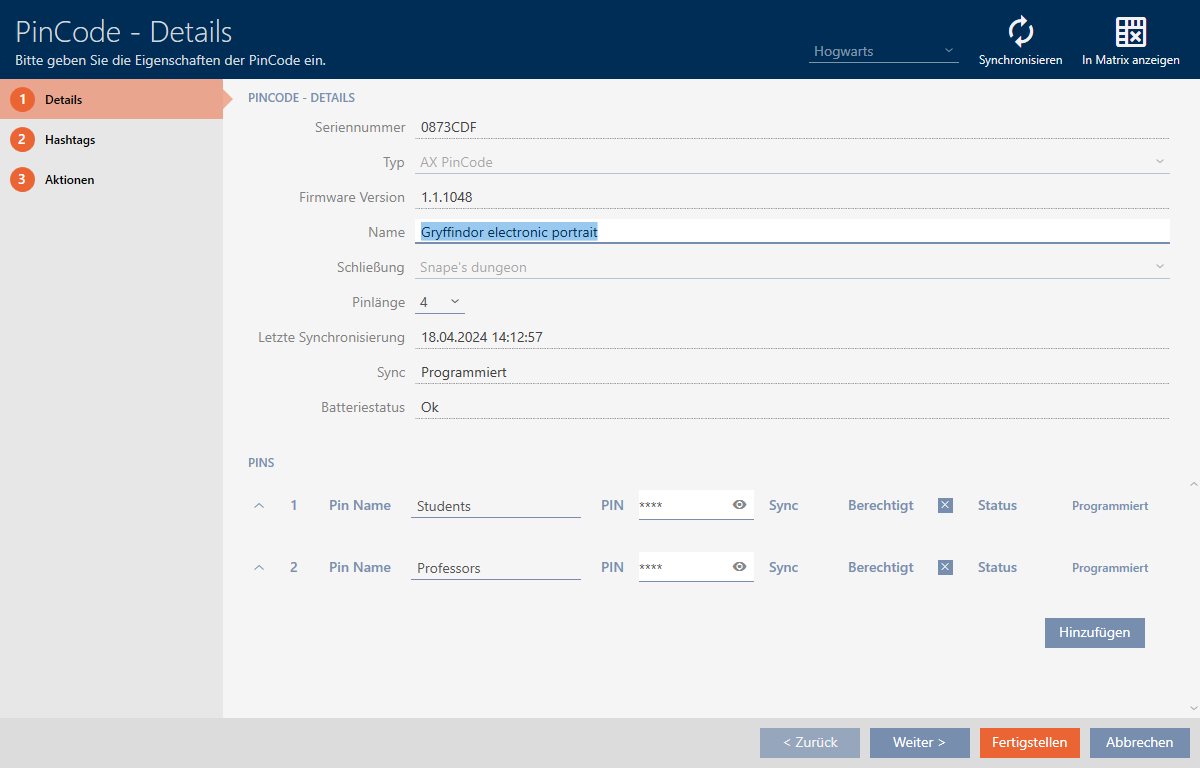
- Enter the new PIN in the appropriate field.
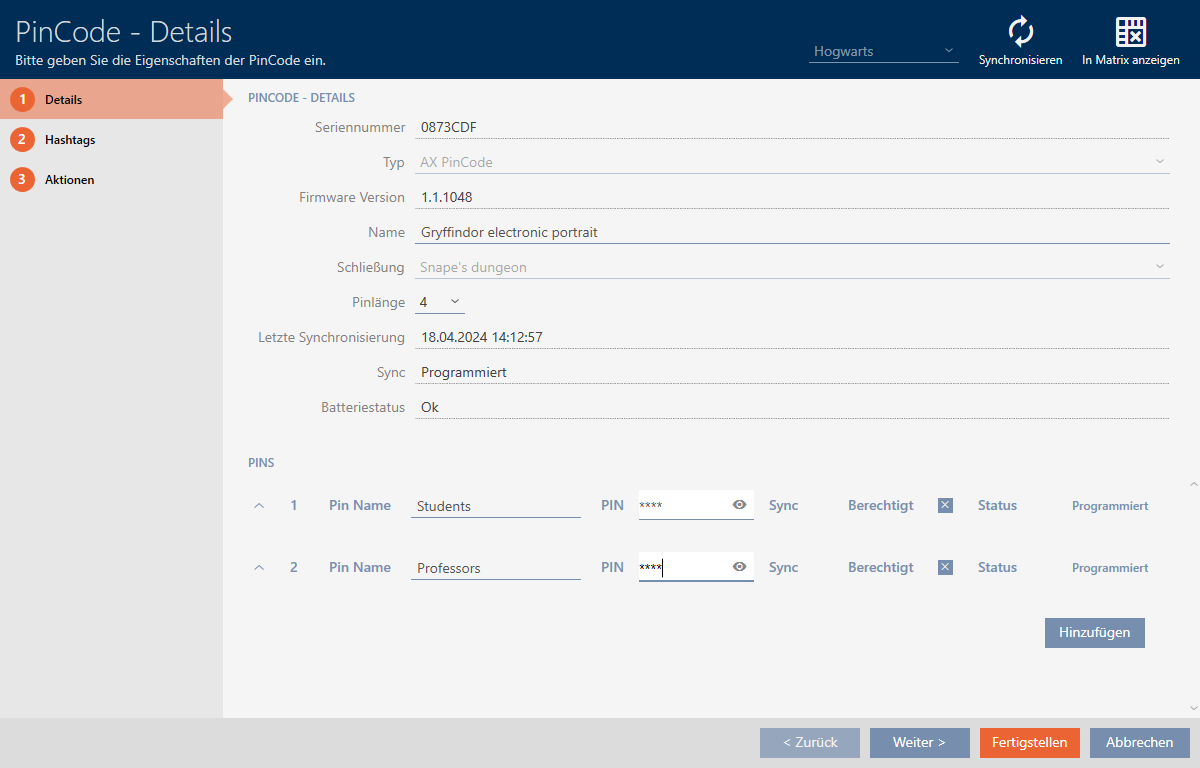
- Click on the button.
- PIN has been changed and the resulting programming requirement is displayed in the matrix.