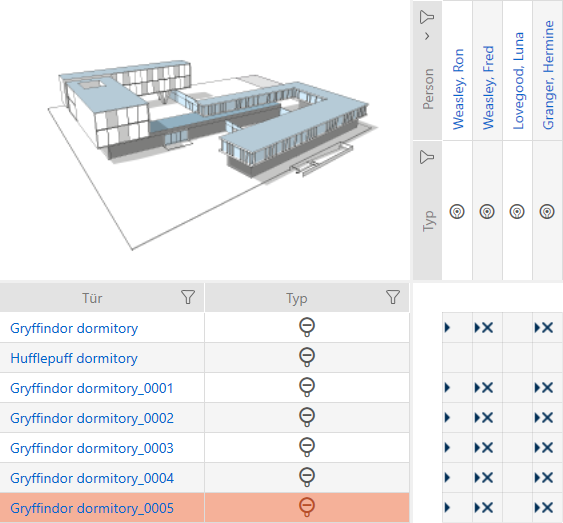
Duplicating the locking device (including authorisations and settings) - AXM Classic

You can simply duplicate an existing locking device instead of creating a completely new one. During this process, AXM Classic also applies the properties, which can be changed in the AXM Classic.
The following settings are duplicated:
- Building details
- Door details (except door numbering, which is automatically continued with the adjustable abbreviation; also see Changing automatic numbering)
- Time functions
- Configuration
- Access levels
- Hashtags
The following settings are not duplicated:
- Entries in the tab
- Information that is stored on the hardware and imported during synchronisation:
- Serial number
- Firmware version
- Battery status feedback
- Access list
- Assigned PIN code keypad
- AXM Classic open.
- Locking device available.
- Select the locking device to be duplicated.
- Click on the button
 .
. - The window for specifying copies will open.
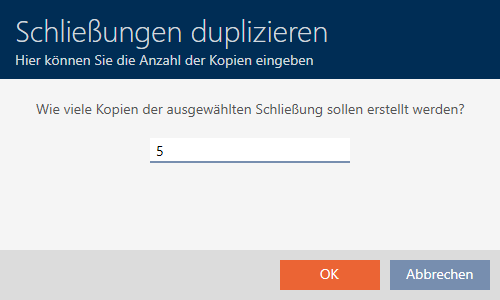
- Click on the button.
- Locking device is duplicated.