Adding PINs from a PIN code keypad to the time group - AXM Classic
- AXM Classic open.
- PIN code keypad created with PINs (see Creating PIN code keypads).
- Time groups created (see Create time group).
- Click on the PIN to be added to a time group.
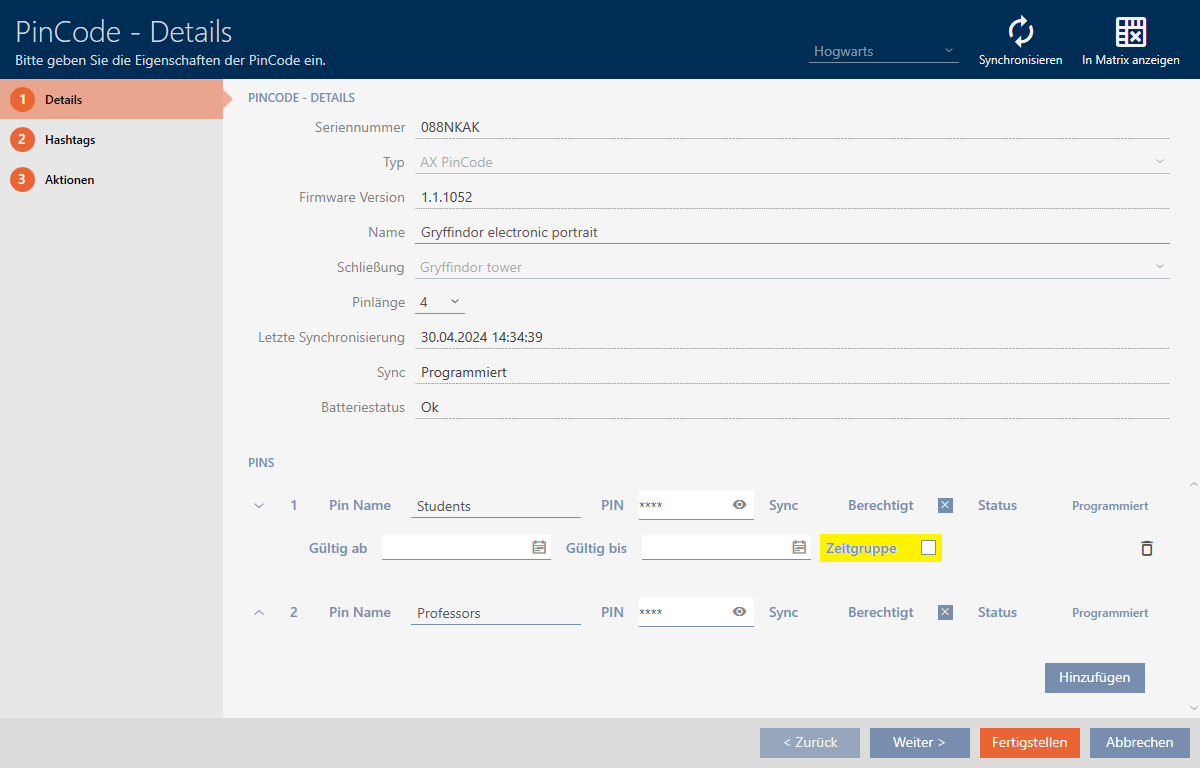
- The window will open for the associated PIN code keypad.
- Expand the PIN settings with the
 button.
 - Select the
 Time group checkbox.
 - A drop-down menu will appear.

- Select the time group that you require.

- Click on the button.
- The window for the PIN code keypad closes.
- PIN has been added to the time group.
