Reading access list/physical access list during synchronisation - AXM Classic
- AXM Classic open.
- Click the orange AXM button
 .
. - AXM bar opens.
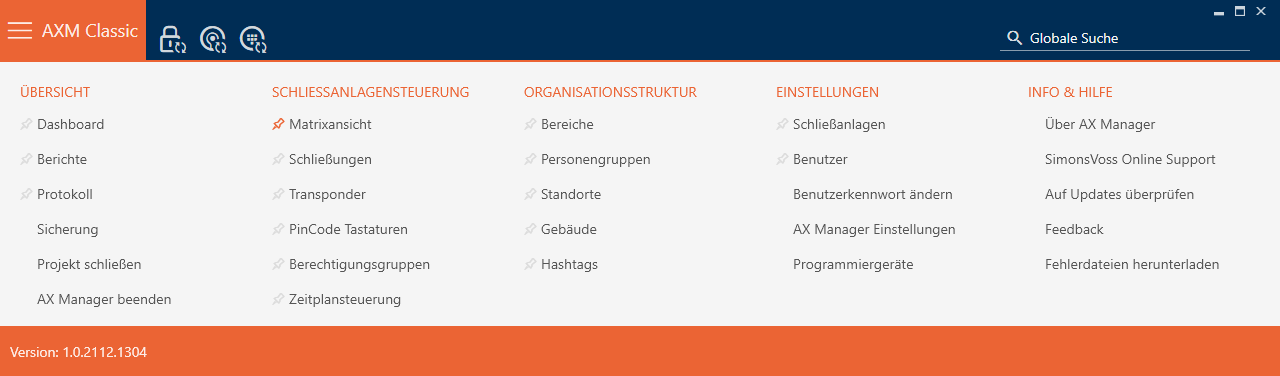
- Select the entry in the group.
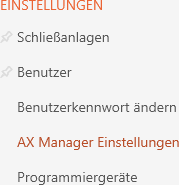
- The AXM bar will close.
- The window with the AXM Classic settings will open.
- Go to the tab.
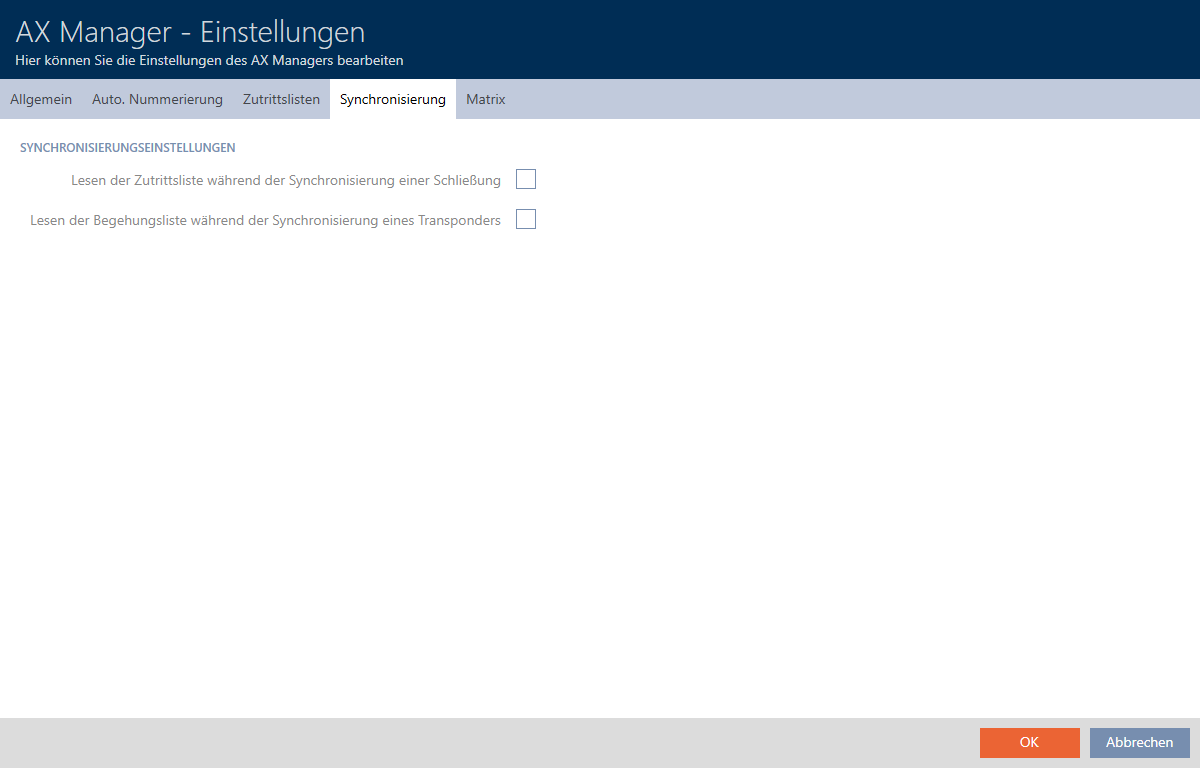
- Activate the
 Reading the audit trail during synchronisation of a lock or Reading the personal audit trail during transponder synchronisation checkboxes if required.
 - Click on the button.
- The window with the AXM Classic settings closes.
- The access list or physical access list will also be imported during synchronisation in the future.