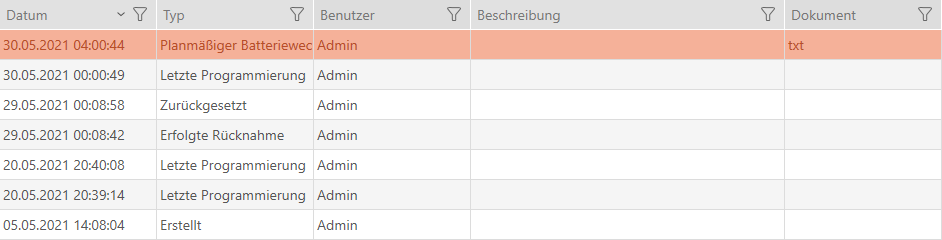
Planning and logging card/transponder battery changes - AXM Classic
- Click on the
 button.
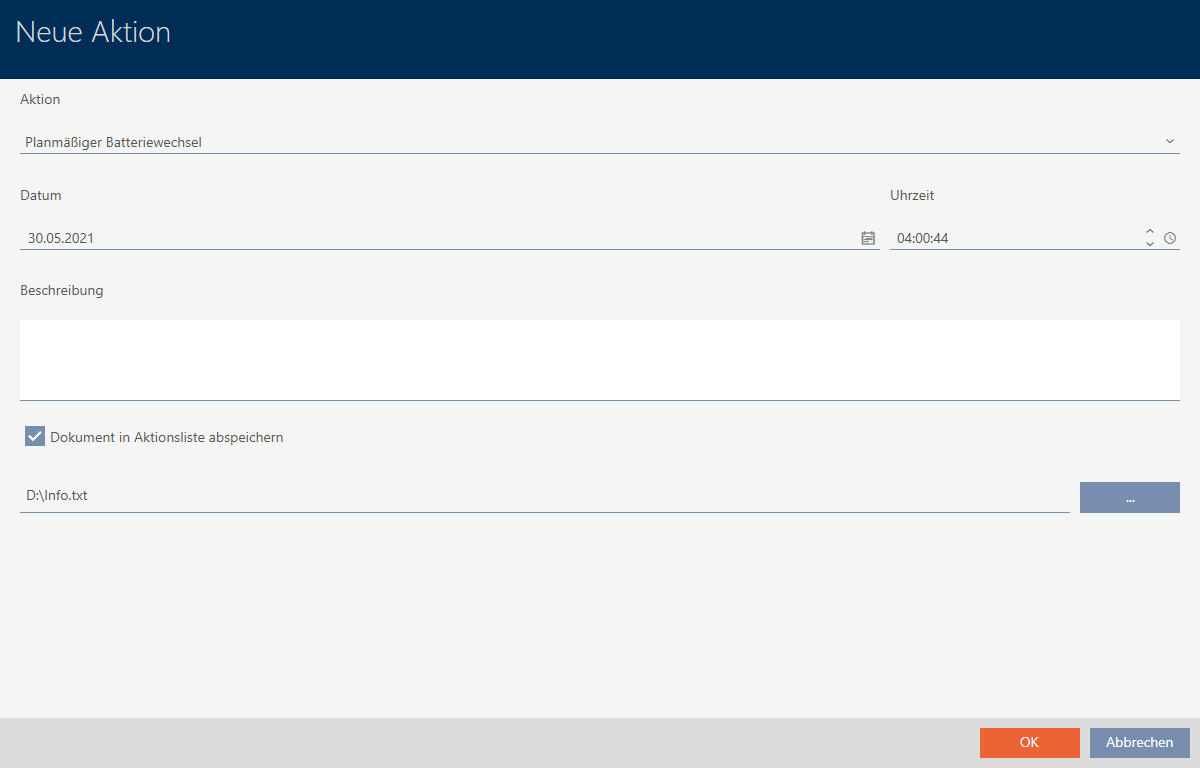
 - The window for a new action will open.
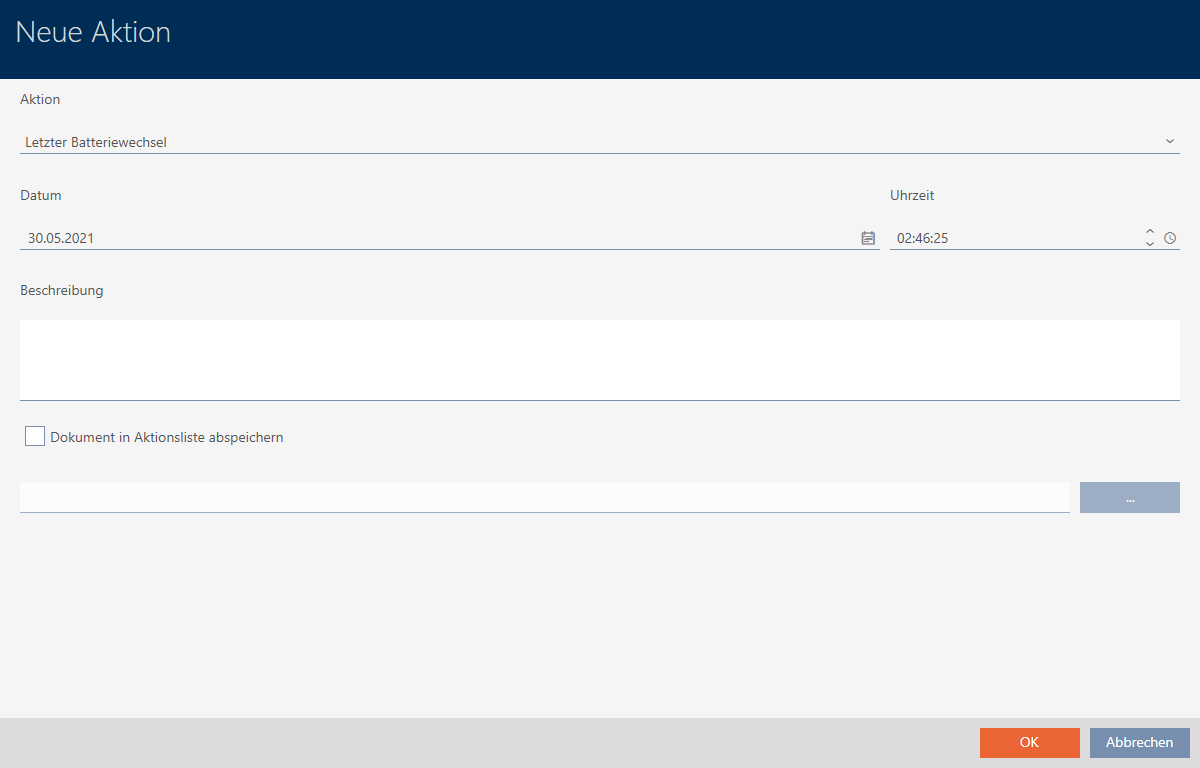
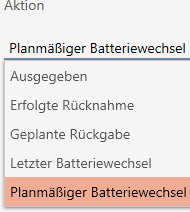
- Select or from the drop-down menu.
- Enter a date in the field or click on the
 icon to expand a calendar screen.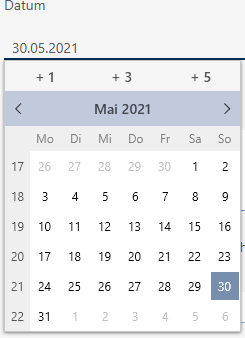
- Enter a time in the field.
- Enter a description in the field.
- If you wish to save a document for your action: Activate the
 Save document in action list checkbox.
 - If you wish to save a document for your action: Click on the
 button.
 - The Explorer window will open.
- Select your document.
- Click on the Open button.
- Explorer window closes.
- Click on the button.
- The window for the new action closes.
- Action is now created and listed.