Adding identification medium to time group - AXM Classic
Ideally, you should create your time groups before the locking devices (see Best practice: setting up the locking system). You can then add your identification media to the time groups when you create them (see Creating an identification medium).
An identification medium can only be added to a time group in its properties.
Time groups with multiple locking systems
You can use identification media in multiple locking systems (see Reuse identification medium in the same project and Reusing identification medium in other projects/databases). The same identification medium may have a different time group in each locking system. You can therefore select the locking system in the identification medium details in the top right-hand corner and select the properties for this locking system.
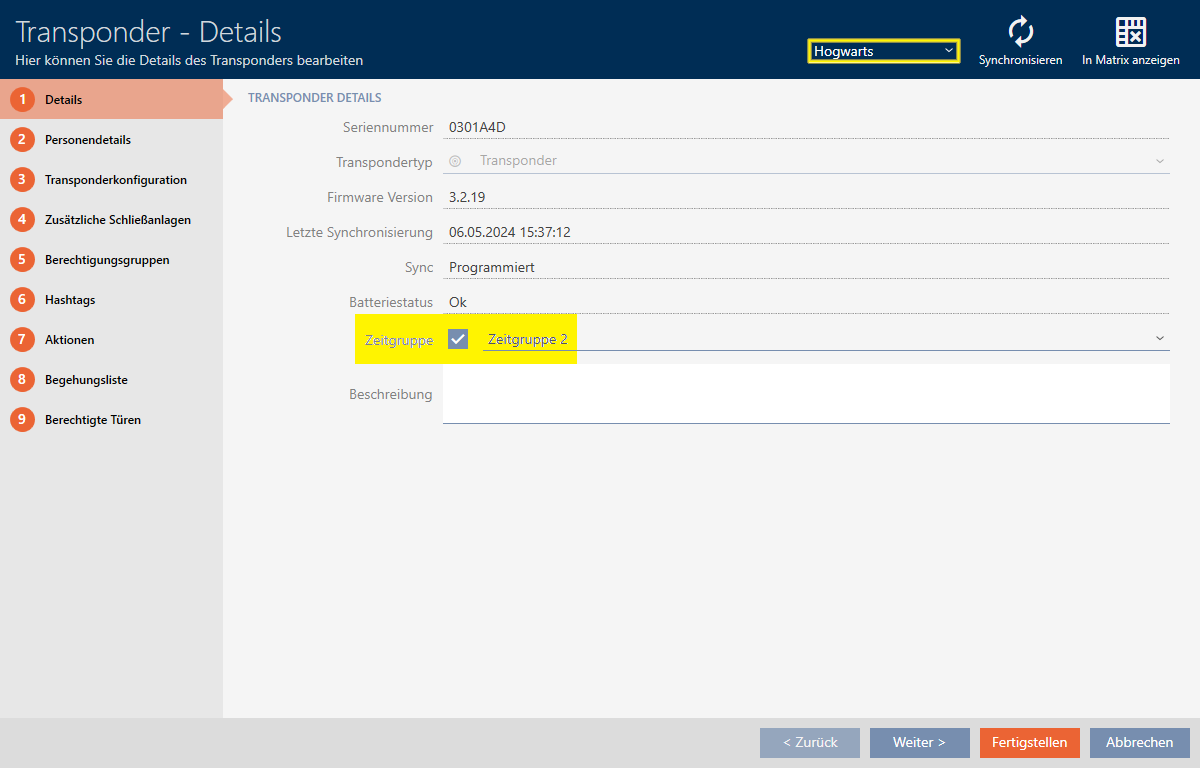
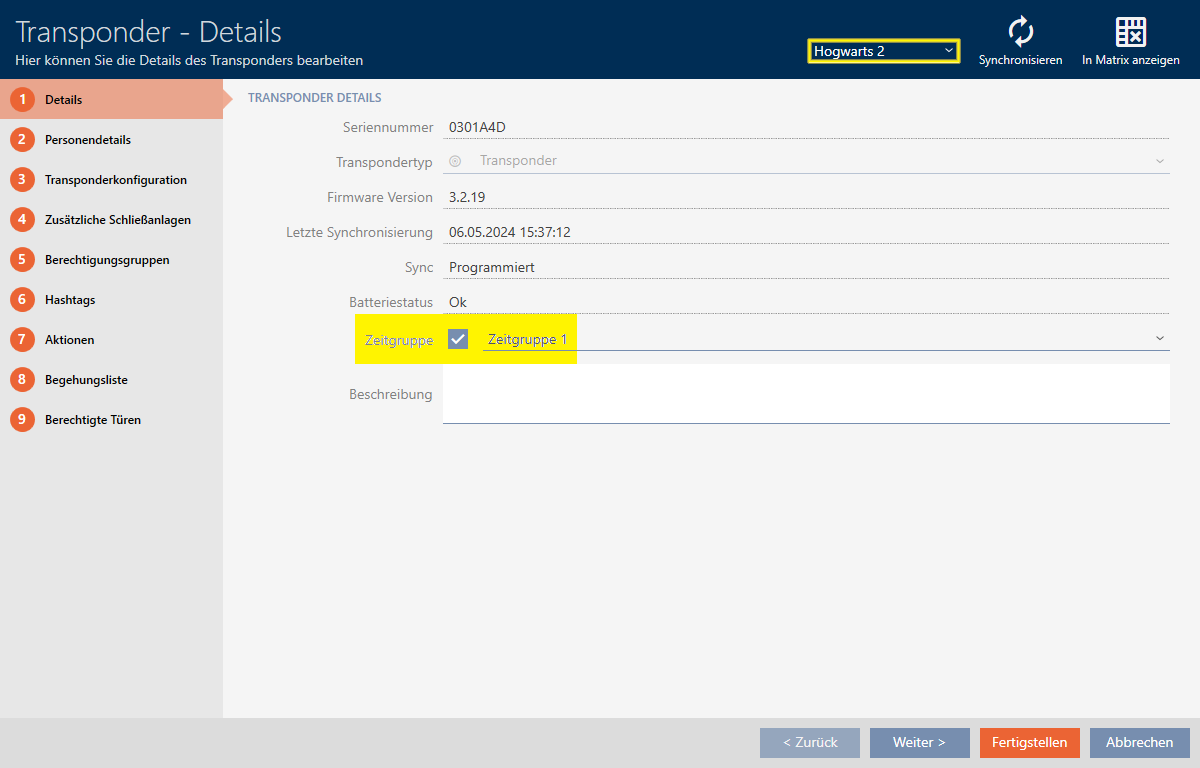
If you change the locking system in the drop-down menu, you can select a different time group for the identification medium in this different locking system.
PIN code keypads can only be used for one locking system. For this reason, you can select just one time group per PIN for PIN code keypads.