Interchanging (transposing) doors and persons in the matrix - AXM Classic
In the standard view, the doors are displayed as rows and the persons as columns. You can also change this.
- Matrix screen open.
- Click on the
 button.
 - The window with the AXM Classic matrix settings will open.
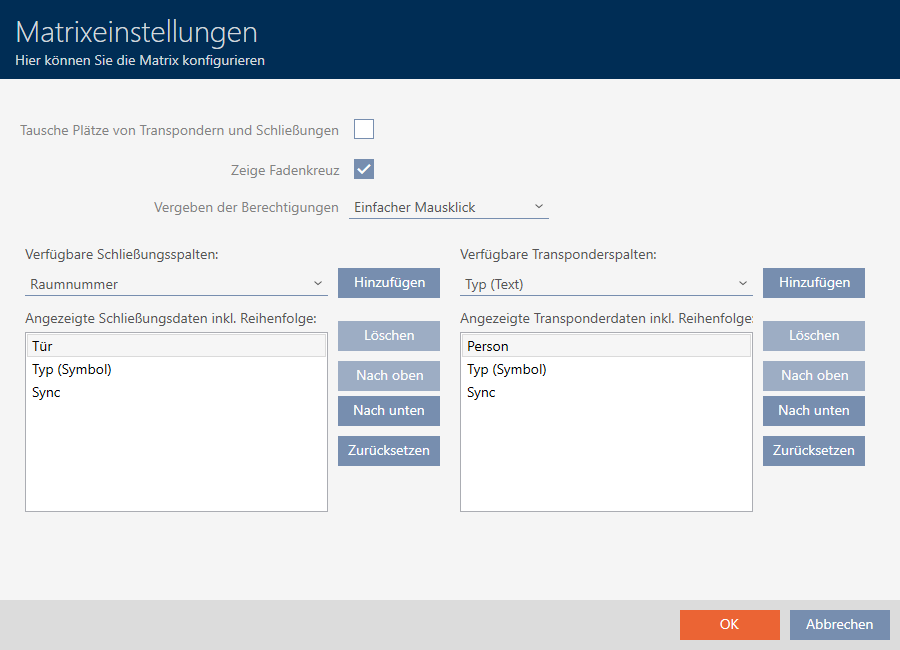
- Activate the
 Swap places for transponders and locks check box.
 - Click on the button.
- The window with the AXM Classic matrix settings closes.
- Doors and persons are swapped in the matrix view.