Activating and deactivating card readers - AXM Classic
In the default setting, AXM Classic automatically activates the card reader on your locking devices under certain conditions:
- Locking device is in a passive or hybrid locking system
- The card reader is only used if cards can also be used in the locking system. Only transponders are used in an active locking system.
- Locking device has a built-in card reader.
- No card reader can be activated for locking devices without a card reader.
In the case of hybrid locking devices in hybrid locking systems, the locking device might not need to be operated with a card at all. In this case, you can deactivate the card reader with your AXM Classic . This saves power and extends battery life.
- AXM Classic open.
- Locking device created.
- Click on the locking device whose card reader you wish to activate/deactivate.
- The locking device window will open.
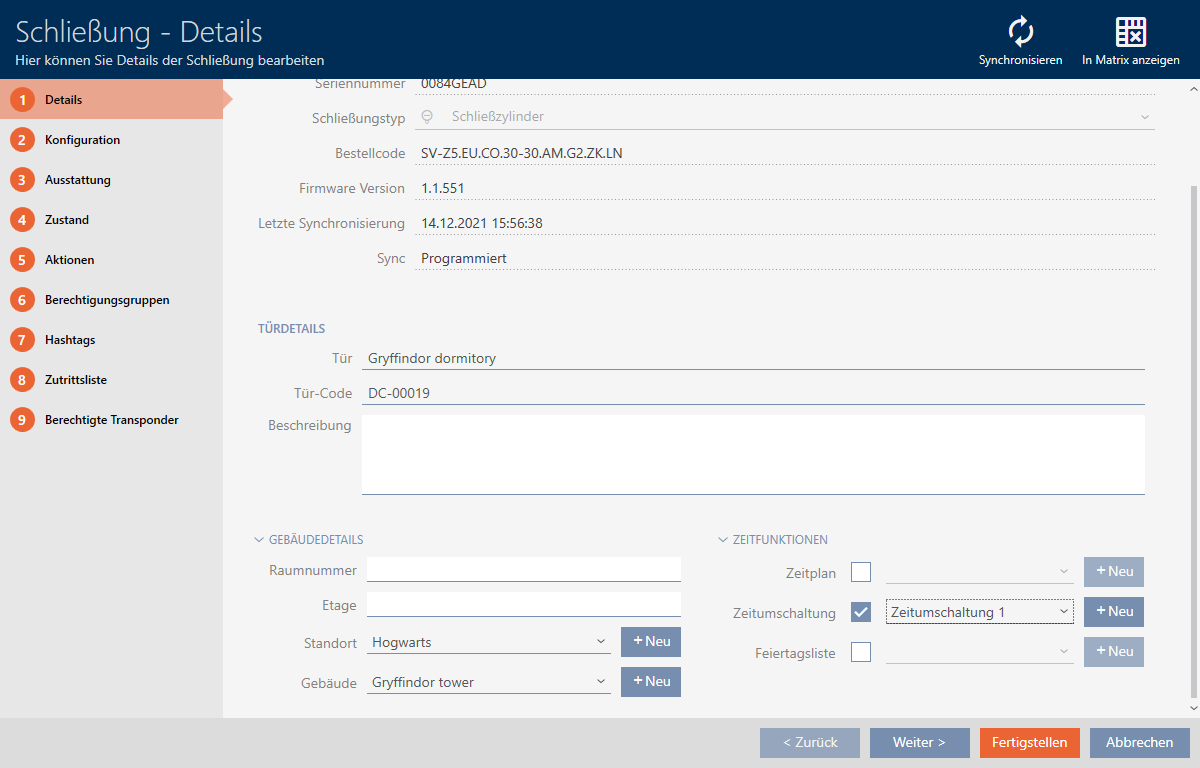
- Click on the tab.

- Window switches to the tab.
- Expand the menu.
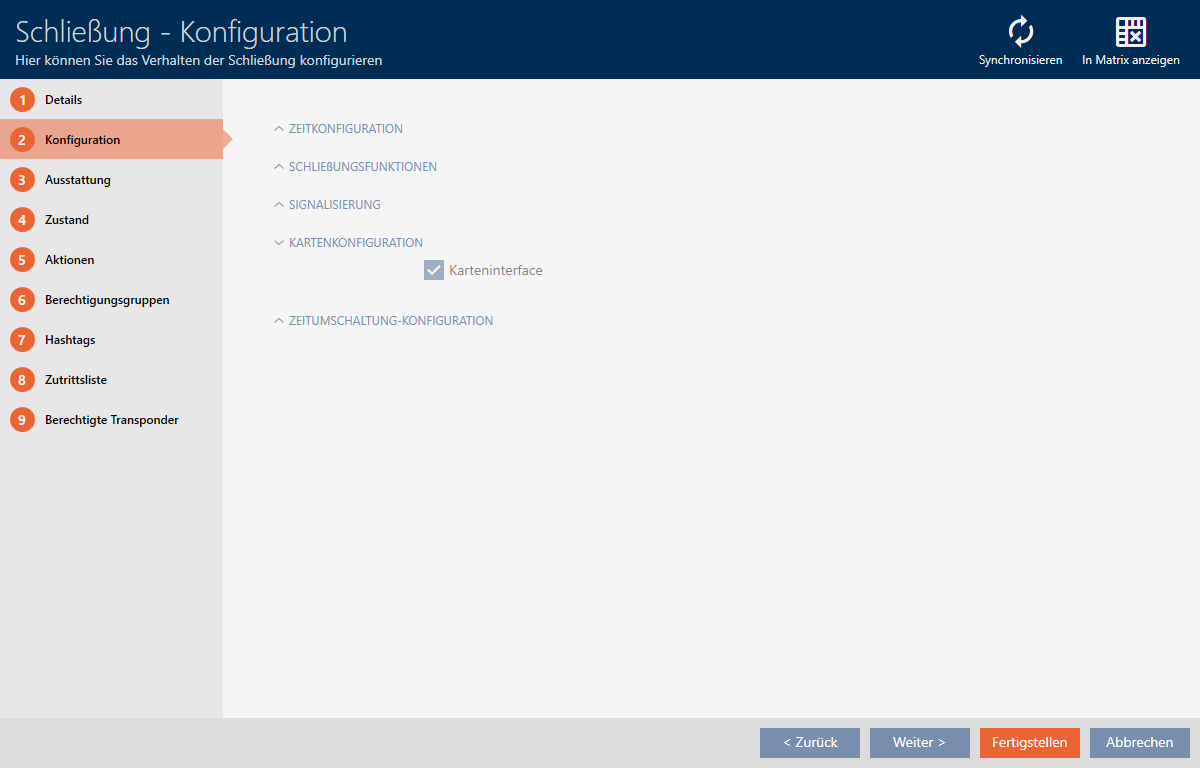
- Activate or deactivate the
 Card interface check box.
 - Click on the button.
- The locking device window closes.
- Locking device card reader is activated/deactivated.