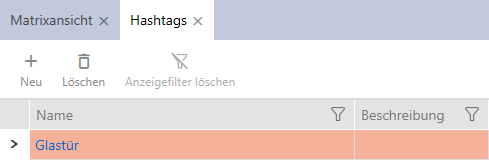
Creating a hashtag - AXM Classic

Hashtags can be used as keywords for persons and/or doors (see Hashtags).
- AXM Classic open.
- Click on the orange AXM icon
 .
. - AXM bar opens.
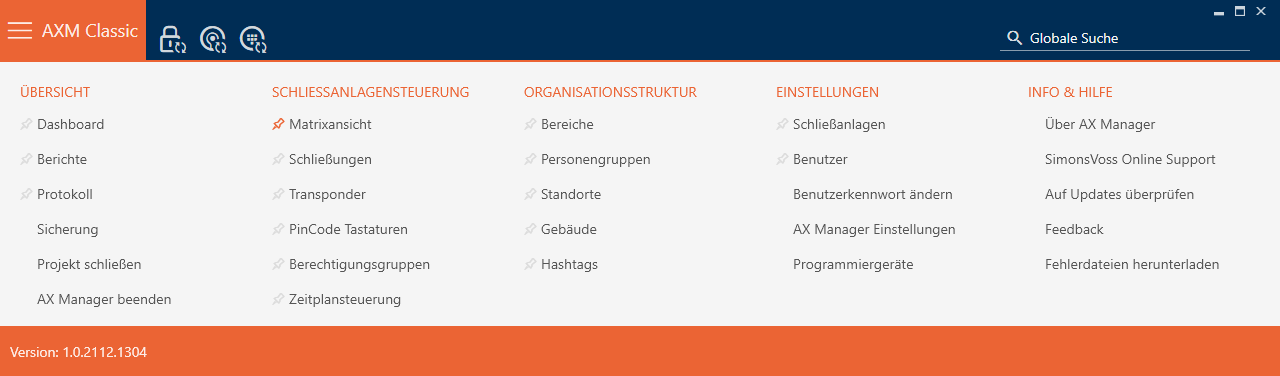
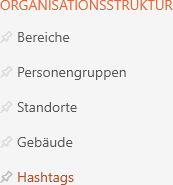
- Select the entry in the group.
- The tab will open.
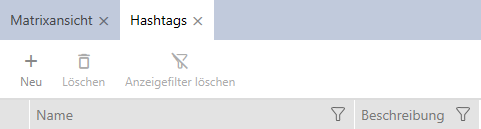
- Click on the
 button.
 - The window for creating a new hashtag will open.
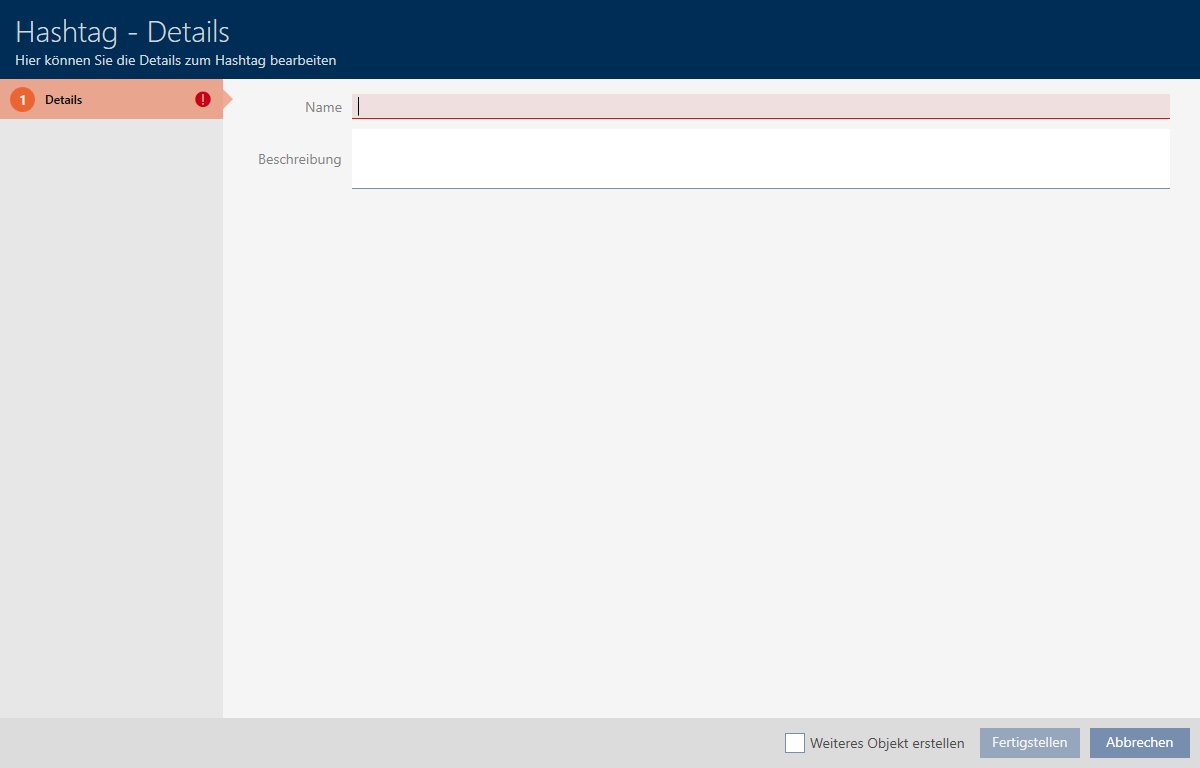
- Enter your hashtag in the field (no spaces).
- Enter a description of your hashtag in the field if required.
- Click on the button.
- The window for creating a new hashtag closes.
- The newly created hashtag is listed.