Exporting access levels as a list - AXM Classic
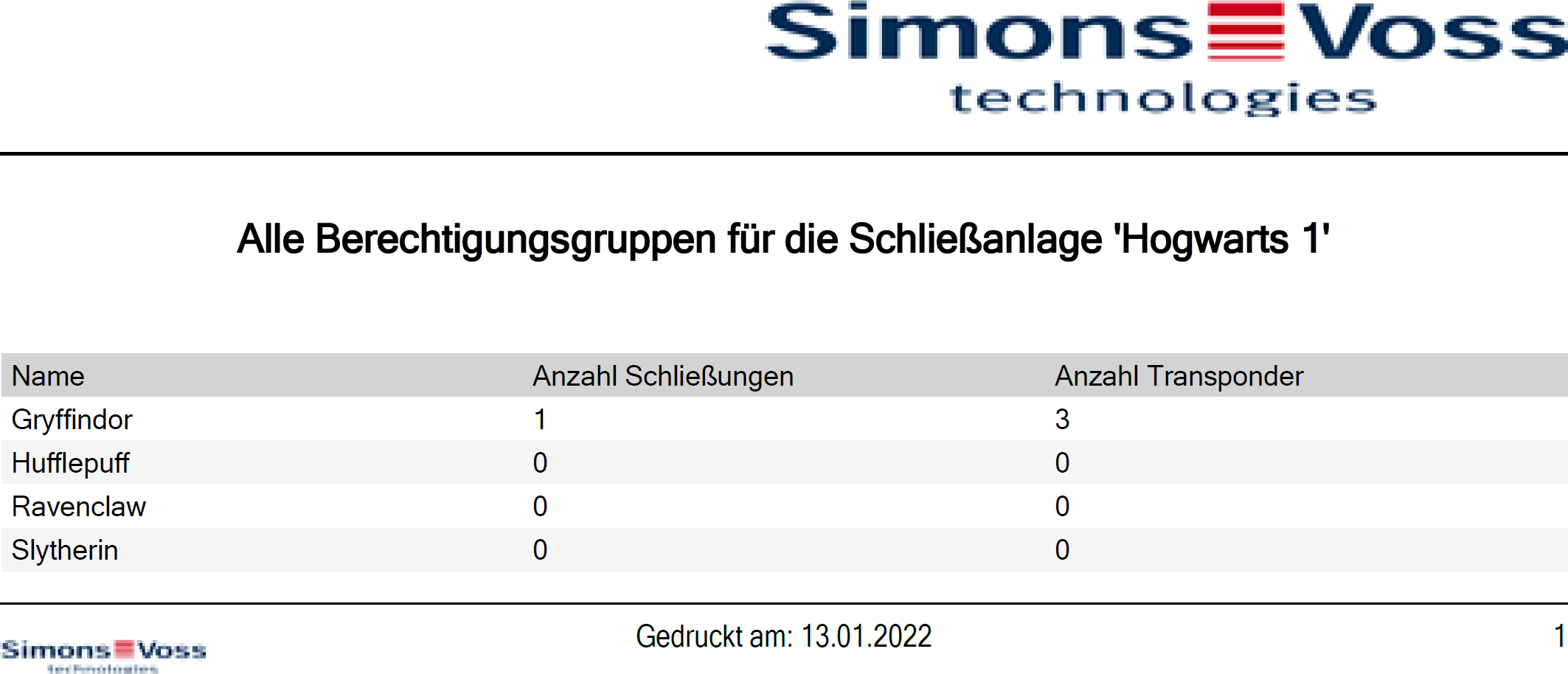
All access levels in your locking system can be exported as a PDF.
The PDF shows exactly the same access levels in exactly the same order as in AXM Classic.
This means that you can sort and filter the display before exporting. It also allows you to sort and filter the exported list.
You have the option to personalise reports (see Personalising reports and exports).
- AXM Classic open.
- At least one access level created (see Creating access levels).
- Click on the orange AXM icon
 .
. - AXM bar opens.
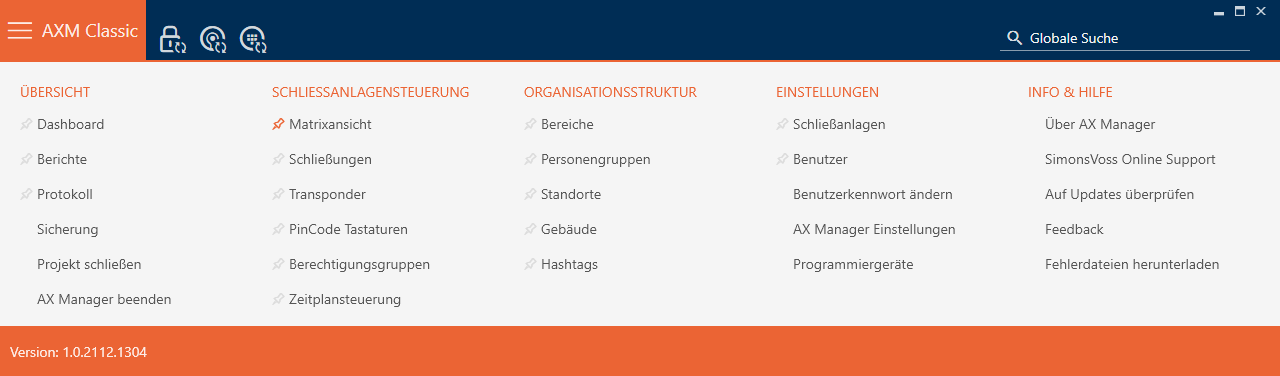
- Select the entry in the group.
- The AXM bar will close.
- The tab will open.
- Select a specific locking system or all locking systems with the access levels to be exported from the drop-down menu.
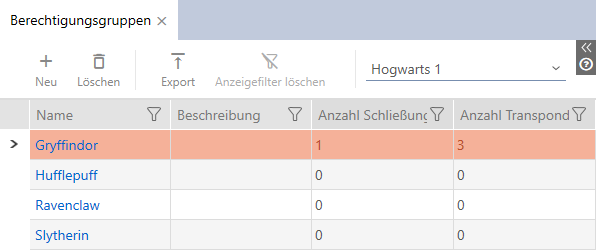
- Use
 to sort/filter the displayed entries if required (see Sorting and filtering).
 - Click on the
 button.
 - The Explorer window will open.
- Save the PDF file to a directory of your choice.
- Explorer window closes.
- The identification media displayed are exported as a PDF file (DIN A4).