Showing or hiding rows/columns in the matrix - AXM Classic
The following description applies to the columns displayed for locking devices. The identification media rows can be edited in the same way.
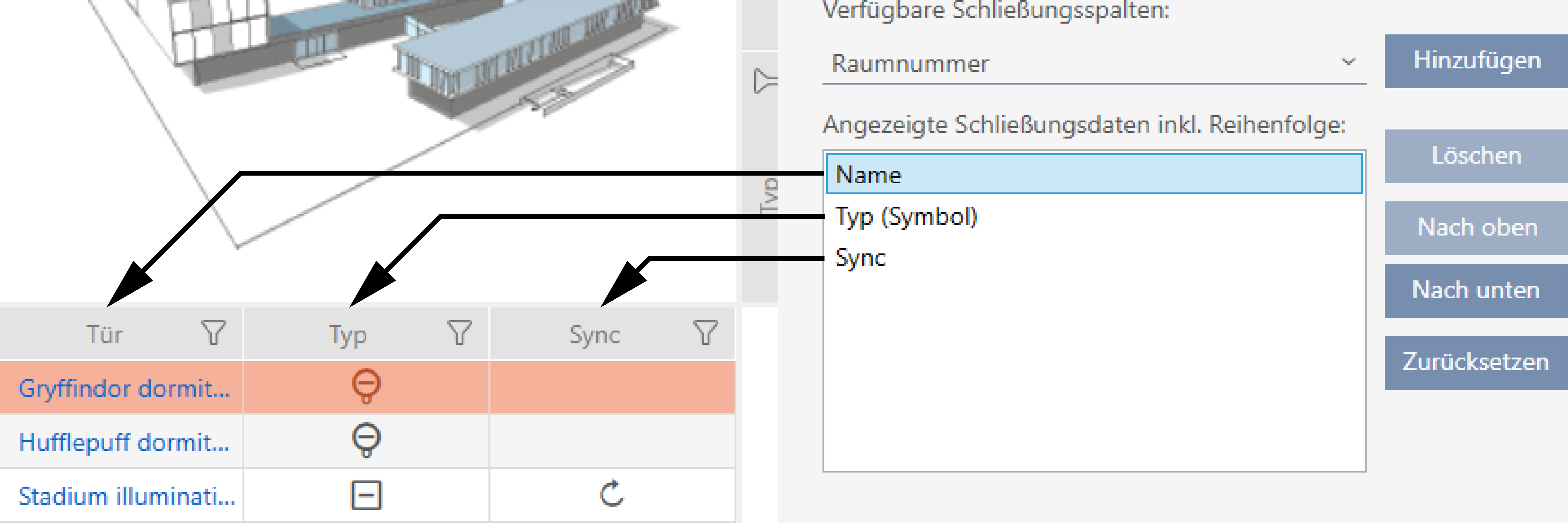
- Matrix screen open.
- Click on the
 button.
 - The window with the AXM Classic matrix settings will open.
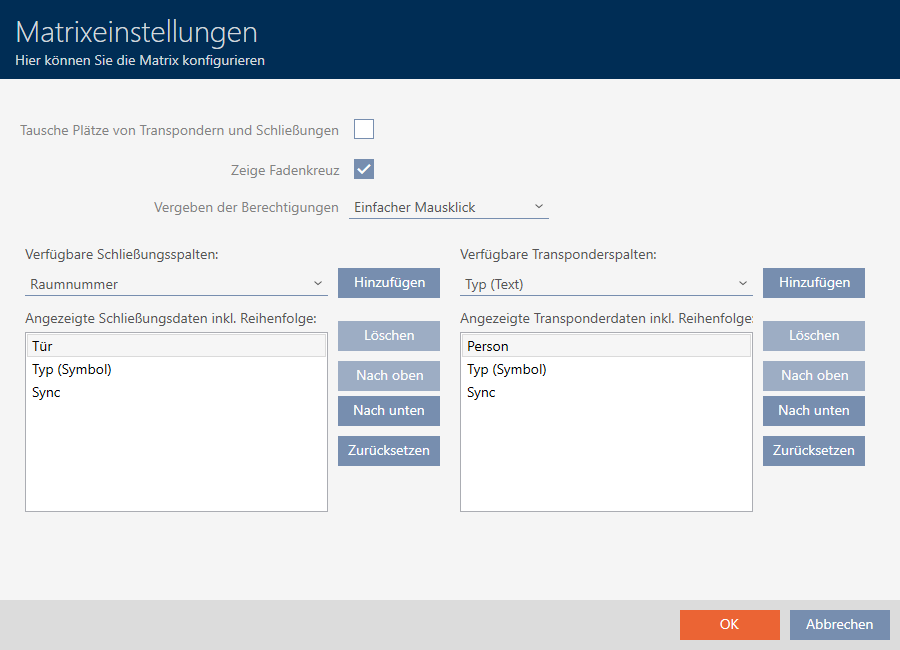
- The locking device columns currently displayed are listed.
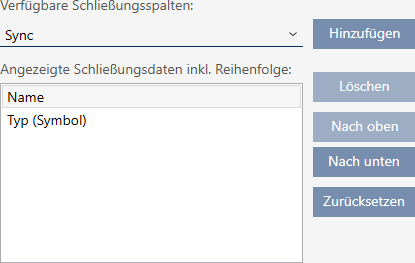
- Select the columns to be displayed in the matrix from the drop-down menu.
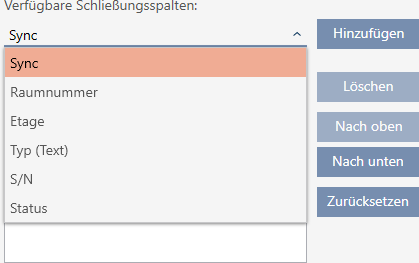
- Add and delete columns with the or buttons.
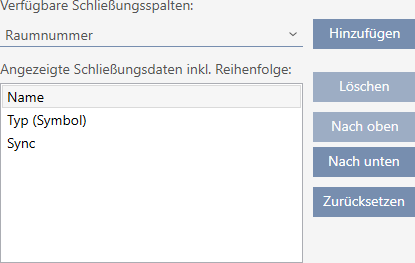
- Use the or buttons to change the order.
- You can also use the button to restore the default display.
- Click on the button.
- The window with the AXM Classic matrix settings closes.
- Columns are changed as required.