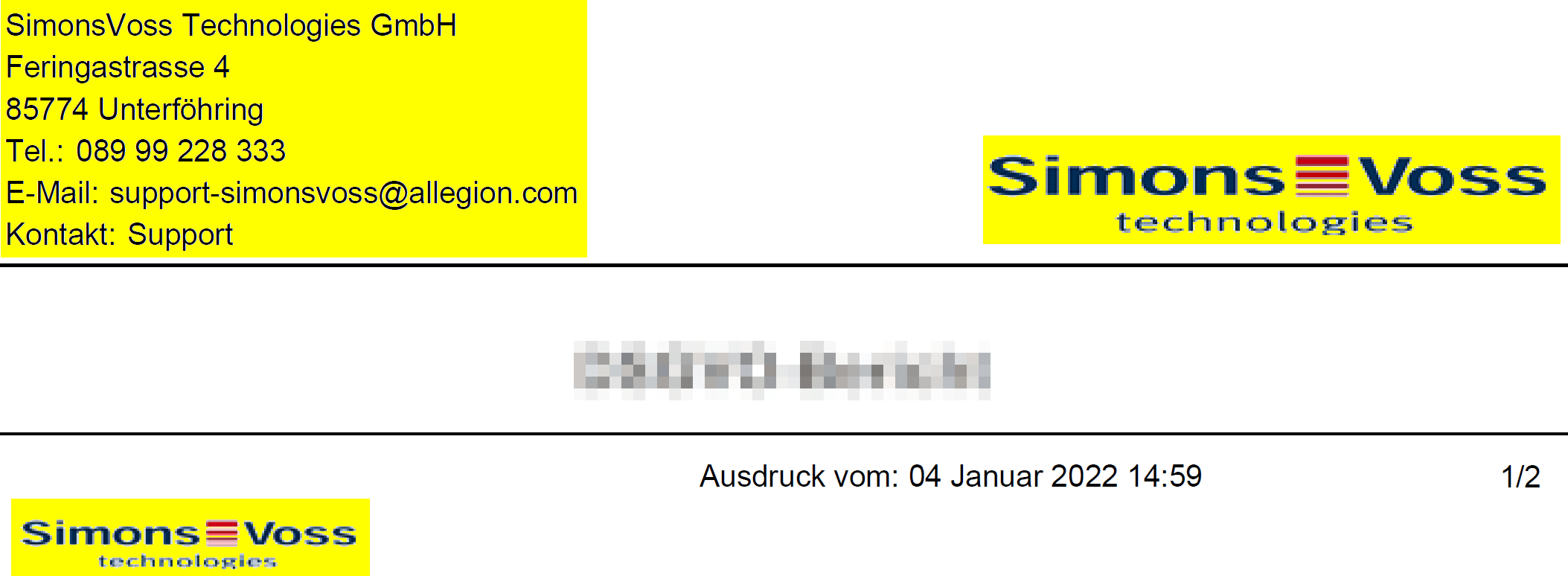
Personalising reports and exports - AXM Classic
AXM Classic allows you to personalise your reports and exports:
- Logo for header
- Permitted formats: .bmp, .jpg, .png
- Automatic scaling (frame format: 25:10.5; also see Scaling image files)
- Information for the header
- Company
- Street
- Town/city, postcode
- Telephone
- Contact
- Logo for footer (frame format: 3:1; also see Scaling image files)
- Permitted formats: .bmp, .jpg, .png
This information is used universally for all reports to ensure a uniform appearance.
- AXM Classic open.
- Click on the orange AXM icon
 .
. - AXM bar opens.
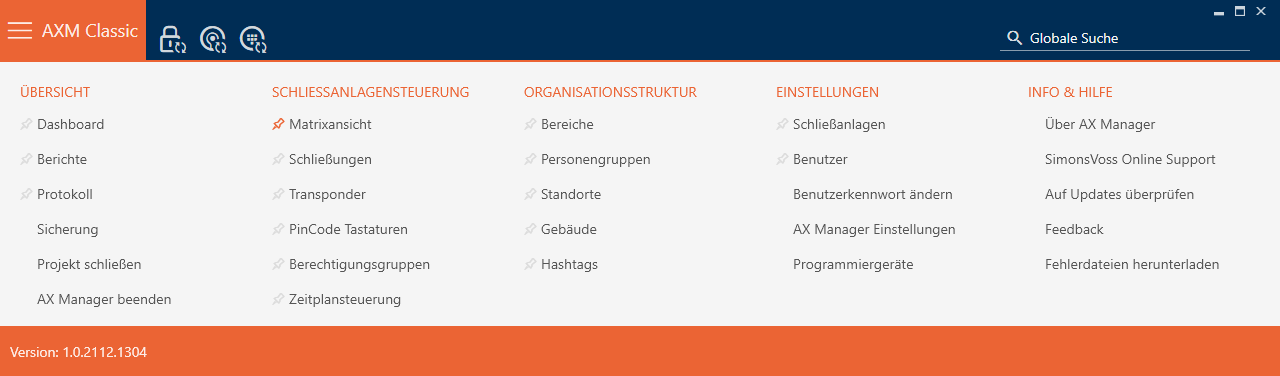
- Select the entry in the group.
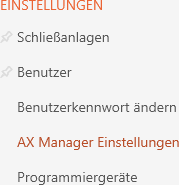
- The AXM bar will close.
- The window will open.
- Change to the "" tab.
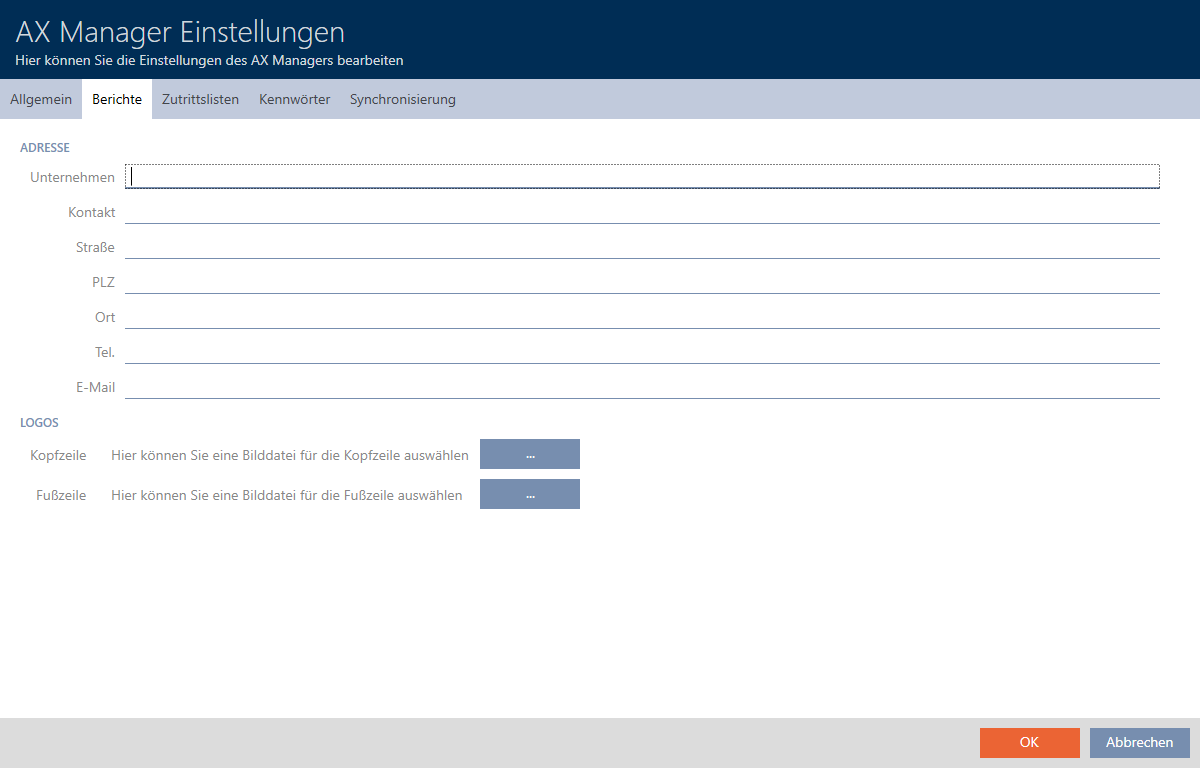
- Fill in the fields in the section.
- Uncompleted fields are hidden in the report.
- Click on the
 button in the section.
 - The Explorer window will open.
- Select a suitable image file for the header or footer.
- Explorer window closes.
- Selected image files are displayed in the section.
- Click on the button.
- window closes.
- Reports will now be issued with your own information and logos in the future.