Identifying an unknown locking device - AXM Classic
If you have an unknown locking device, you can use, for example, the synchronise symbol ( ) to identify it and reset if necessary (see Re-setting the locking device).
- Suitable programming device connected.
- AXM Classic open.
- Click on the icon in the header.

- The window will open.
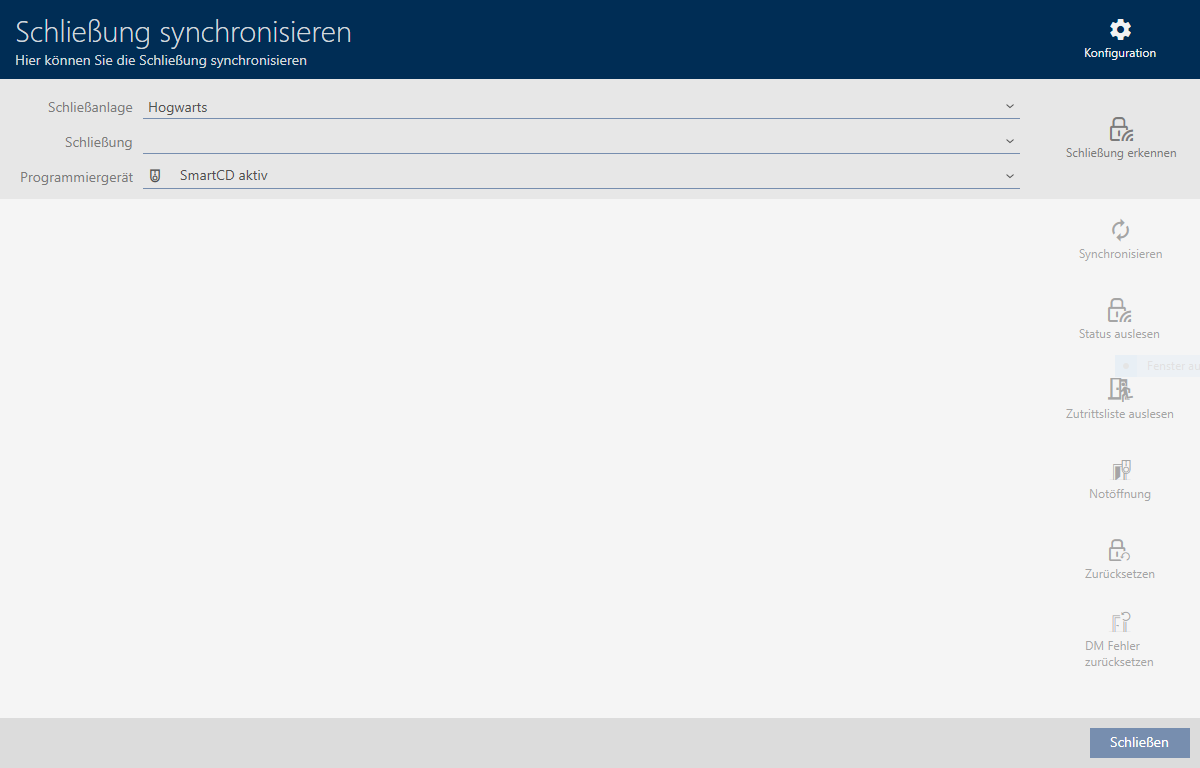
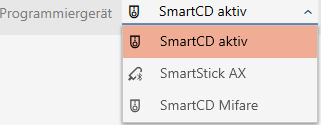
- Select the programming device you wish to use to identify your locking device from the drop-down menu.
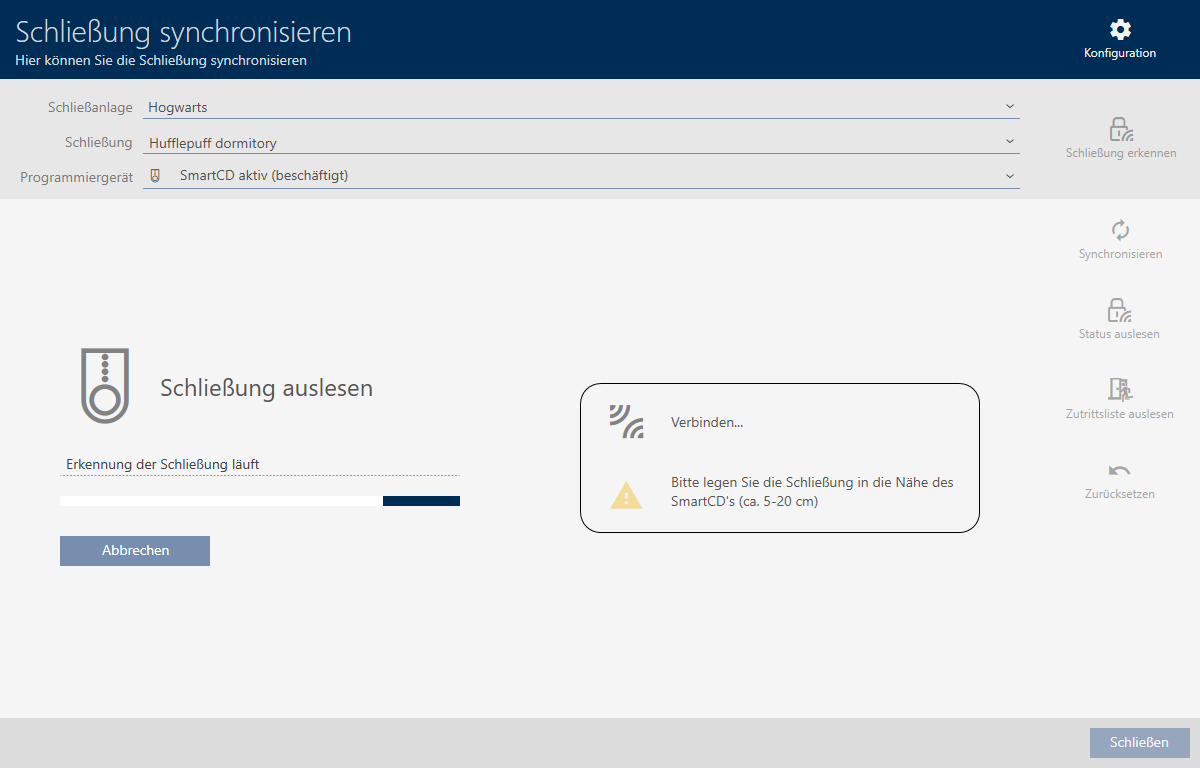
- Click on the button
 .
. - Locking device is identified.
- Locking device information is displayed in the locking device window.
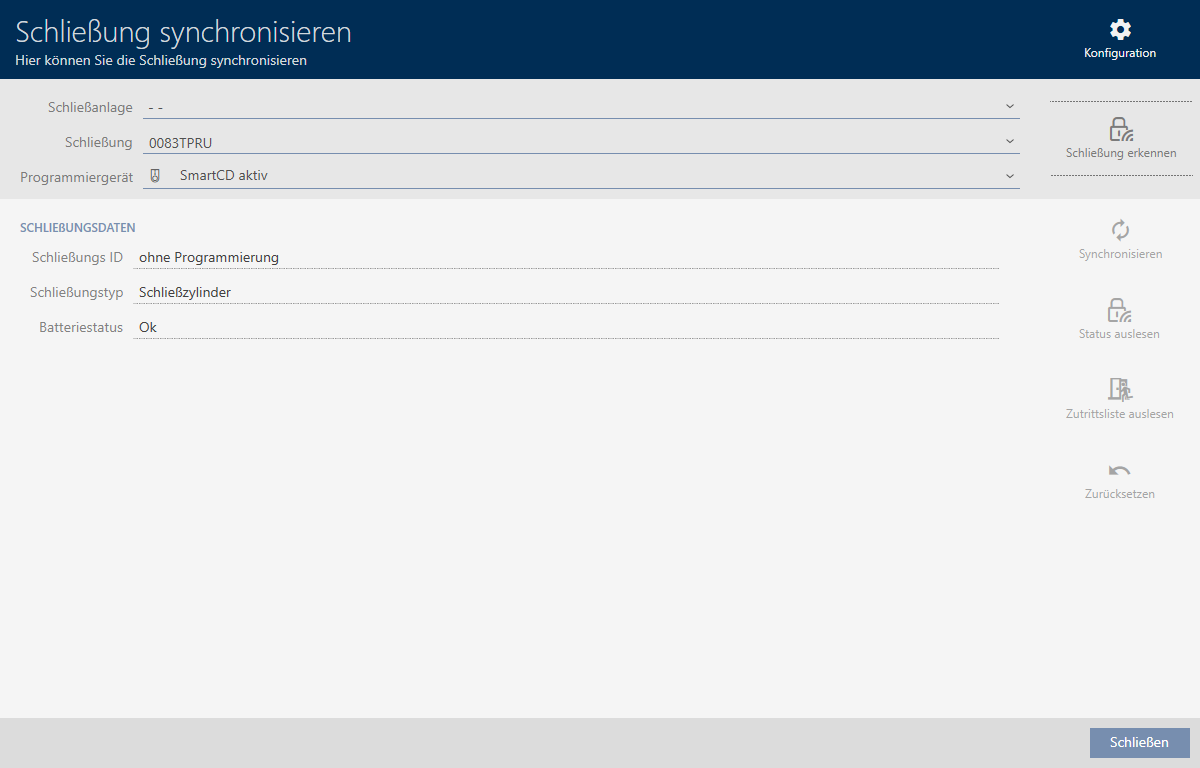
You can now reset the locking device, for example (see Re-setting the locking device).