Leaving the locking device open for longer, less time or permanently - AXM Classic
In the default factory setting, AXM Classic programmes your locking devices so that they engage for 5 seconds. However, other settings are also available:
- Pulse opening between 0 s and 25 s: The locking device remains engaged for this time interval after an identification medium has been activated. Then it disengages again automatically.
- Permanent opening: When an identification medium activates the locking device, it engages ready to open and remains engaged. The locking device does not disengage until an identification medium activates it again.
You can also work with settings that are not lock-related:
- Allowing an identification medium to open twice as long
- Engaging and disengaging locking devices automatically with time switchover
This section describes how to set the impulse interval or activate permanent opening:
- AXM Classic open.
- Locking device created.
- Click on the locking device whose opening interval you wish to set.
- The locking device window will open.
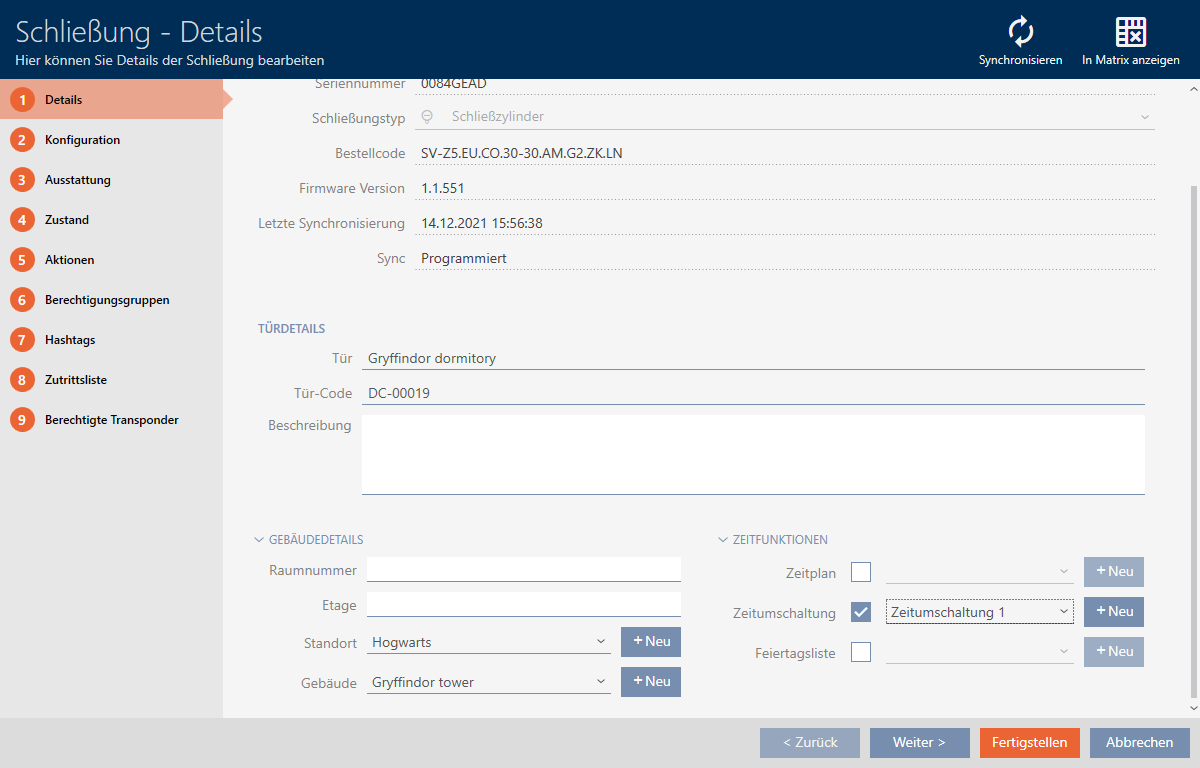
- Click on the tab.

- Window switches to the tab.
- Expand the menu.
- Enter the required engagement interval in the field.
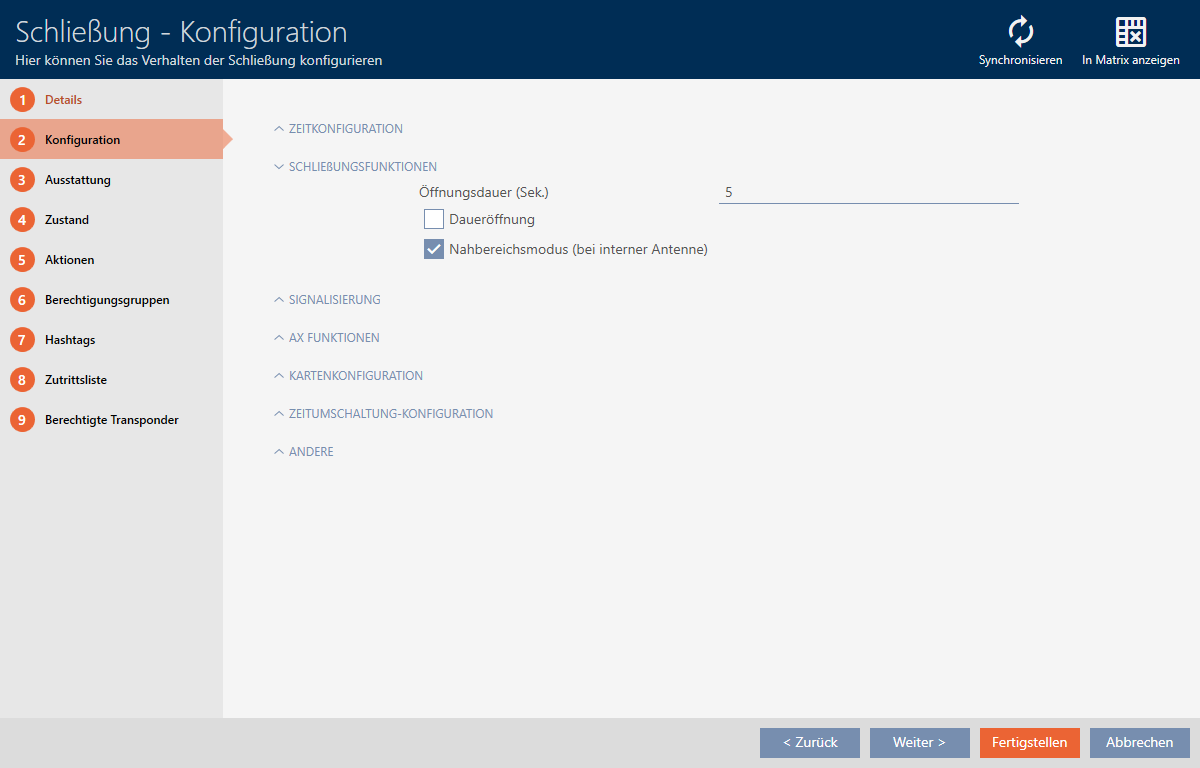
- Alternatively, activate the
 Permanent open checkbox to configure permanent opening.
 - Click on the button
- The locking device window closes.
- The locking device’s opening interval is configured.